

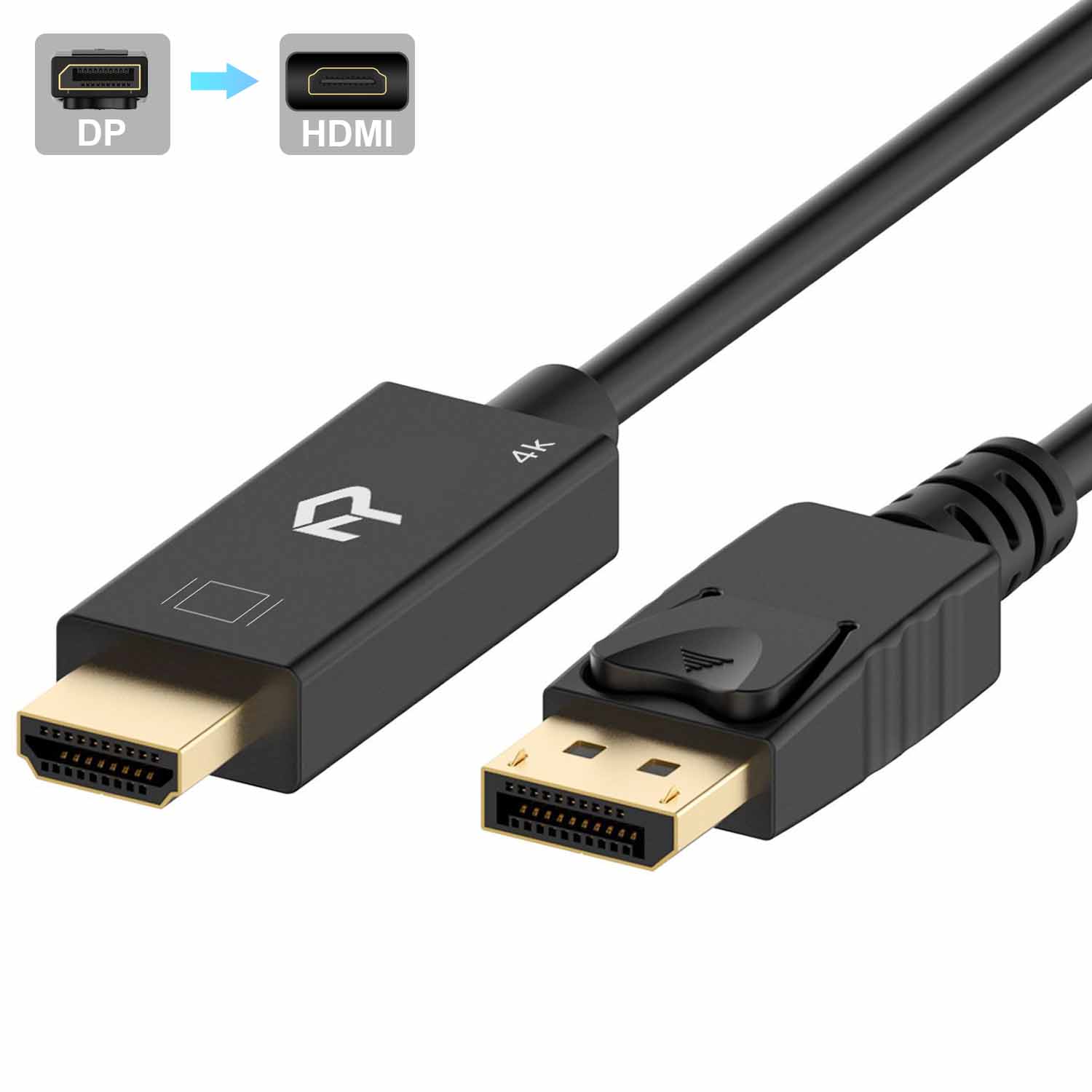
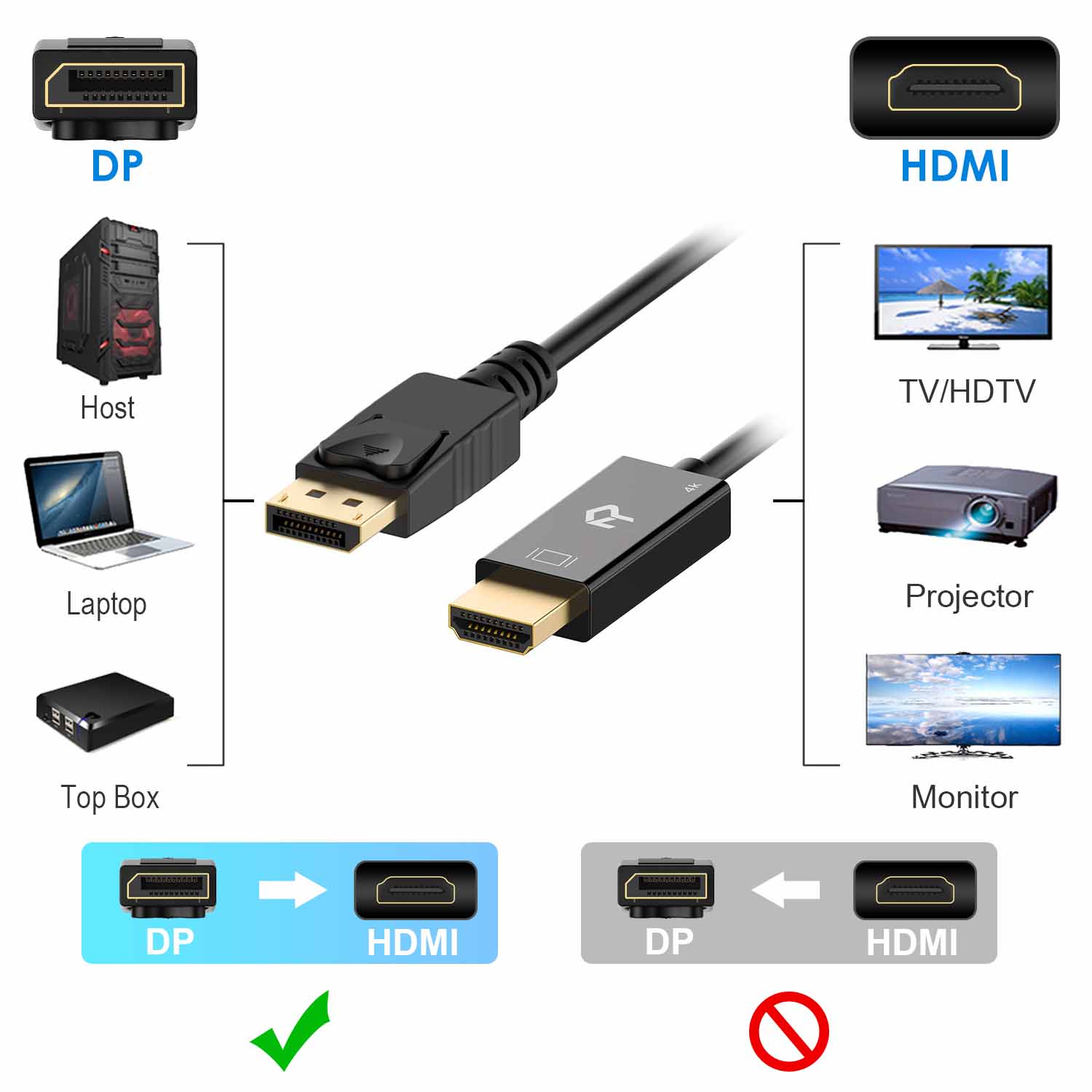

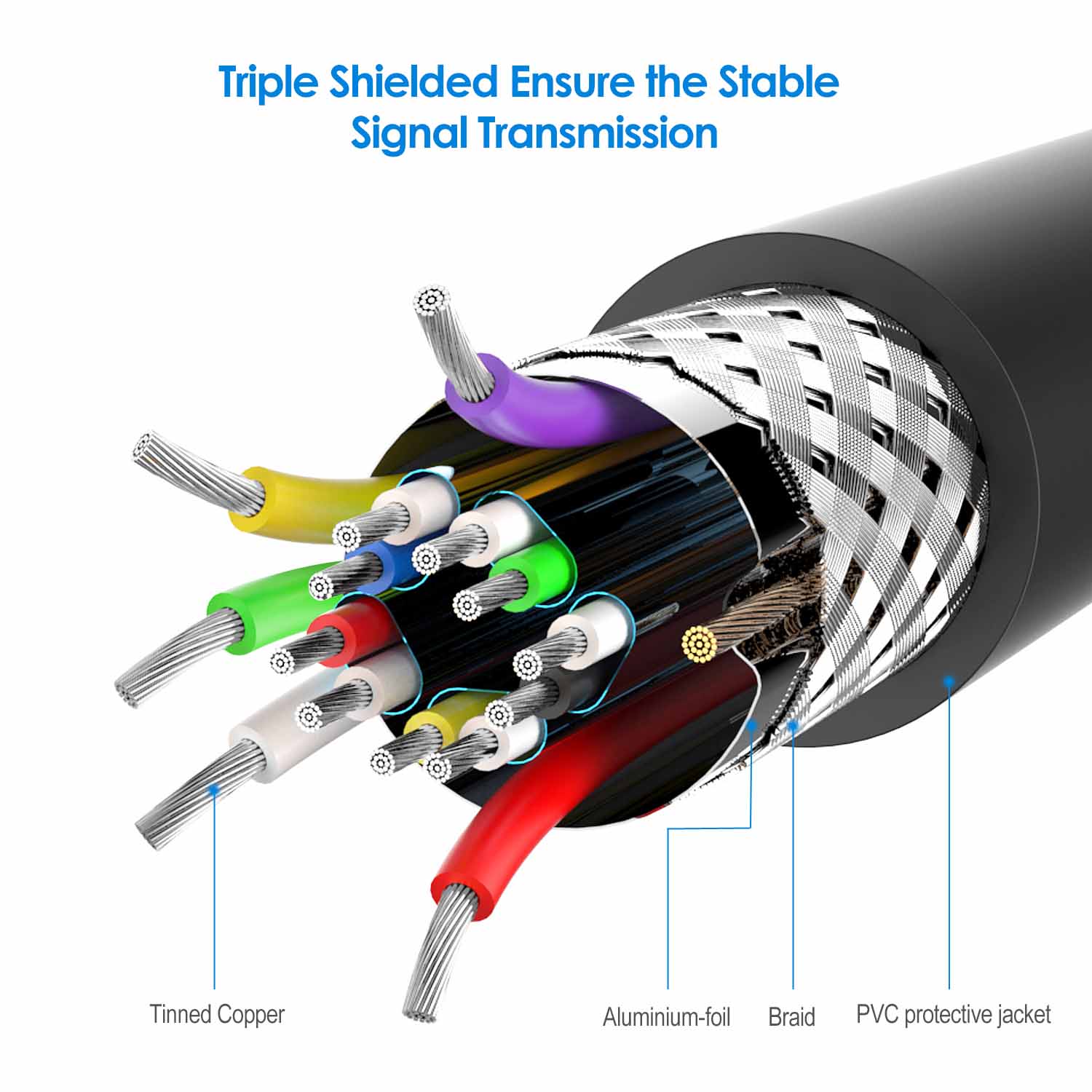

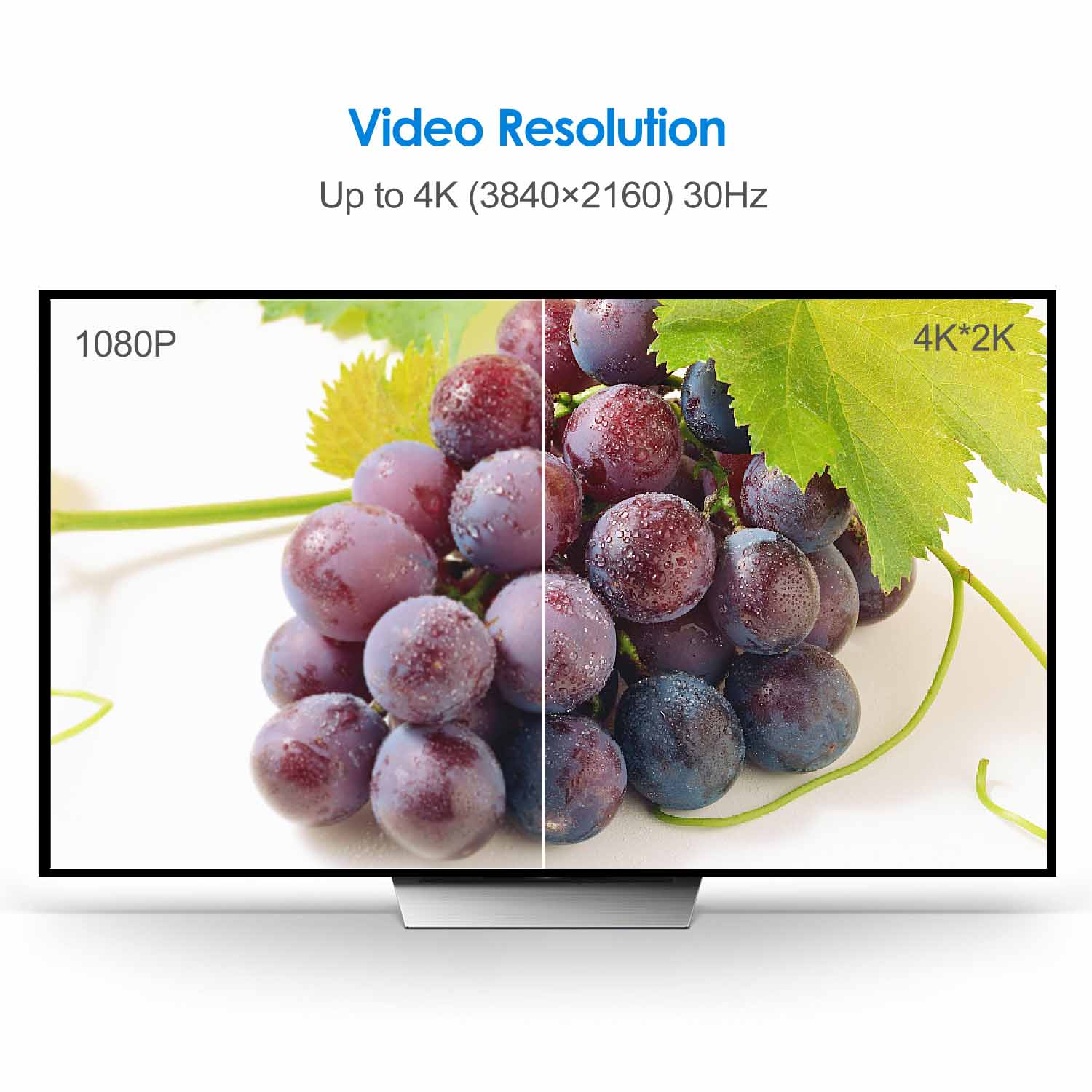
Rankie DisplayPort (DP) to HDMI Cable, 4K Resolution Ready
Price range: $13.99 through $16.99
| Size | 6 Feet, 10 Feet, 15 Feet |
|---|
3780 reviews for Rankie DisplayPort (DP) to HDMI Cable, 4K Resolution Ready
Related products
-
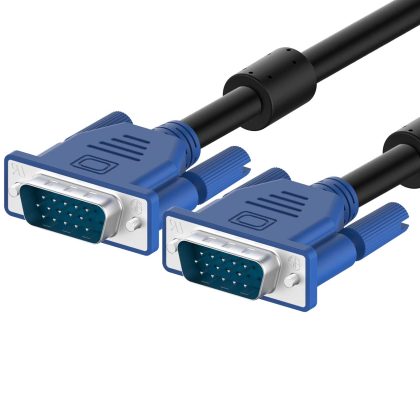
Rankie VGA to VGA Cable
Price range: $11.99 through $13.99 -
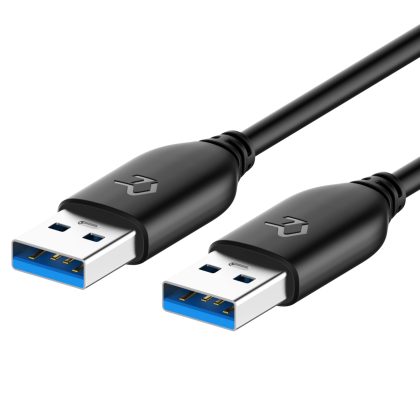
Rankie USB 3.0 Cable, Type A to Type A, 1-Pack
$11.99 -
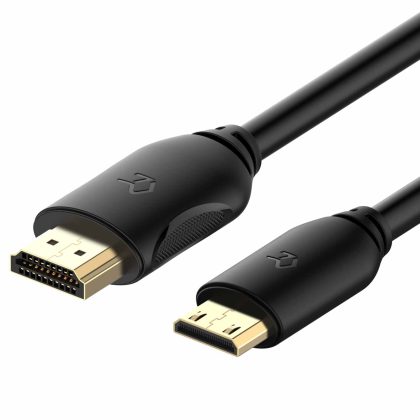
Rankie Mini HDMI to HDMI Cable, High Speed Supports Ethernet 3D and Audio Return
$13.99 -
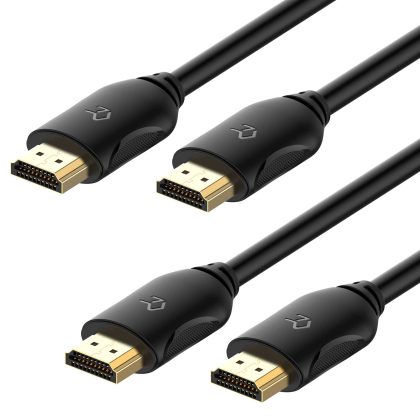
Rankie HDMI Cable, High-Speed HDTV Cable, Supports Ethernet, 3D, 4K and Audio Return, 2 Pack, 6ft
$11.99
Sean –
Good choice for the price
Mr. T. Bard –
Works great. Really woke up the sharp & vibrant capabilities of my monitor over the DP to VGA cable I was using before.
AT –
I purchased this to connect an old 1080p HDMI monitor I have to my new RTX 2070 which only has one HDMI port. It”s worked well and done the job. I haven”t noticed any I”ll effects. I can”t comment on the audio pass through as I have dedicated speakers however for video I”m perfectly happy. It”s served it”s intended purpose well so I”m perfectly content with my purchase.
Alex Tice –
Works as expected. Quality feel and appearance.
Botao Yang –
Working perfectly
BRIAN JOHNSON –
Surprisingly very straight forward connection. Amazing quality of the TV picture. Highly recommended.
leftwingburger –
it did not set my computer on fire.
DeepApollo –
Works great
Peter Franzke –
PROS – Hard to find cable at affordable price range. Needed to run dual Acer Monitors for Windows desktop application. Cord length and quality meets standard levels.CONS – Only real issue is with the release tab. You have to pull with some Force to get the cord to release from the back of the monitor. Depending on the type of monitor you have you either feel like you”re going to cause damage or you end up breaking your knuckles on something. If you take your time and apply pressure and just the right way and slowly wiggle it out you can avoid this.CONCLUSION – good quality but could use some work on the release tab.If you found this helpful please click the link below. Thank you. Peter.
RBatt –
Perfect. Does the job!