

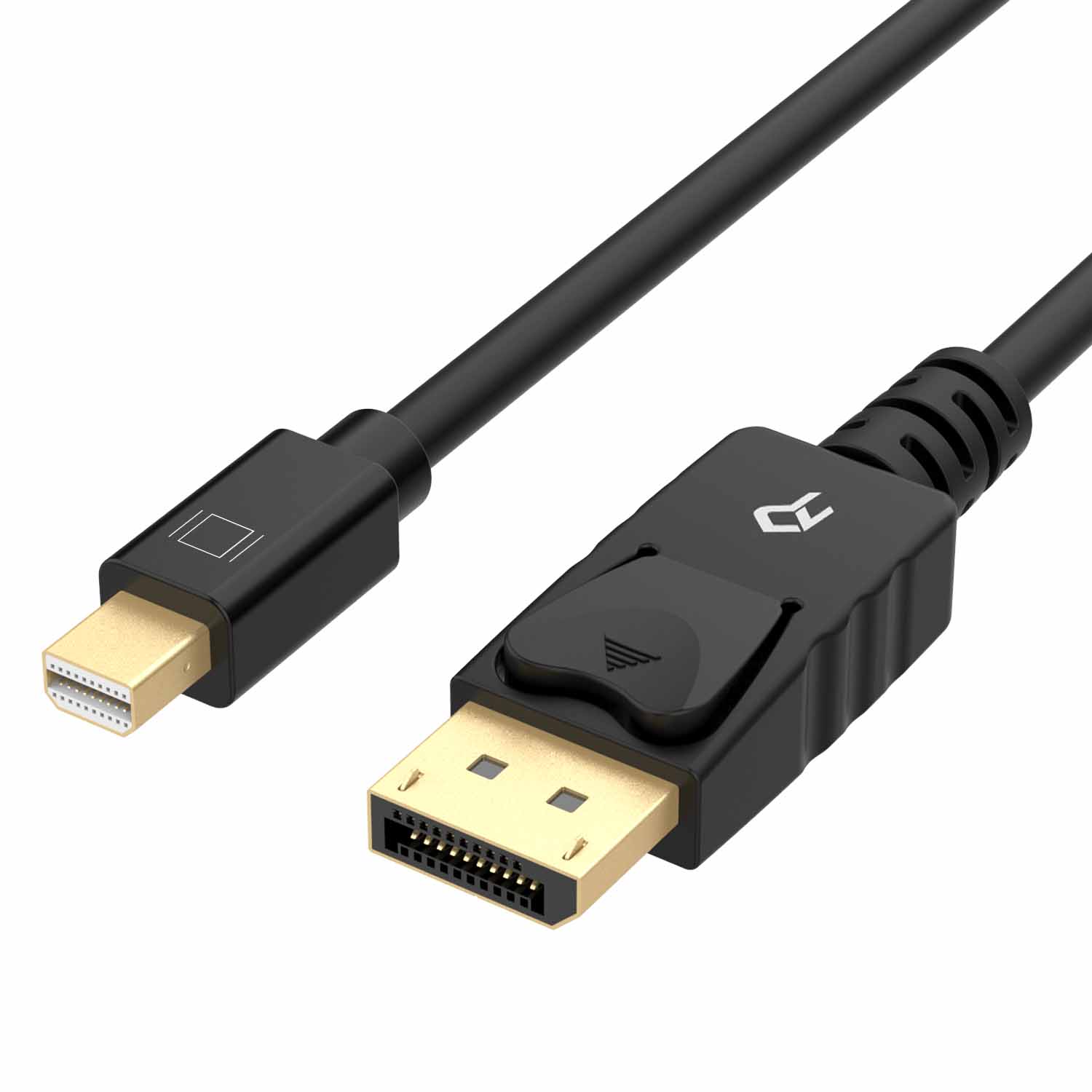
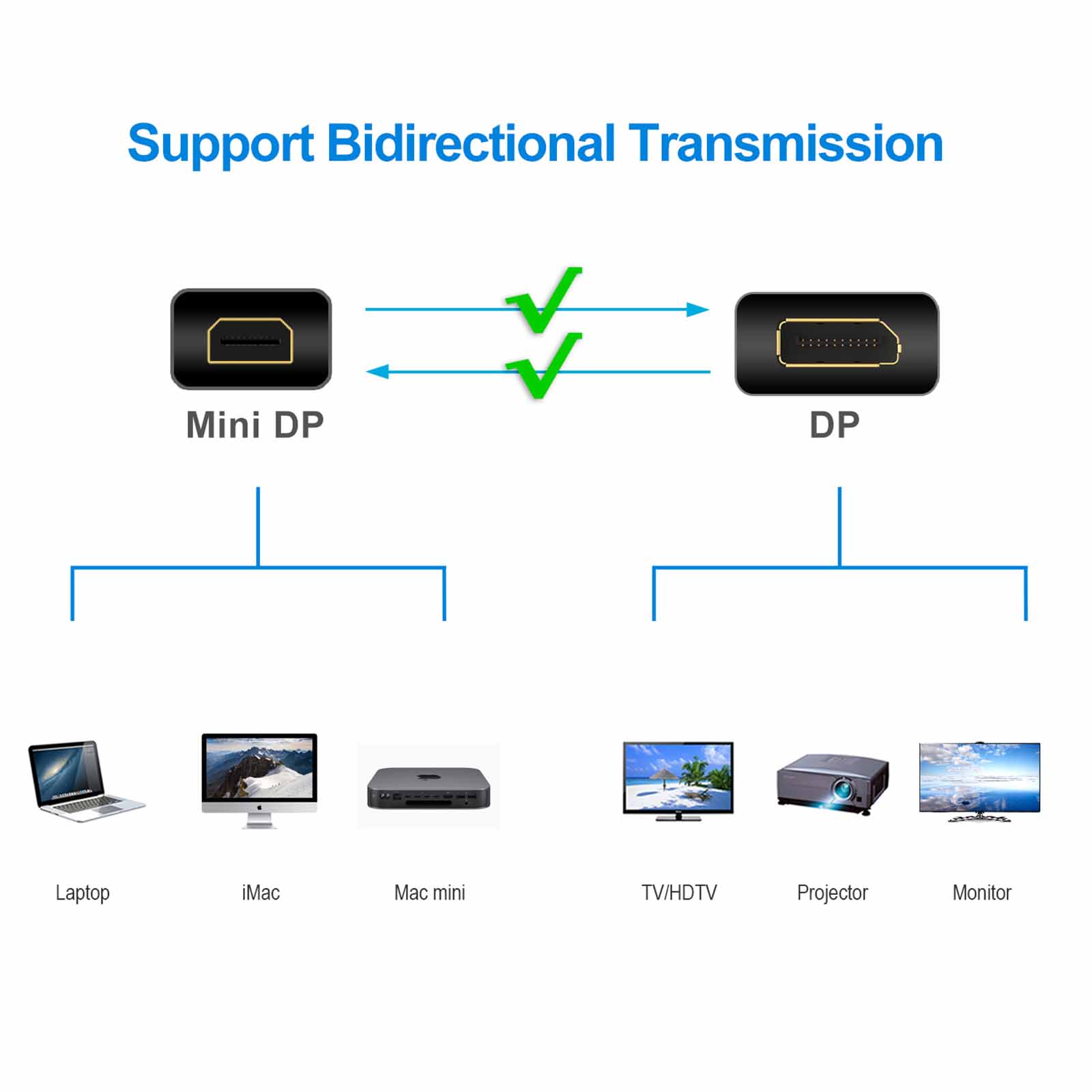
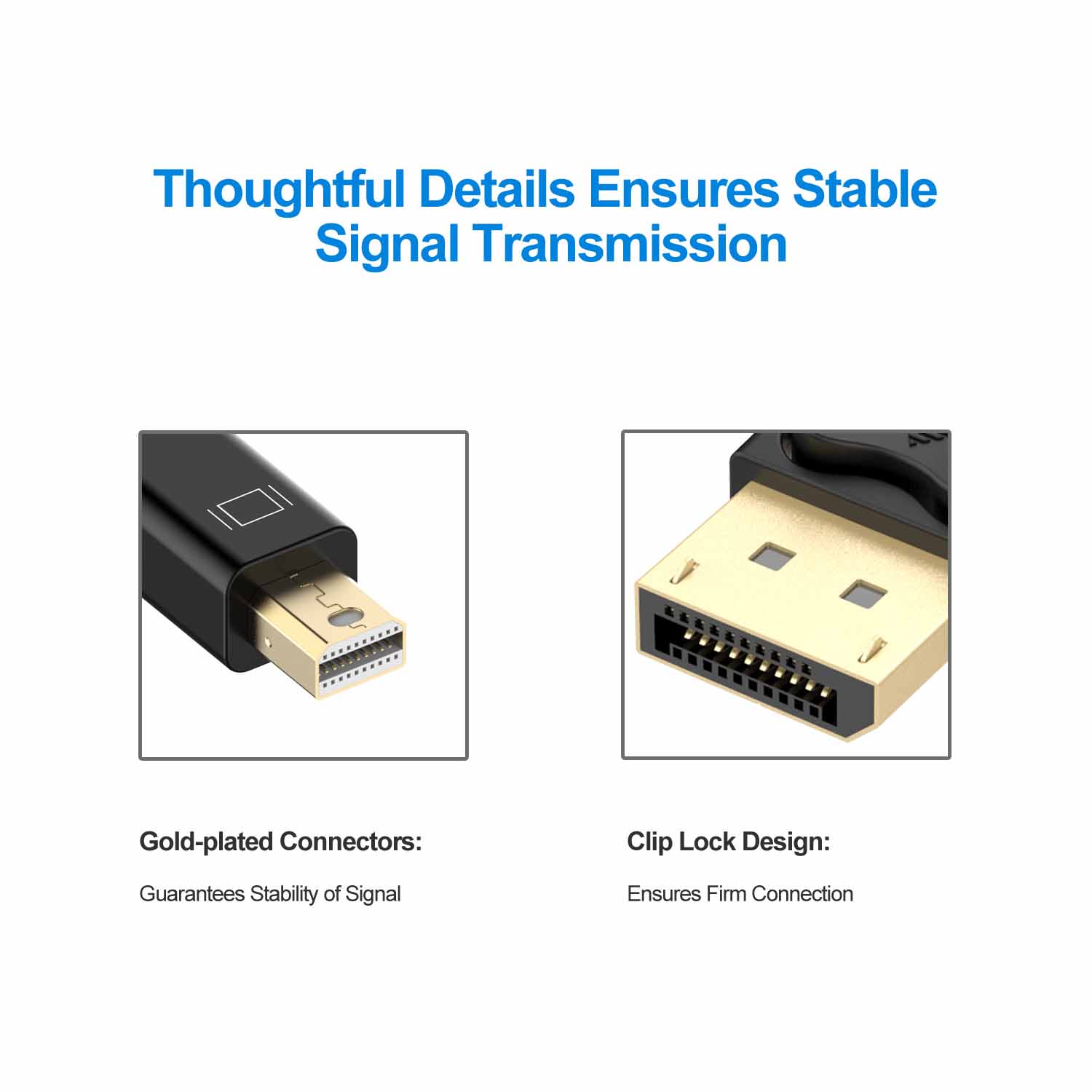
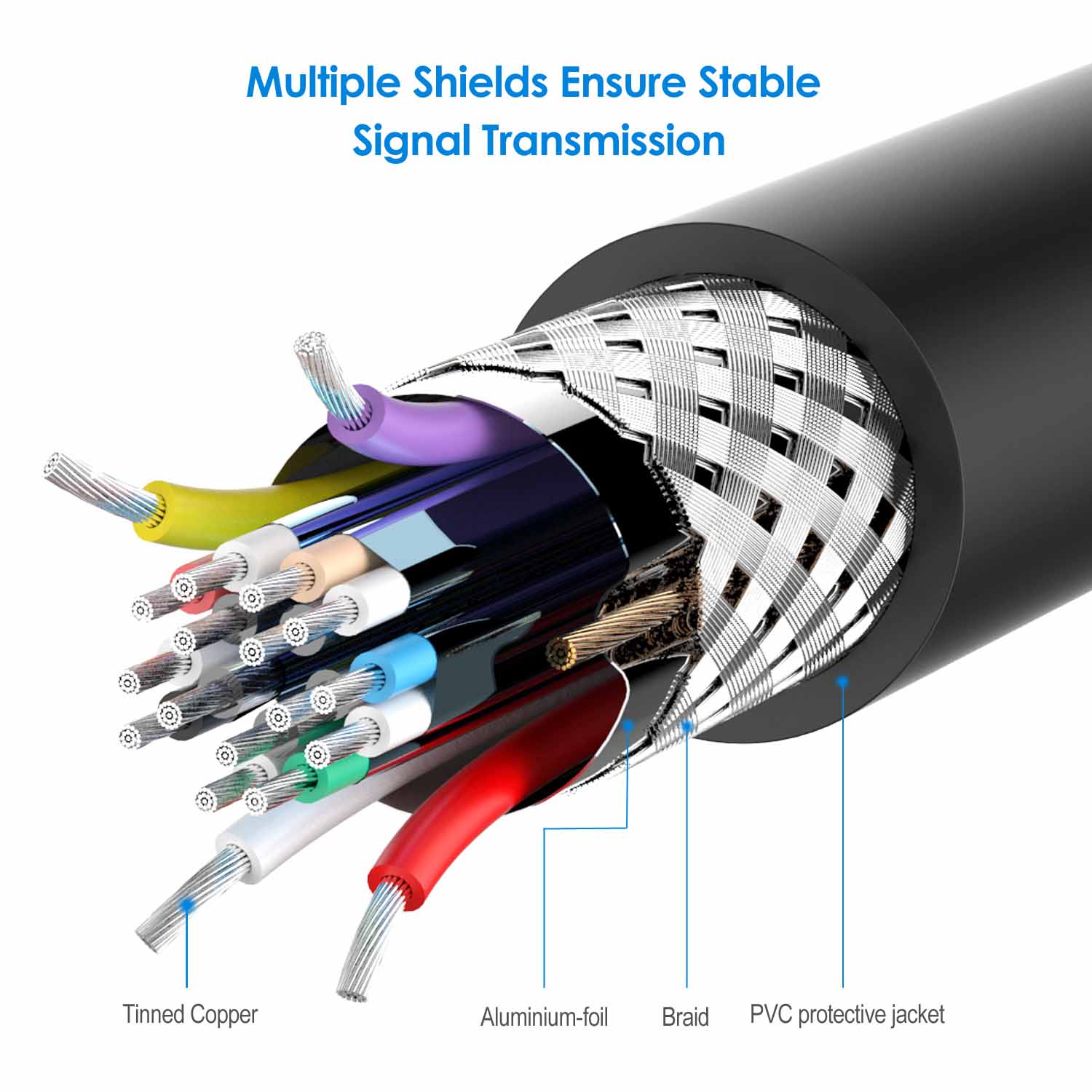
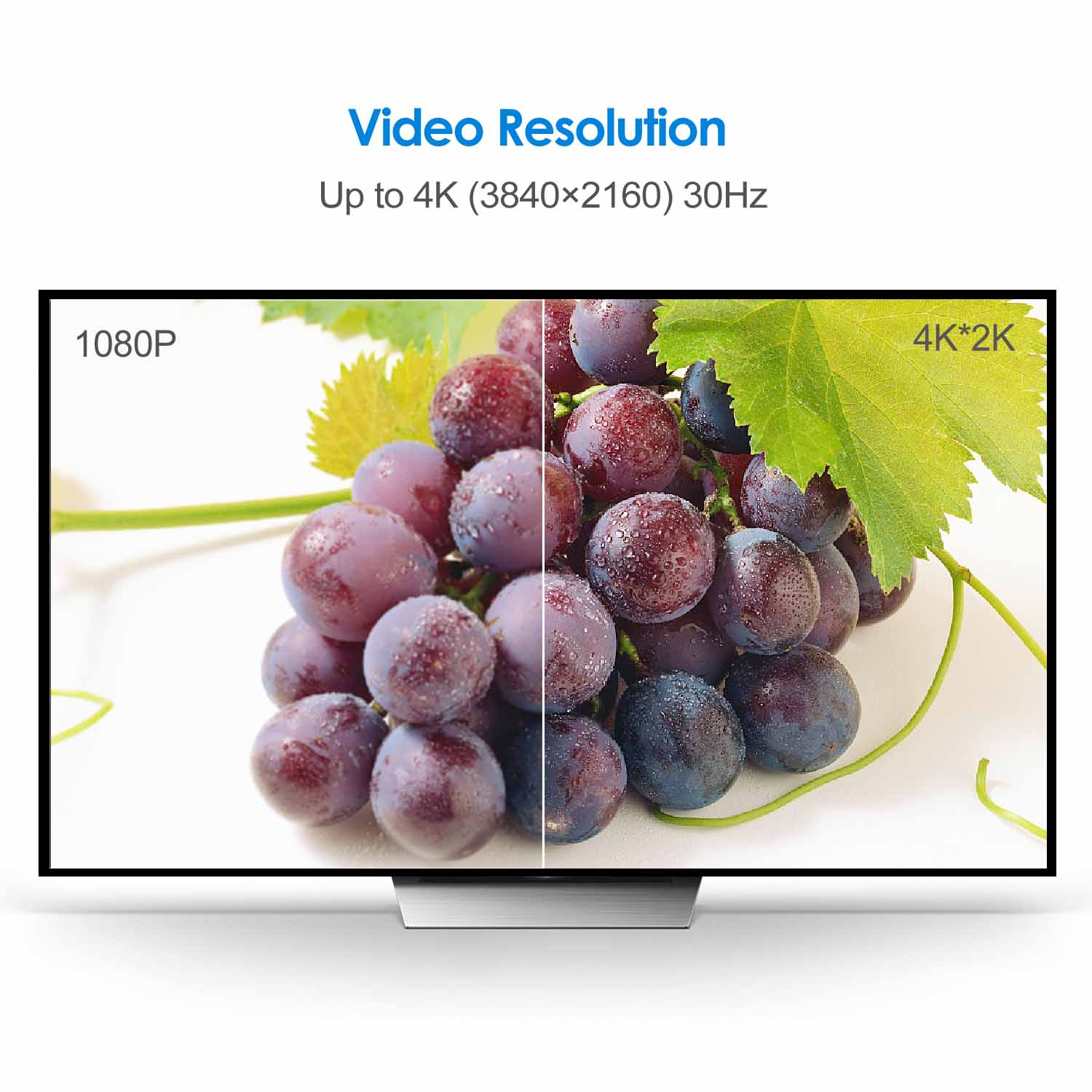
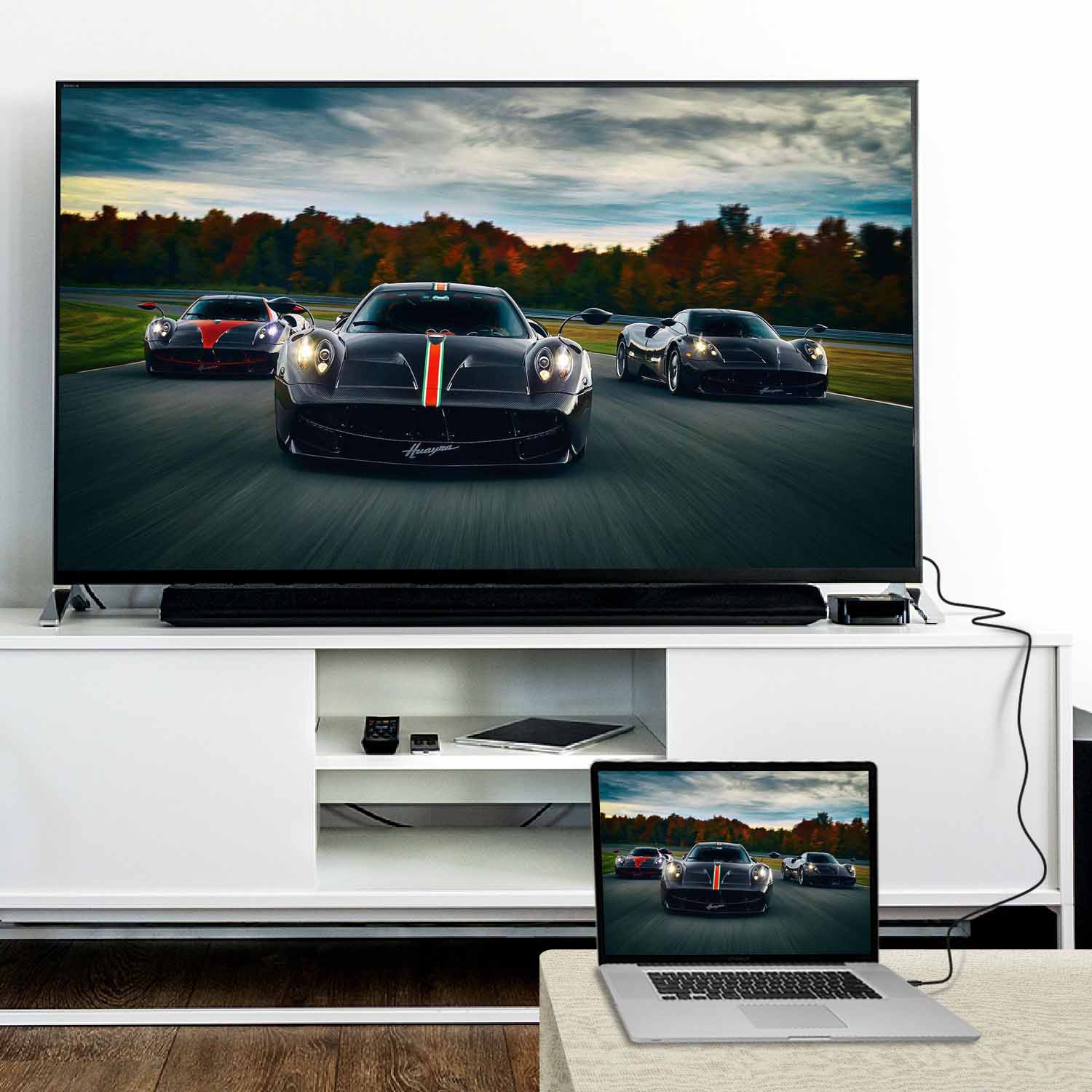
Rankie Mini DisplayPort to DisplayPort Cable, Mini DP to DP, 4K Ready, Gold Plated
$11.99
| Size | 6 Feet, 10 Feet, 15 Feet |
|---|
463 reviews for Rankie Mini DisplayPort to DisplayPort Cable, Mini DP to DP, 4K Ready, Gold Plated
Related products
-
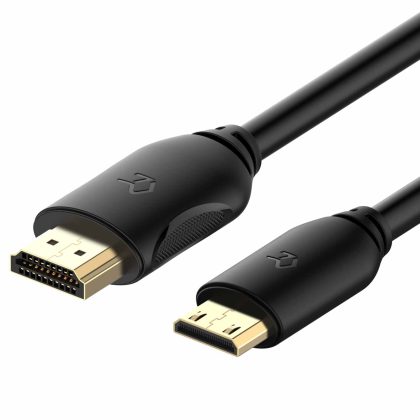
Rankie Mini HDMI to HDMI Cable, High Speed Supports Ethernet 3D and Audio Return
$13.99 -
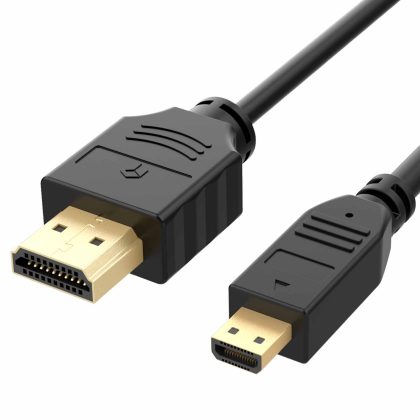
Rankie Micro HDMI to HDMI Cable, Supports Ethernet, 3D, Audio Return
$12.99 -
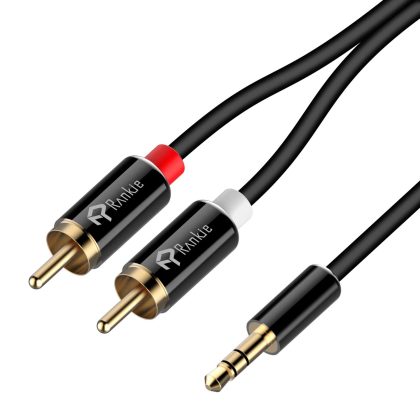
Rankie 3.5mm to 2-Male RCA Adapter Audio Stereo Cable, 6 Feet
$11.99 -
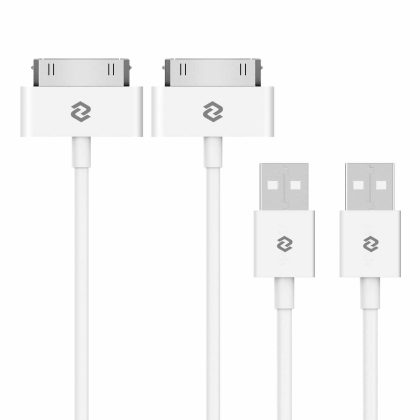
JETech USB Sync and Charging Cable for iPhone 4/4s, iPhone 3G/3GS, iPad 1/2/3, iPod, 3.3 Feet, 2-Pack, White
$10.99
VR –
Fast shipping works perfectly
Freud –
Very happy about the purchase. The cable fitted well to my lenova thinkpad and lenove thinkcentre monitor. No adaptor was needed. Straightaway the monitor worked after connecting to the laptop. Prompt delivery and value for money. Thank you
Nigel –
Very happy with this cable. Used it to connect my iMac (Thunderbolt 2 port) to an external monitor. Full sized Display Port end is a locking version so good secure connection.
Will Siemon –
Connecting laptop to desktop monitor. Works properly. Happy with purchase
JaySeeRoamin –
As expected. Works well.
Marc Simon Thomas –
works perfectly
Donnavt –
Does what it says
YukiYukLee –
so it took me awhile to figure out what was the problem with the display not detected Make sure your surface dock’s firmware is updated to the latest. Go to advanced settings and select which external monitor you are using then click on display adapter properties and into the monitor tab make sure the hz is set to the highest hz. This worked for me and it took me hours and hours to figure this out.
SaSa Mok –
this cable is pretty good quality so far I connected to my laptop to the additional monitor it works great no problem at all.
KSL –
Delivered on time and quality of the cable looks solid. So far so good.