

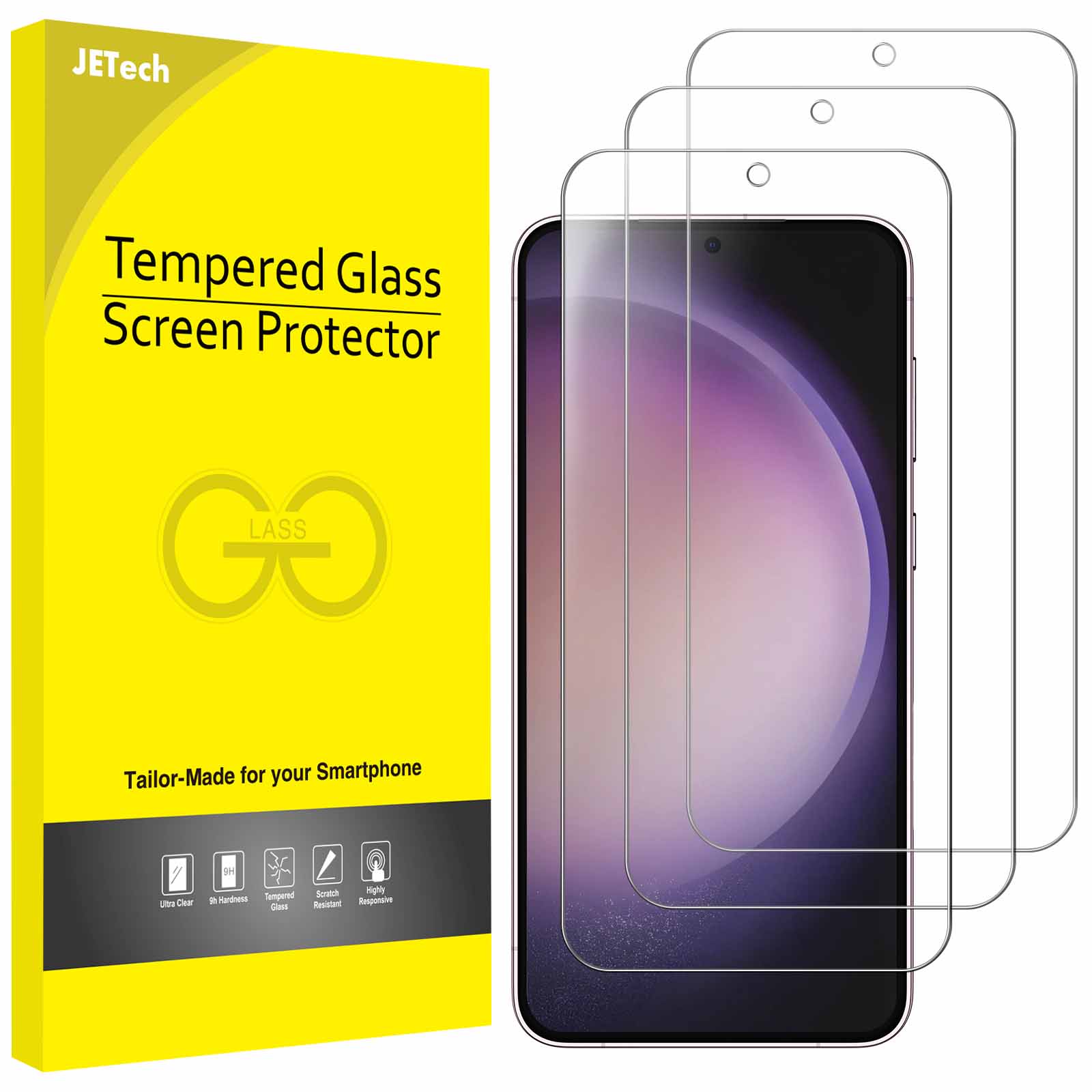
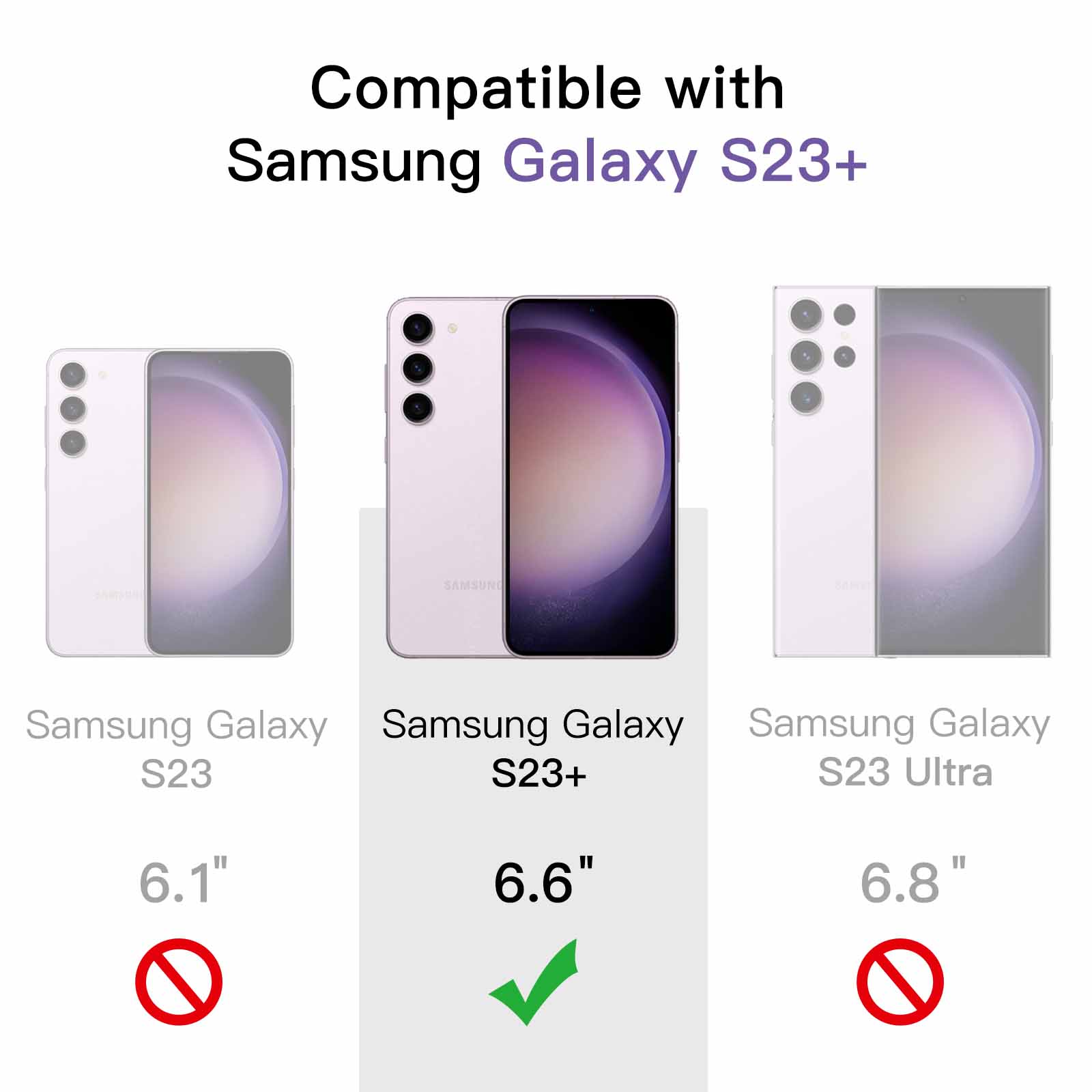
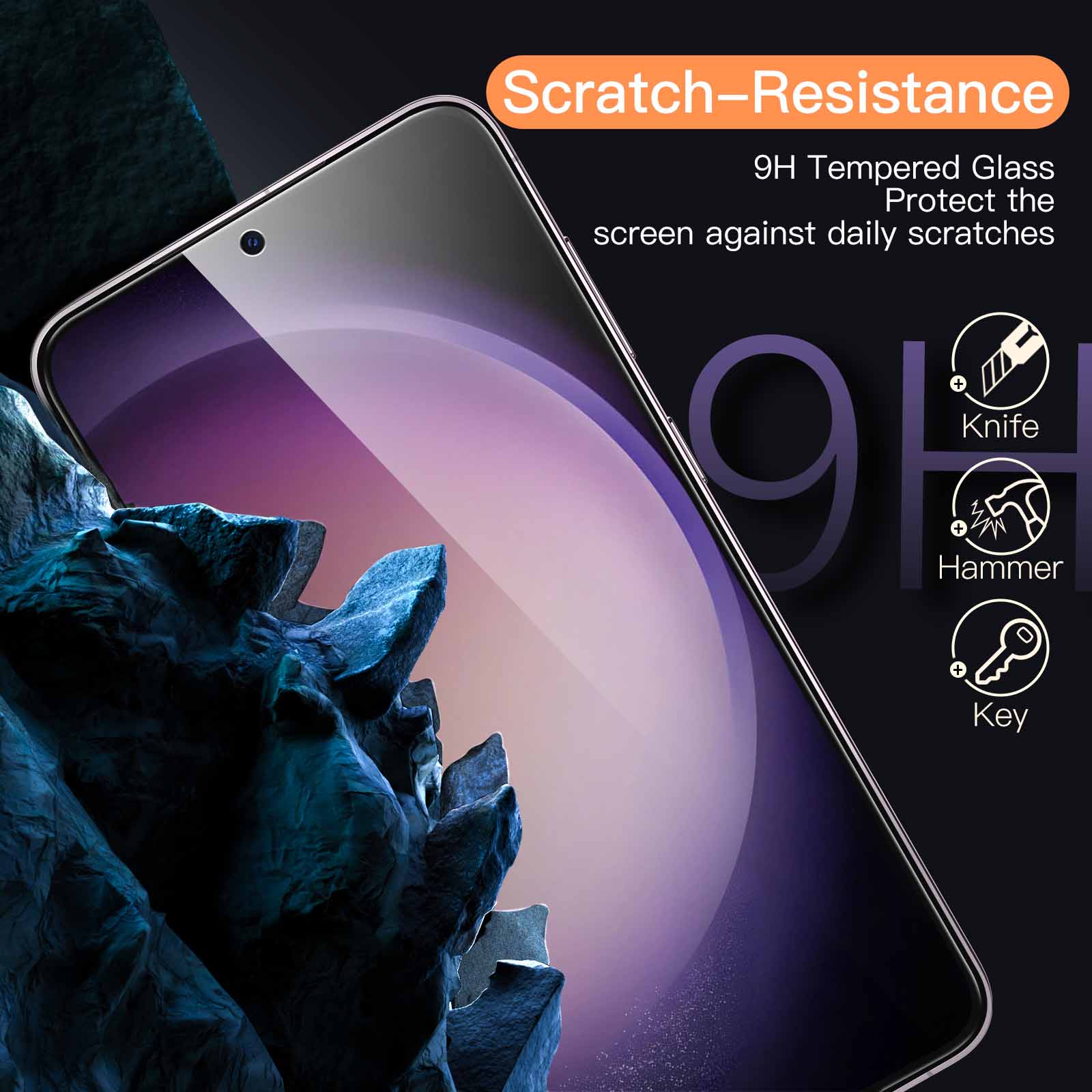
JETech Screen Protector for Samsung Galaxy S23+ / S23 Plus 5G 6.6-Inch, Tempered Glass Film, Fingerprint ID Compatible, HD Clear, 3-Pack
$11.99
In stock
| Feature | Tempered Glass Film |
|---|---|
| Screen Surface Description | Glossy |
271 reviews for JETech Screen Protector for Samsung Galaxy S23+ / S23 Plus 5G 6.6-Inch, Tempered Glass Film, Fingerprint ID Compatible, HD Clear, 3-Pack
Related products
-
JETech Screen Protector for Samsung Galaxy S22 Ultra 5G 6.8-Inch with Camera Lens Protector, Flexible TPU Film, Fingerprint ID Compatible, HD Clear, Easy Installation, 2-Pack Each
$14.99 -
JETech Screen Protector for Samsung Galaxy S21 Plus 6.7-Inch with Camera Lens Protector, Easy Installation Tool, Tempered Glass Film, HD Clear, 2-Pack Each
$12.99 -
JETech Screen Protector for Samsung Galaxy S10 Plus S10+, TPU Ultra HD Film, Case Friendly, 2-Pack
$12.99 -
JETech Screen Protector for Samsung Galaxy A52 / A52 5G / A52s 5G with Camera Lens Protector, Tempered Glass Film, HD Clear, 2-Pack Each
$11.99
Charles –
It’s the first time I had to install a screen like this. but it works and it comes with backup glass!
Heather D –
Instructions were so easy to follow compared to so many other brands that come with little to no instructions!
Shalaine –
It came with cleaner and cloth. sturdy plastic. great deal for three.
Flames32 –
On time in good shape
Evolution –
Great product. easy to install
Patrick –
Great product
kieron taylor –
No issues very good
K. Hansen –
I absolutely love whomever put the install idea and directions together. In the past I always messed up trying to ensure the screen is on straight. However the process and guide stickers are on point and the directions are very precise.
R. Shinn –
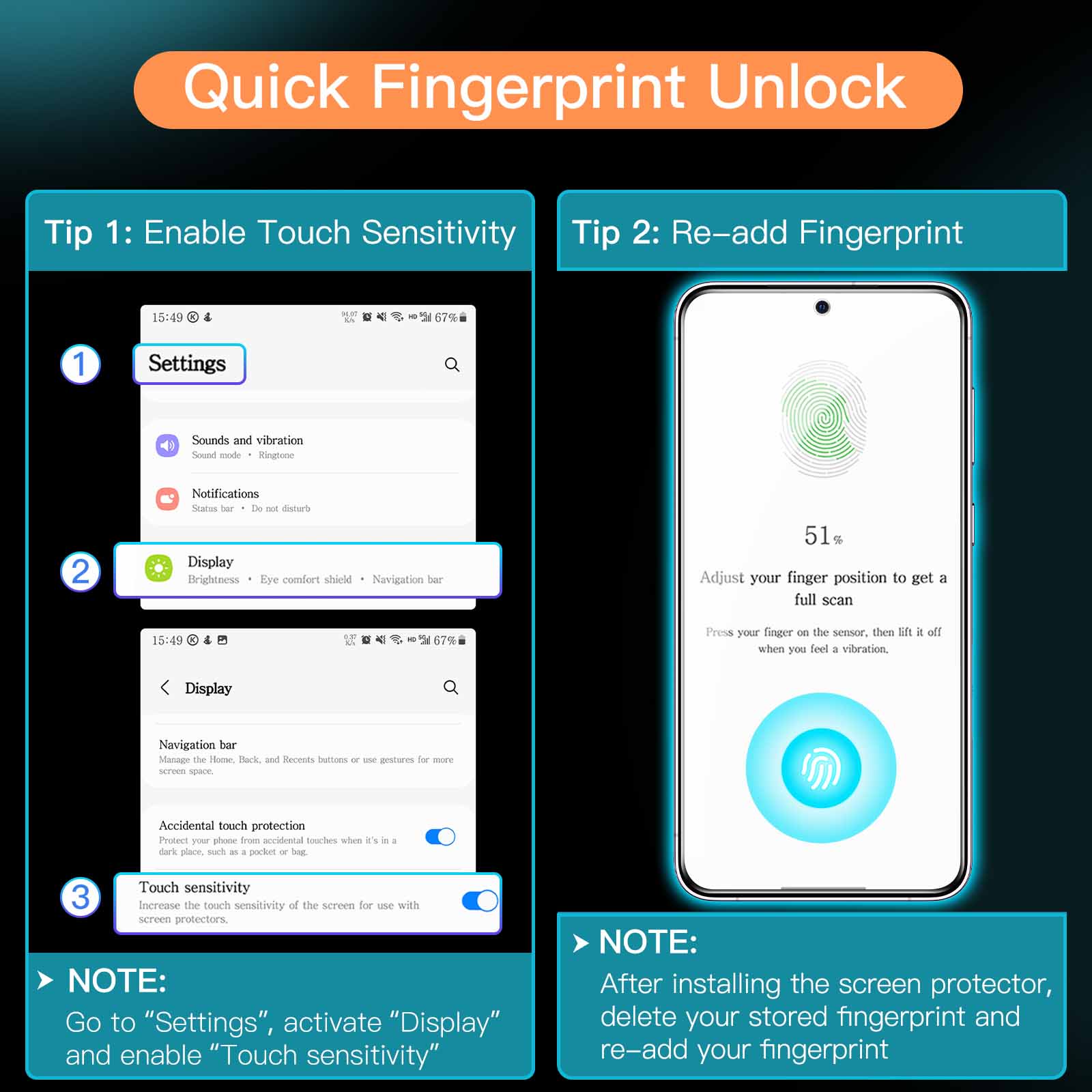
Perfect fit. works with case. no bubbles..Fingerprint still works
Placeholder –
Edit: Reached out to company. following advice fixed the issue:.> Please Open “Settings”>Go to “Display”>Find and activate “Touch Sensitivity”.Original message:.The screen protector interferes with the fingerprint reader. and it does not work most of the time. I followed the instructions and re-added my fingerprint after installing the protector. but it’s still absolutely terrible.