
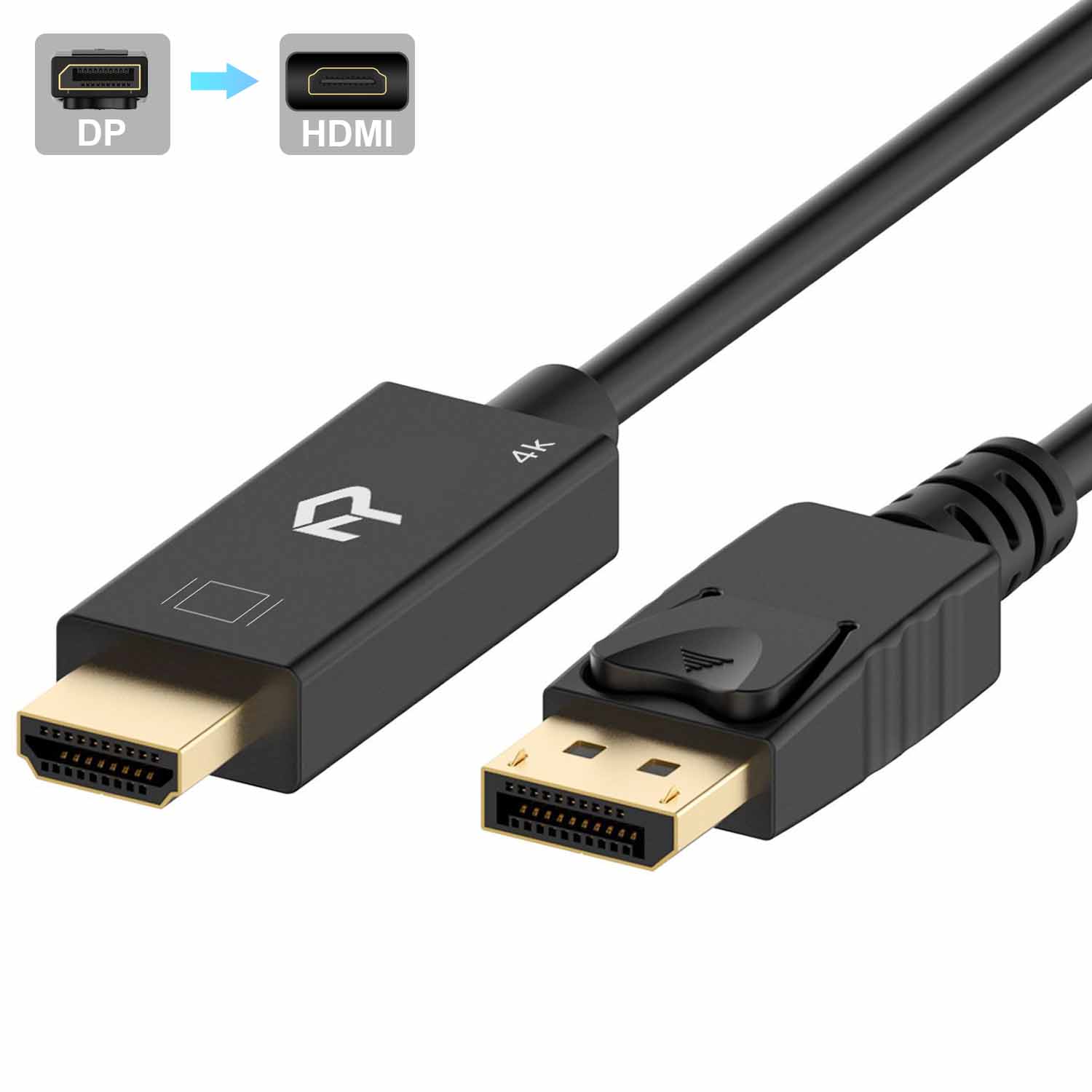
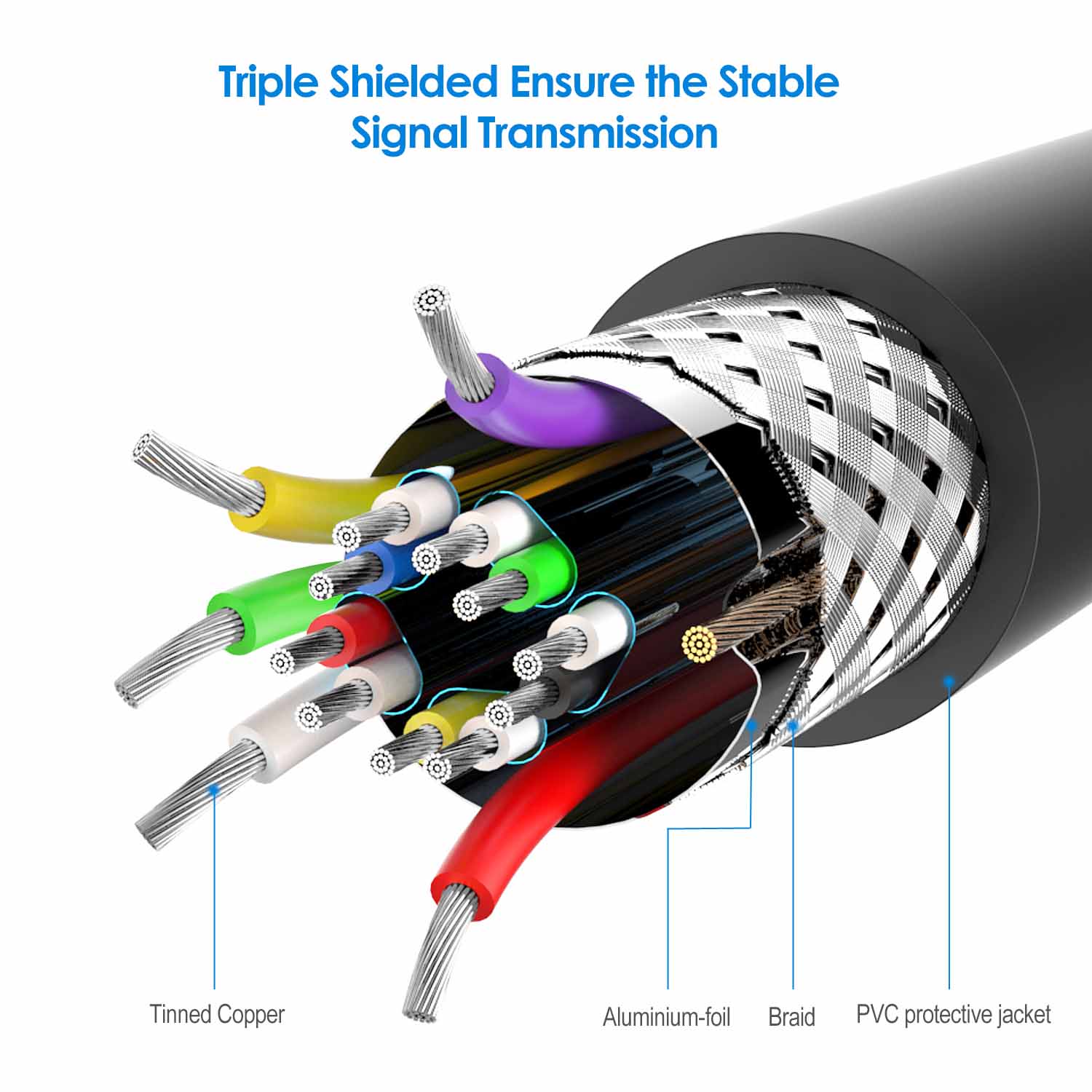
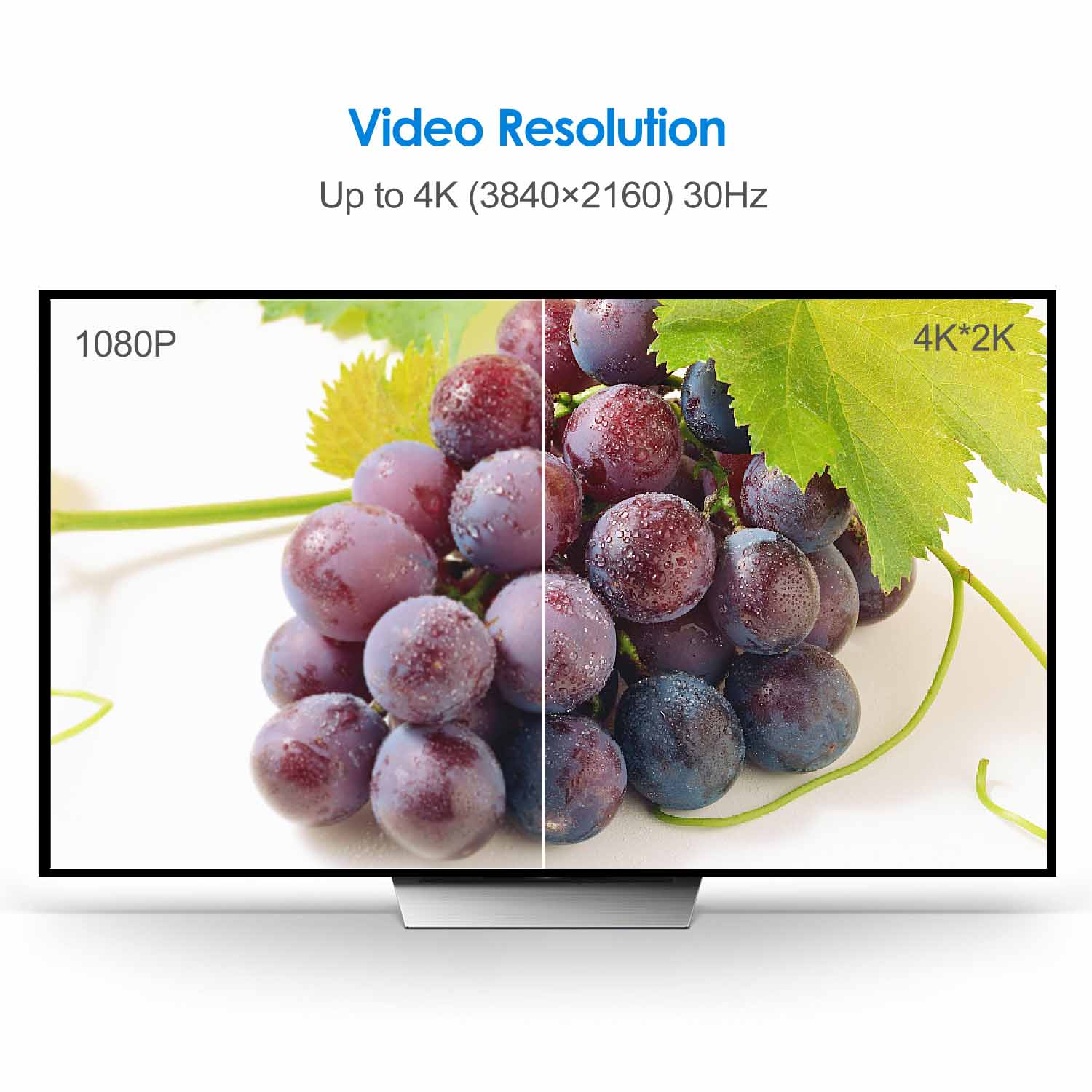
Rankie DisplayPort (DP) to HDMI Cable, 4K Resolution Ready
Price range: $13.99 through $16.99
| Size | 6 Feet, 10 Feet, 15 Feet |
|---|
3780 reviews for Rankie DisplayPort (DP) to HDMI Cable, 4K Resolution Ready
Related products
-
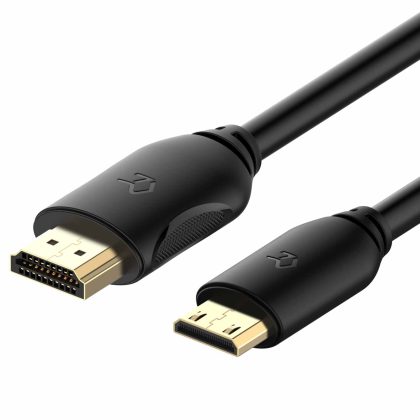
Rankie Mini HDMI to HDMI Cable, High Speed Supports Ethernet 3D and Audio Return
$13.99 -
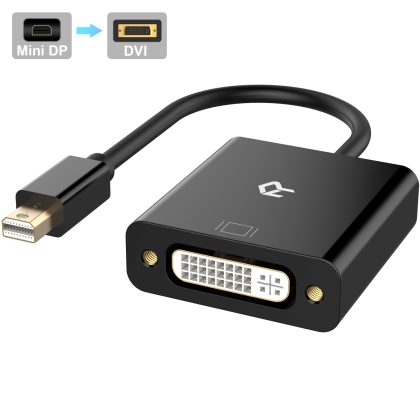
Rankie Mini DP to DVI, Gold 1080P Plated Mini DisplayPort (Thunderbolt Port Compatible) to DVI Male to Female Adapter Converter (Black)
$11.99 -
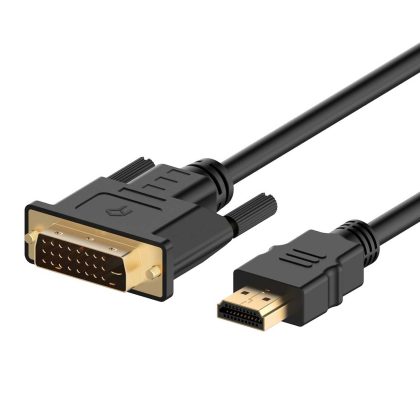
Rankie HDMI to DVI Cable, CL3 Rated High Speed Bi-Directional, Black
$11.99 -
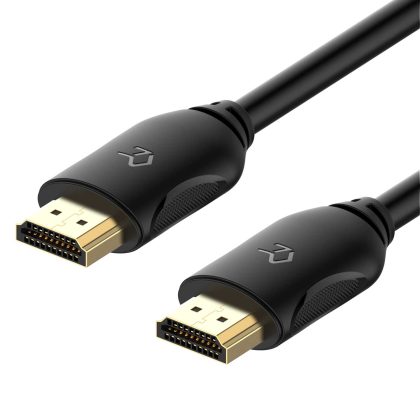
Rankie HDMI Cable, Supports Ethernet, 3D, 4K and Audio Return, 6FT, Black
$9.99
Jorge E. Velez Hoyos –
Good product
Alice –
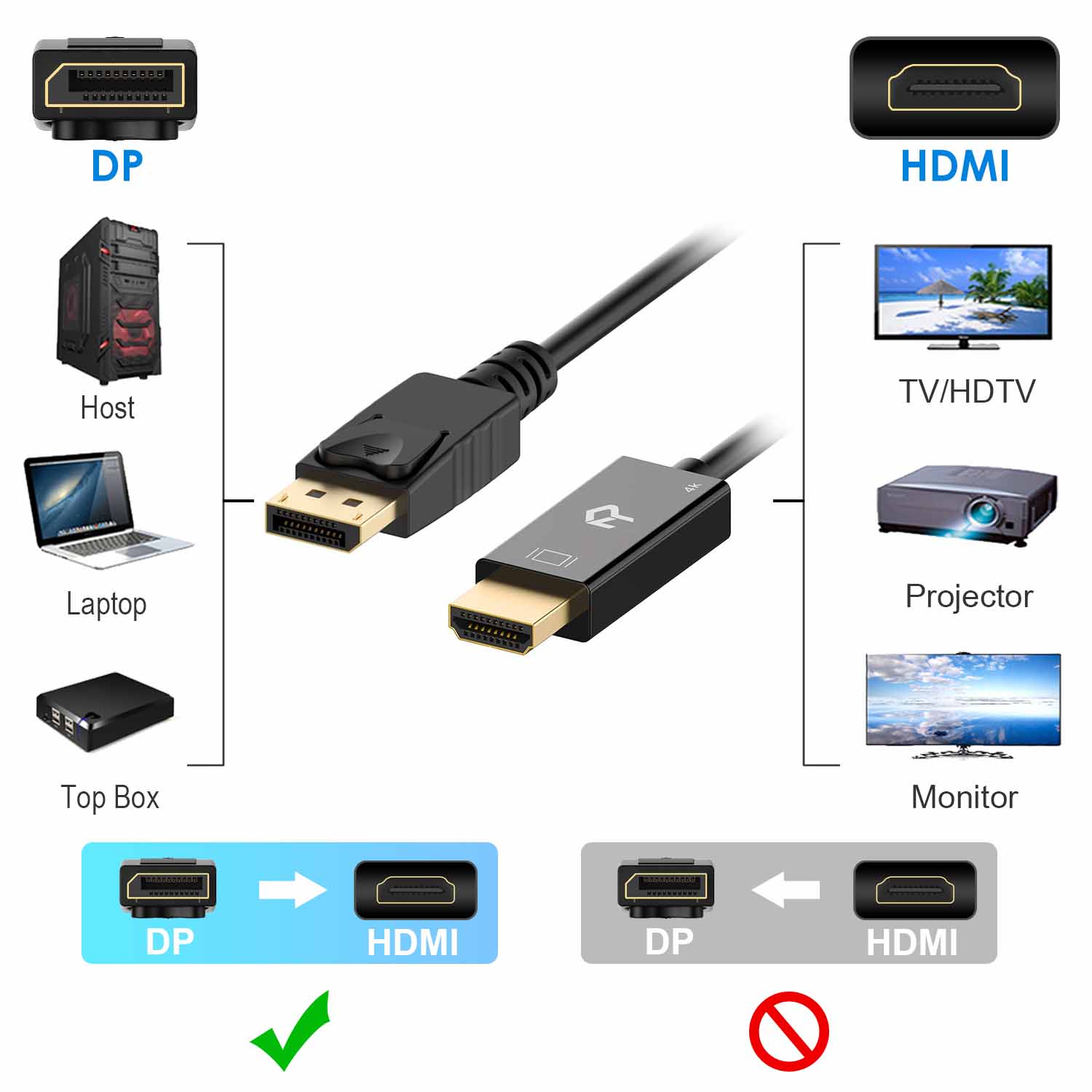
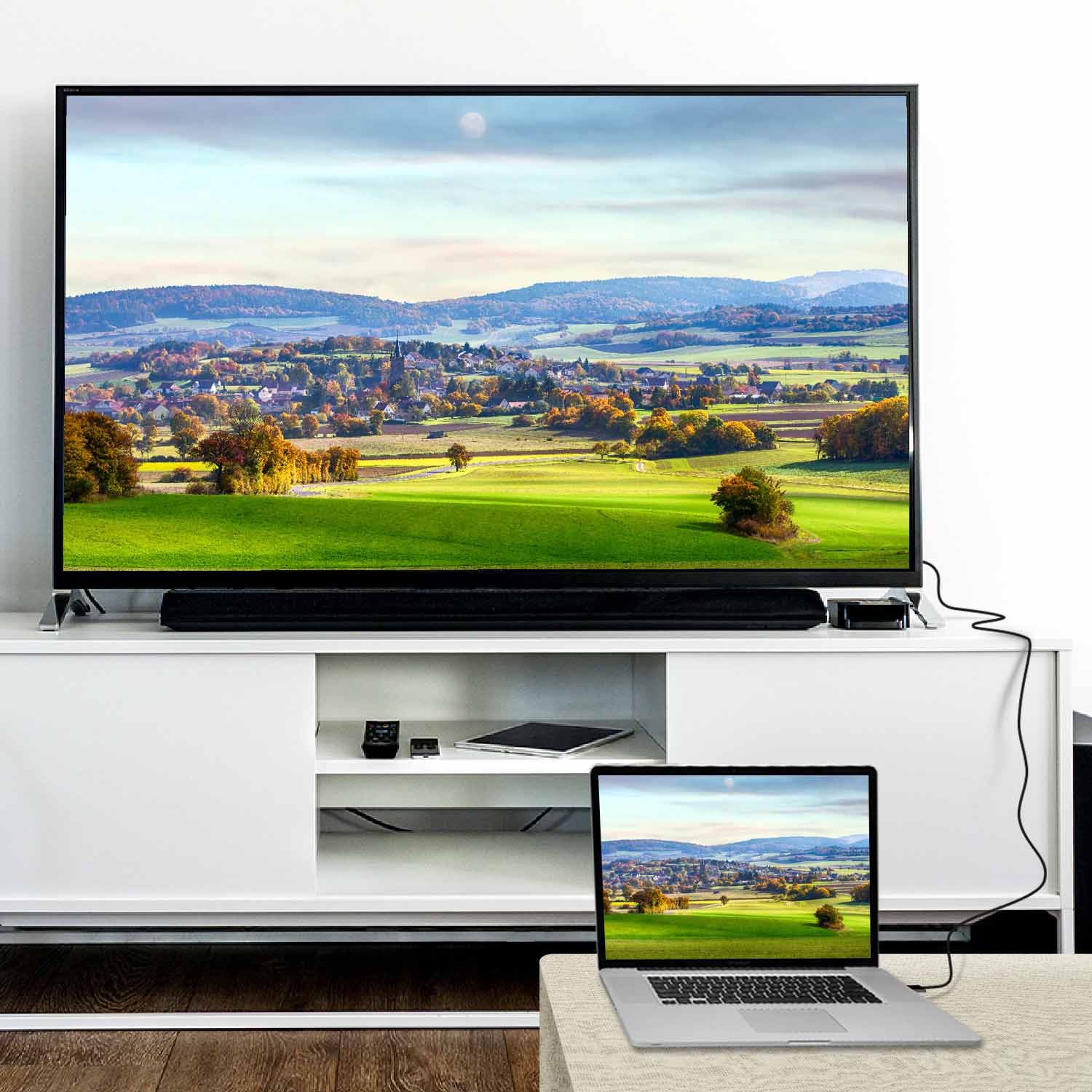
I bought this to connect a Lenovo computer (which has a Display Port and no HDMI connection) to a monitor which has an HDMI input but no DP input. Everything seems to work fine – picture is great. sound is great. The connectors at each end of the cable are nice and tight. I haven’t had the cable very long. so I can’t comment on its long-term performance..One caveat. which isn’t really a problem with the cable – I had no sound at first. then after doing some googling. I discovered that I needed to go into my Windows 10 Control Panel and tweak the sound instructions. Windows 10 had assumed that the newly connected monitor had its own speakers. and made the monitor the default sound source. but the monitor doesn’t have speakers. I use Logitech speakers (not the built-in speakers that come with the computer). so I needed to change the defaults to make sure that my speakers were selected. Problem solved! I’m just mentioning this in case anyone else runs into this issue.with a monitor.
AT –
Does exactly what I needed it to. Arrived quickly.
Ruben Rouse –
It does what I expected it to do.
Knuckles1 –
Easy to use
Alden –
Work at 4k@60Hz without any problem after couple of days using
Barry S. –
Exactly what I needed to project my laptop to my monitor.
AT –
Rankie did not disappoint me. I have 3 different cables from them and can say I am a happy customer.
SerMal75 –
If you have an issue with an image on your TV after connecting to a pc computer using “hdmi to hdmi” cable. switch to “display port to hdmi” cable!. I upgraded a graphics card on my pc and used a “hdmi to hdmi” cable to connect to a tv . but started to have a “handshake” problem. When playing games my tv would randomly black out.. Using “display port to hdmi” cable solved an issue.
james –
??