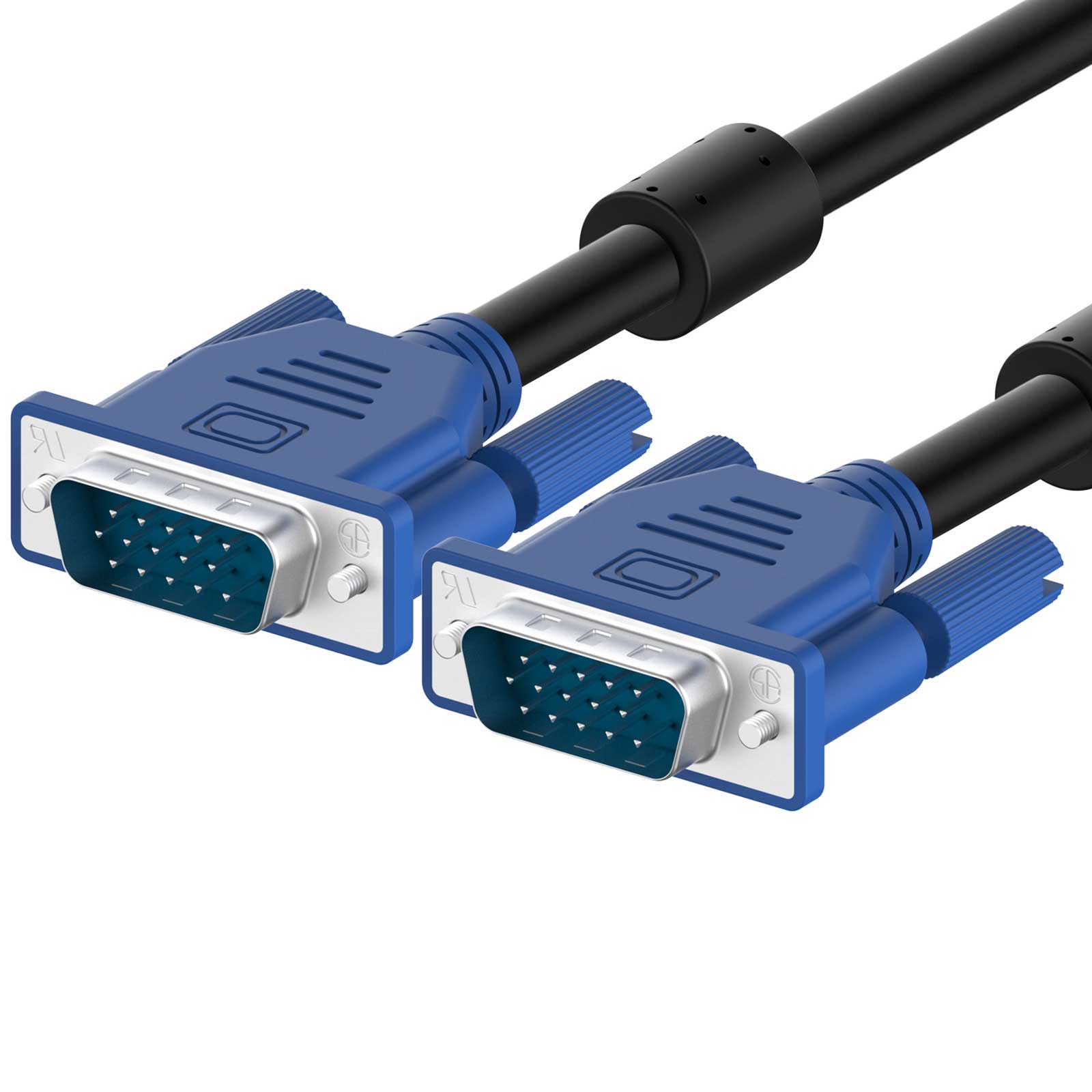
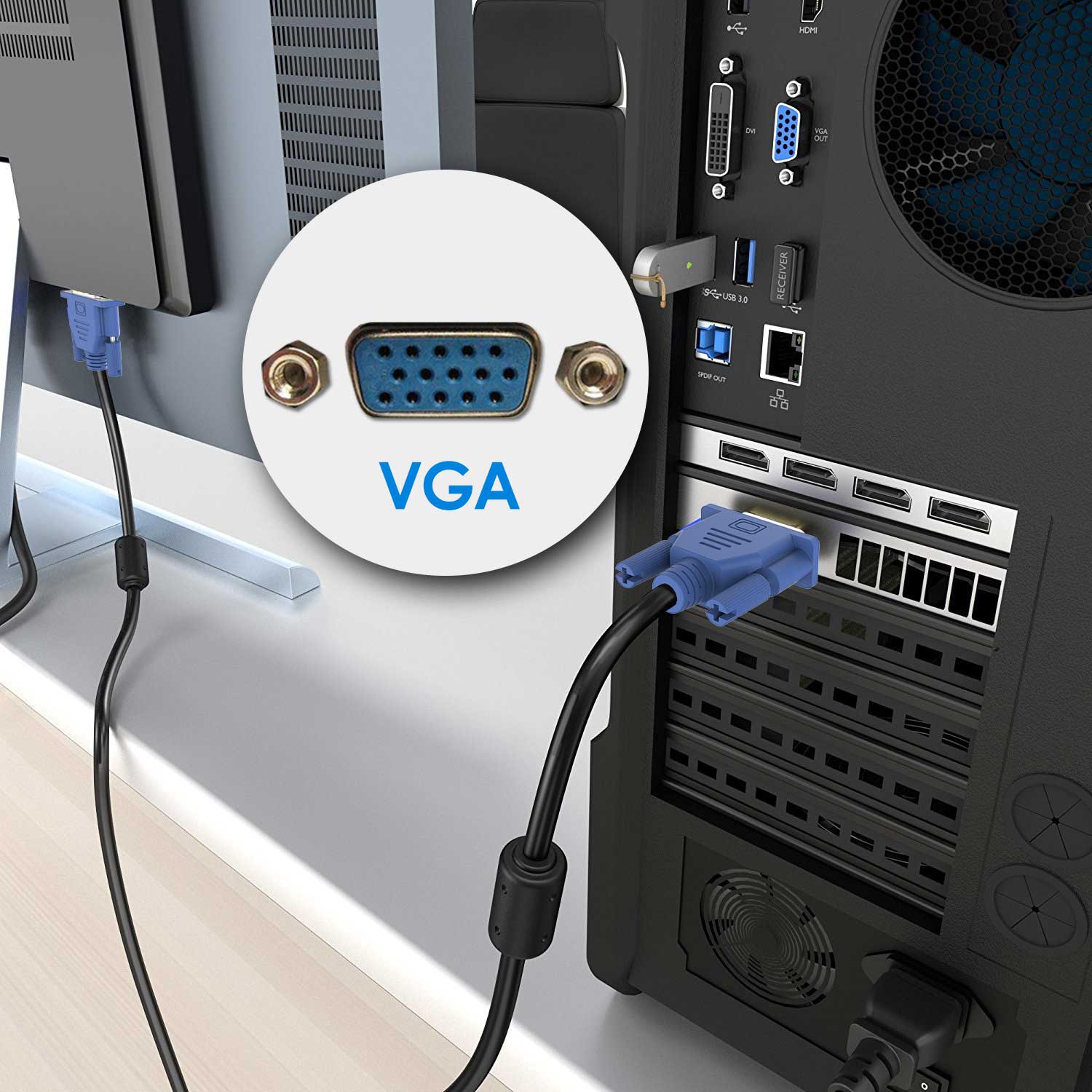
6 Feet. Screw-in VGA cable with 15-pin male input and output
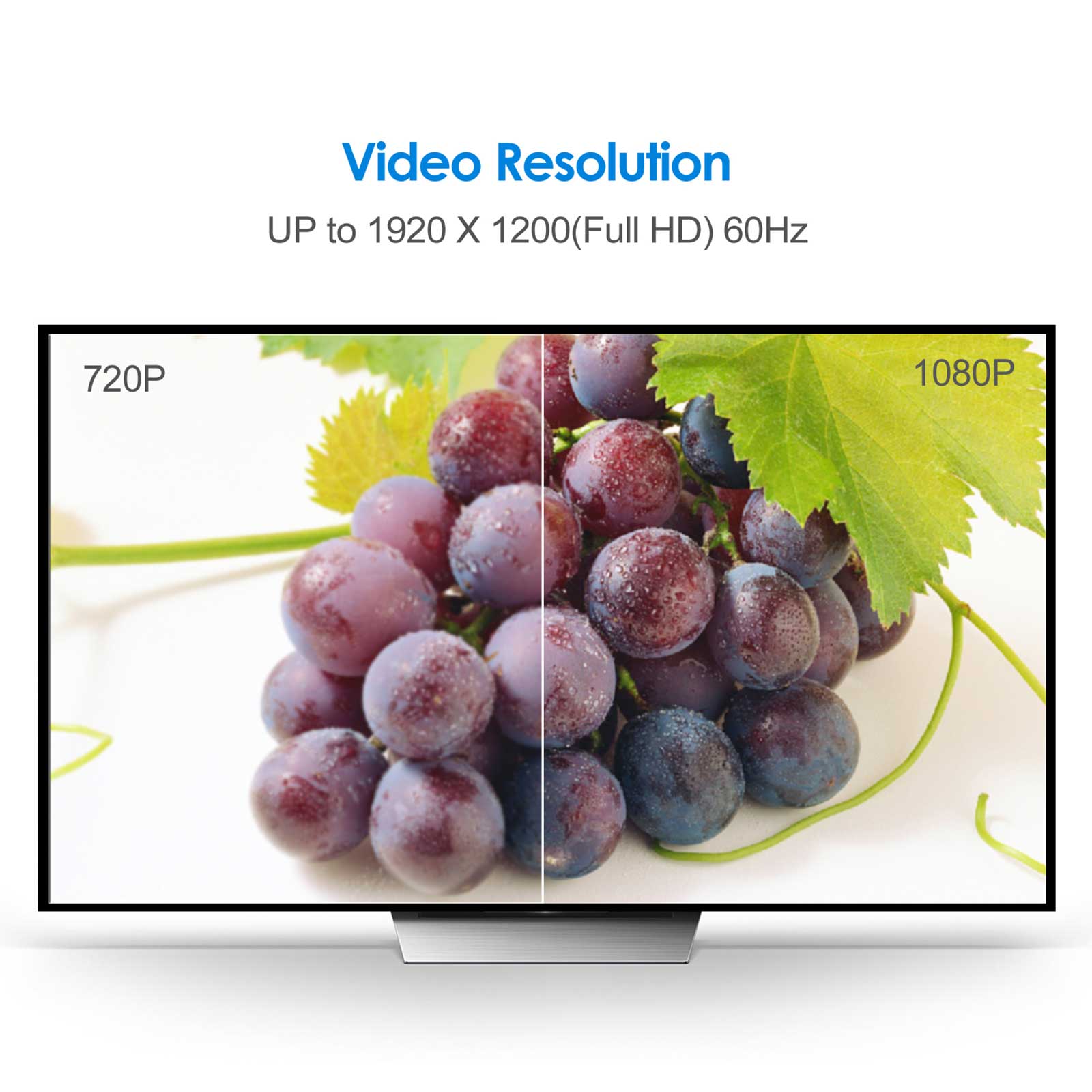
Supports resolutions at 800×600 (SVGA), 1024×768 (XGA), 1600×1200 (UXGA), 1080p (Full HD), 1920×1200 (WUXGA), and up for high resolution LCD and LED monitors
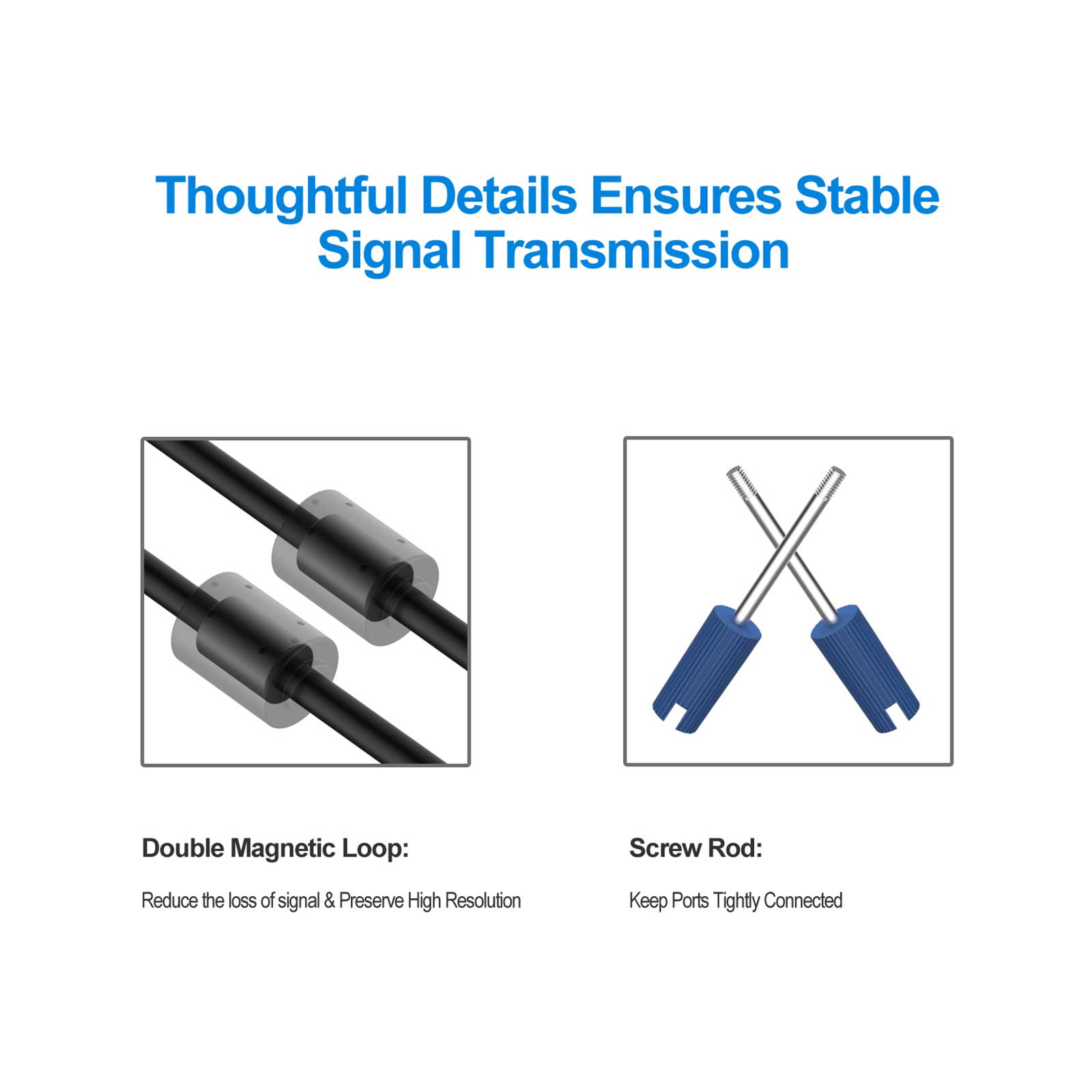
The VGA cord engineered with molded strain relief connectors for durability, grip treads for easy plugging and unplugging, and finger-tightened screws for a secure connection
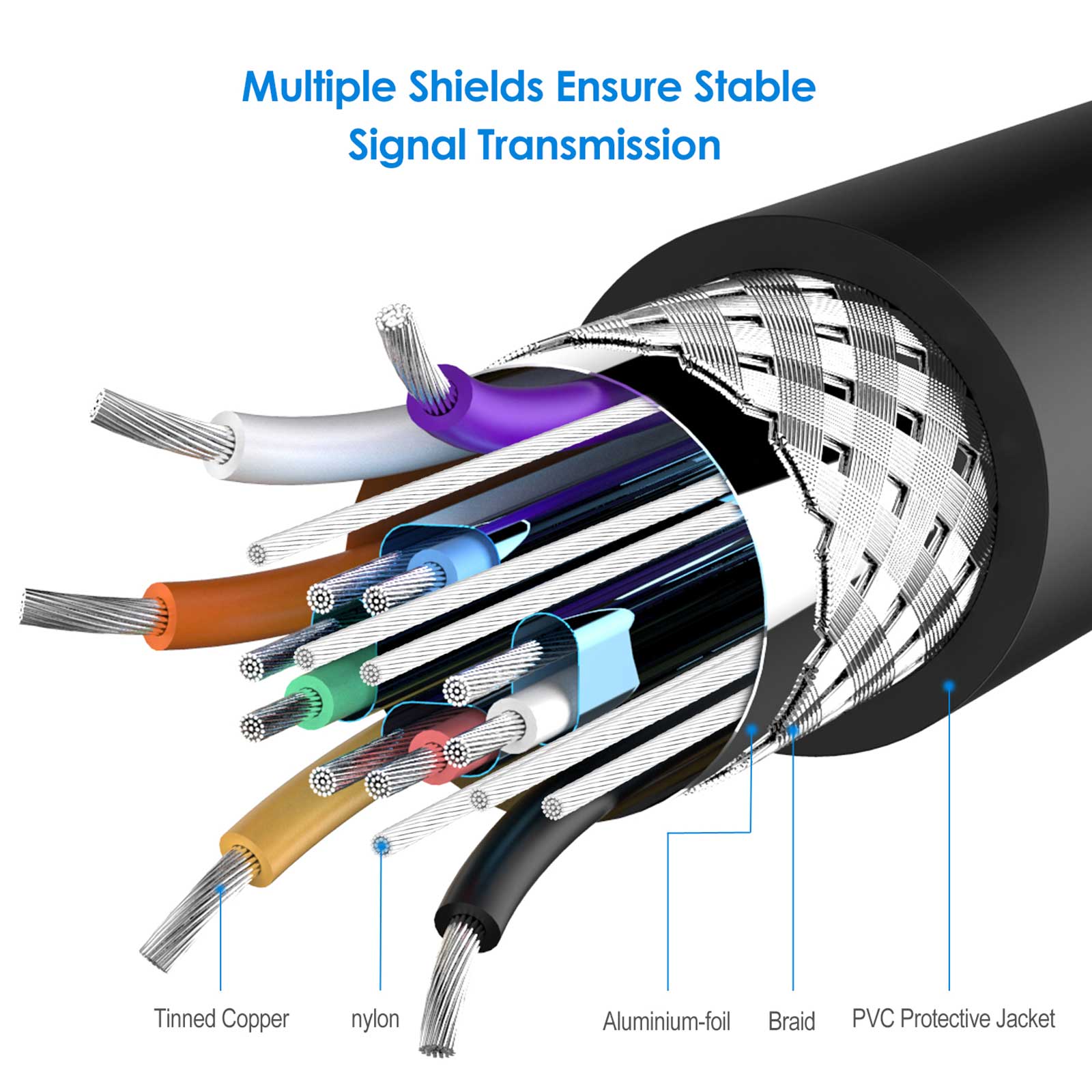
Gold-plated connectors; 100% bare copper conductors
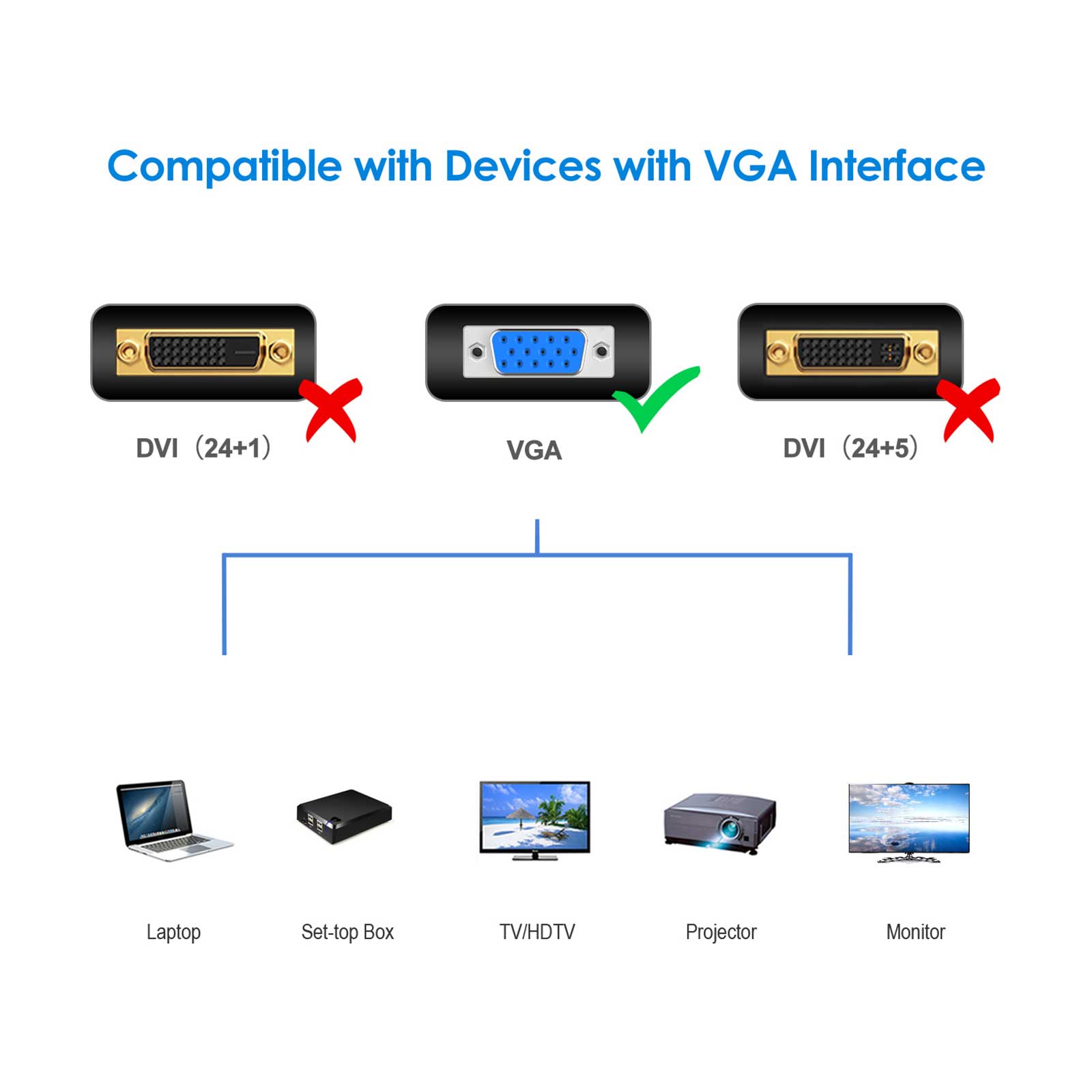
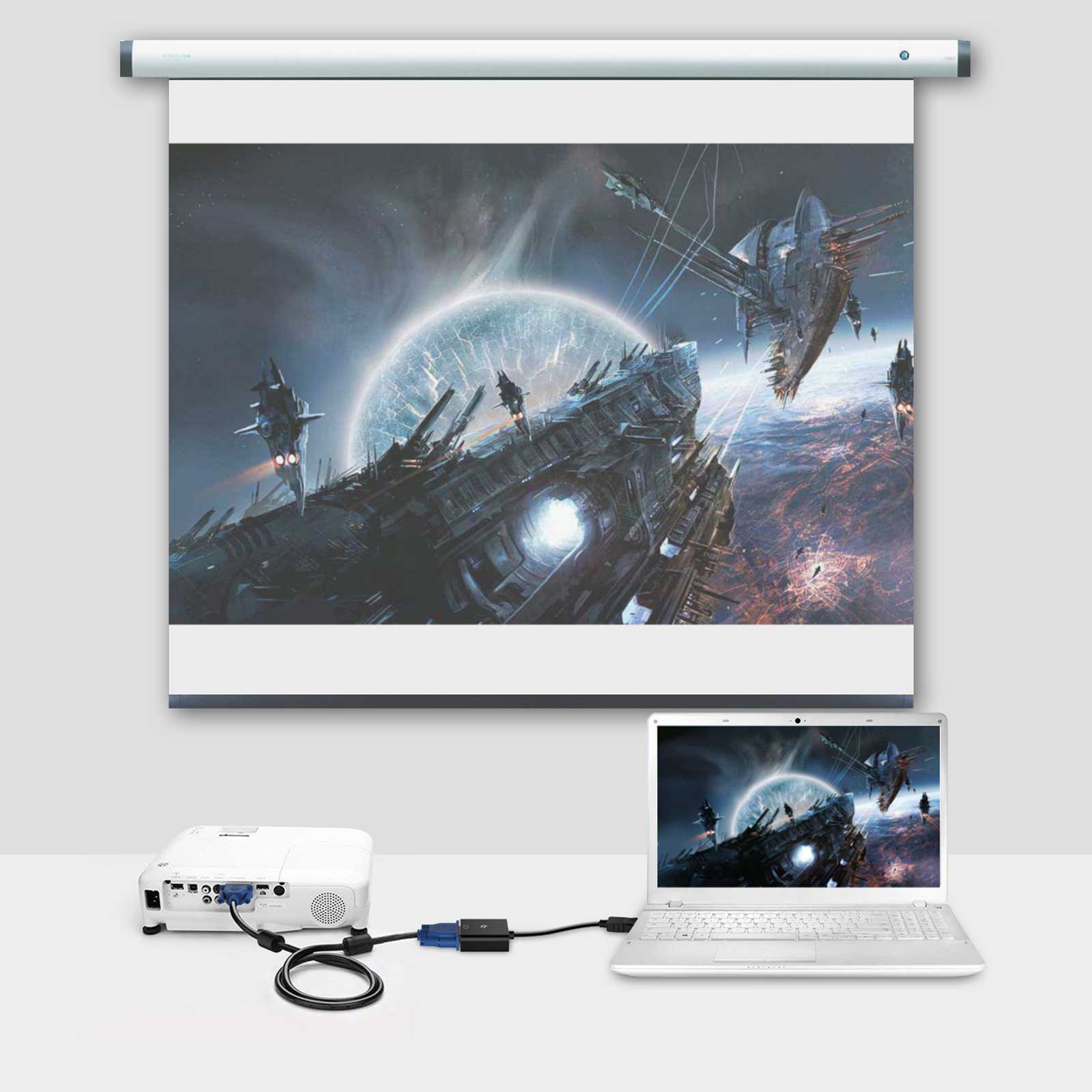
Links VGA-equipped computer to any display with 15-pin VGA port
Size
6 Feet, 10 Feet, 15 Feet
2104 reviews for Rankie VGA to VGA Cable
Rated 5 out of 5
jw –
This product arrived fast and worked very well with my monitor and CPU. After connecting.each end of the VGA into the monitor. and into the CPU..I highly advise plugging the power ends of each component into a surge protector plug bar..not just directly into the wall sockets..If you see a brief message on your monitor basically saying that the VGA is not connected (or something.like that). check each end of the VGA cable to ensure it is tightly connected..I got that message when I failed to tightly screw it into the CPU..After I tightened it. the monitor worked very well.
Rated 5 out of 5
Tim Doyle –
Really good visibility on screen and great fit!
Rated 5 out of 5
Jeanne –
I purchase this VGA for monitor. and just attach it to motherboard and work right away.
Rated 5 out of 5
Old welder –
Connect monitor to desktop.
Rated 5 out of 5
redandy –
It’s hard to get too excited about a cable. but this is a good quality build and does exactly what it need to.
Rated 5 out of 5
Narendra Patel –
Good Quality
Rated 5 out of 5
J Marton –
works as it said it would
Rated 5 out of 5
AT –
I needed a bunch of 6′ VGA cables. and this product fit the bill. The cables are exactly as pictured
Rated 5 out of 5
Cruz M –
Picture is great. Clear and long enough to go from the monitor to the PC.


jw –
This product arrived fast and worked very well with my monitor and CPU. After connecting.each end of the VGA into the monitor. and into the CPU..I highly advise plugging the power ends of each component into a surge protector plug bar..not just directly into the wall sockets..If you see a brief message on your monitor basically saying that the VGA is not connected (or something.like that). check each end of the VGA cable to ensure it is tightly connected..I got that message when I failed to tightly screw it into the CPU..After I tightened it. the monitor worked very well.
Tim Doyle –
Really good visibility on screen and great fit!
Jeanne –
I purchase this VGA for monitor. and just attach it to motherboard and work right away.
Old welder –
Connect monitor to desktop.
redandy –
It’s hard to get too excited about a cable. but this is a good quality build and does exactly what it need to.
Narendra Patel –
Good Quality
J Marton –
works as it said it would
AT –
I needed a bunch of 6′ VGA cables. and this product fit the bill. The cables are exactly as pictured
Cruz M –
Picture is great. Clear and long enough to go from the monitor to the PC.
AT –
Came a day early and does the job