Rankie Adapter DVI to HDMI, Gold-Plated 1080P Male to Female Converter, 2-Pack, Black
$11.99
In stock
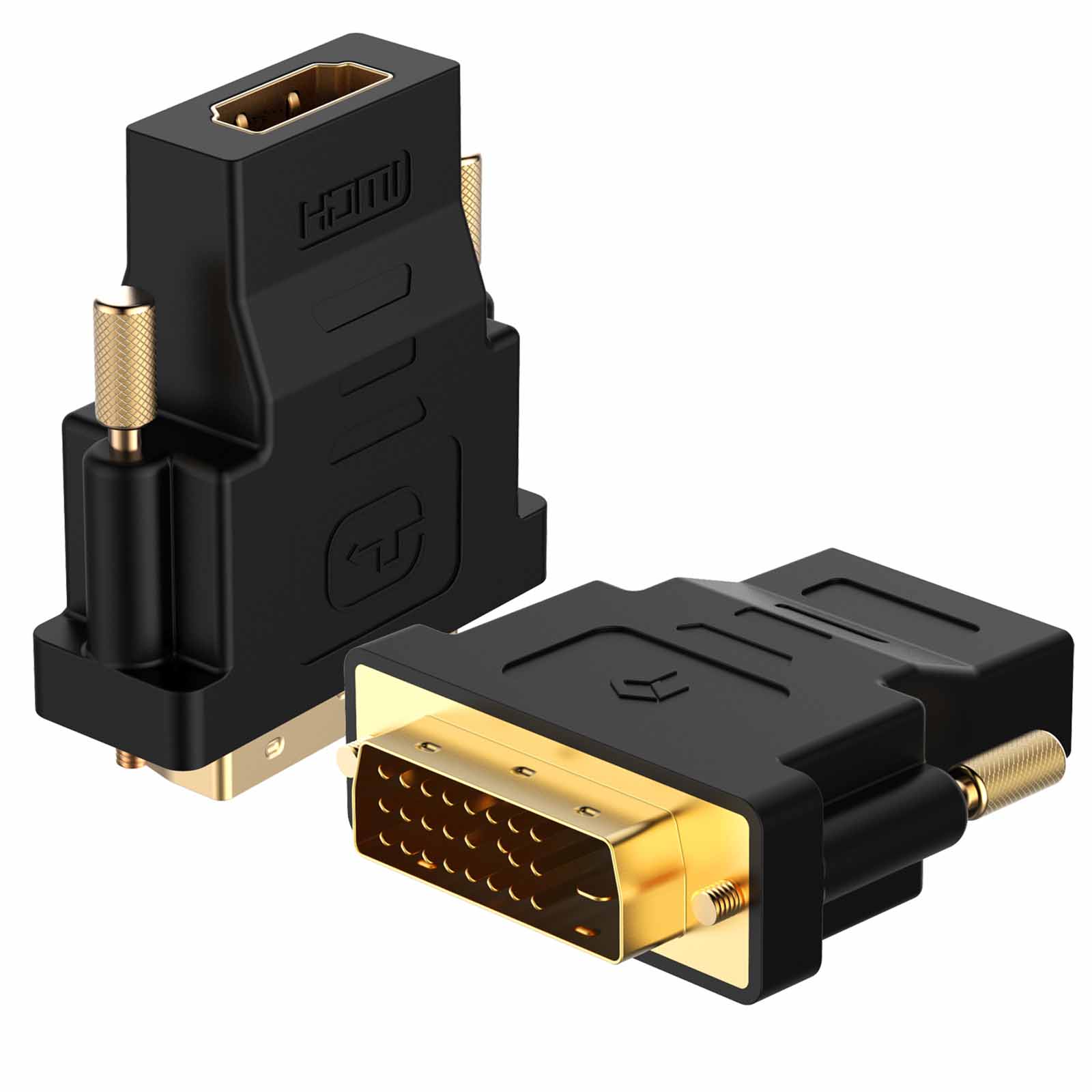
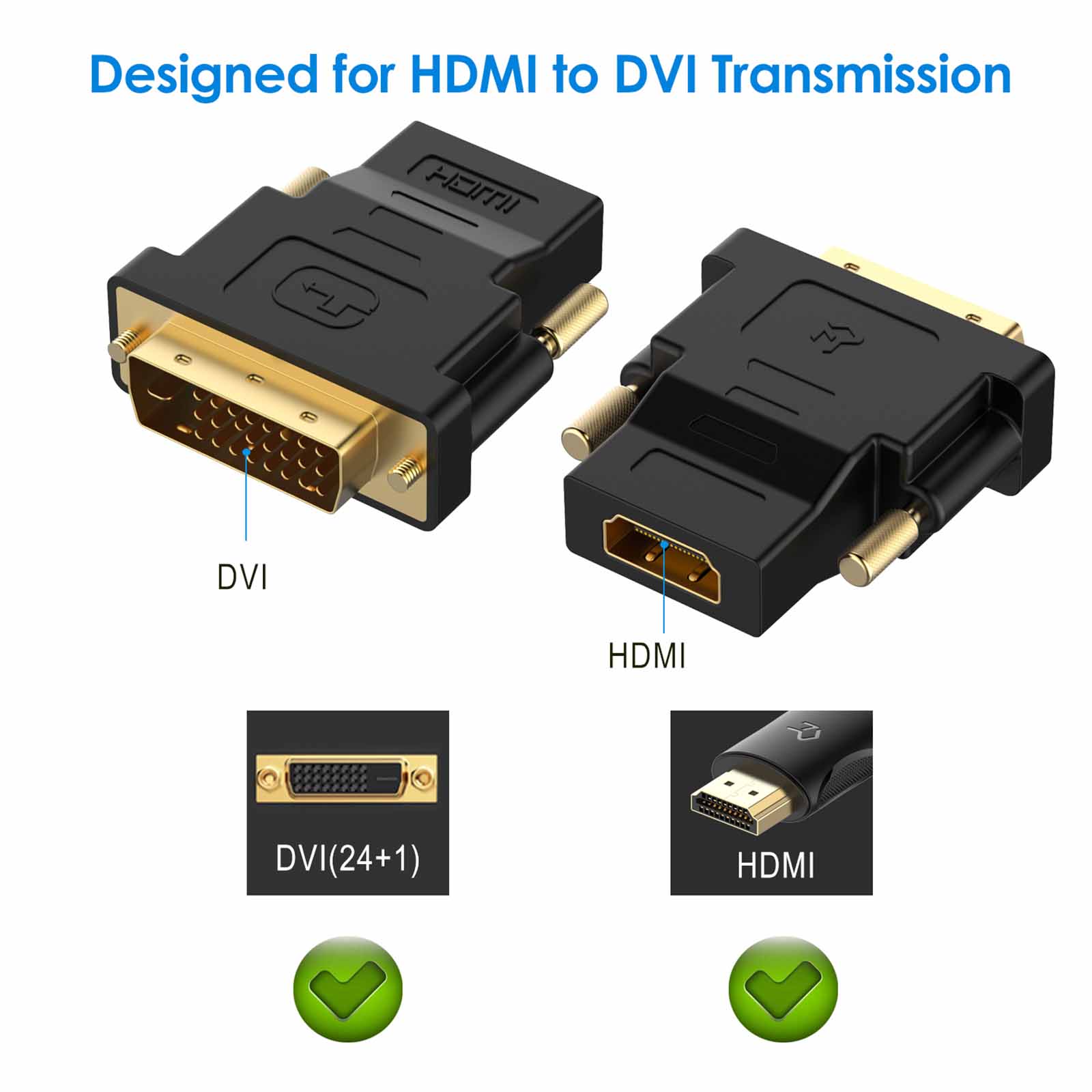
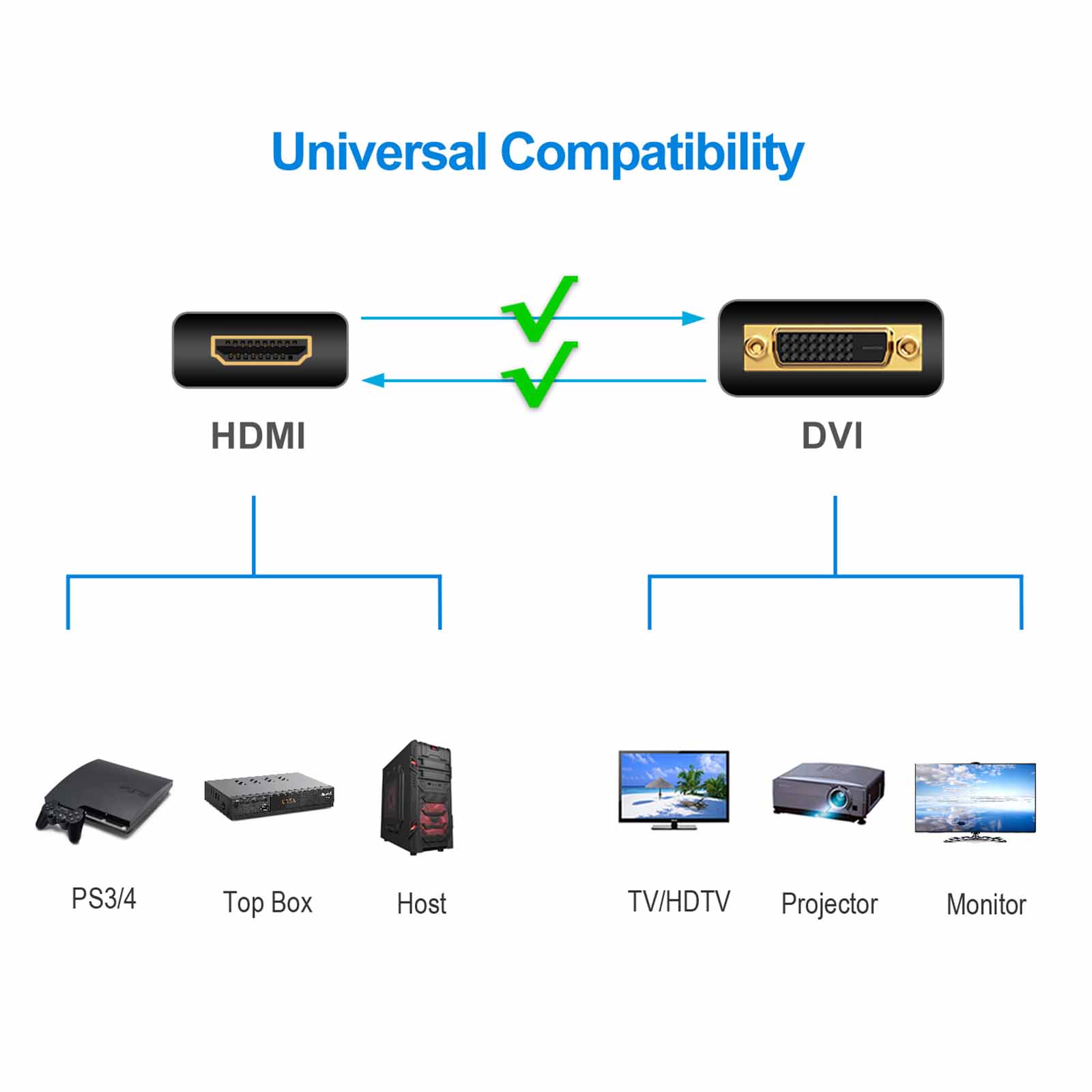
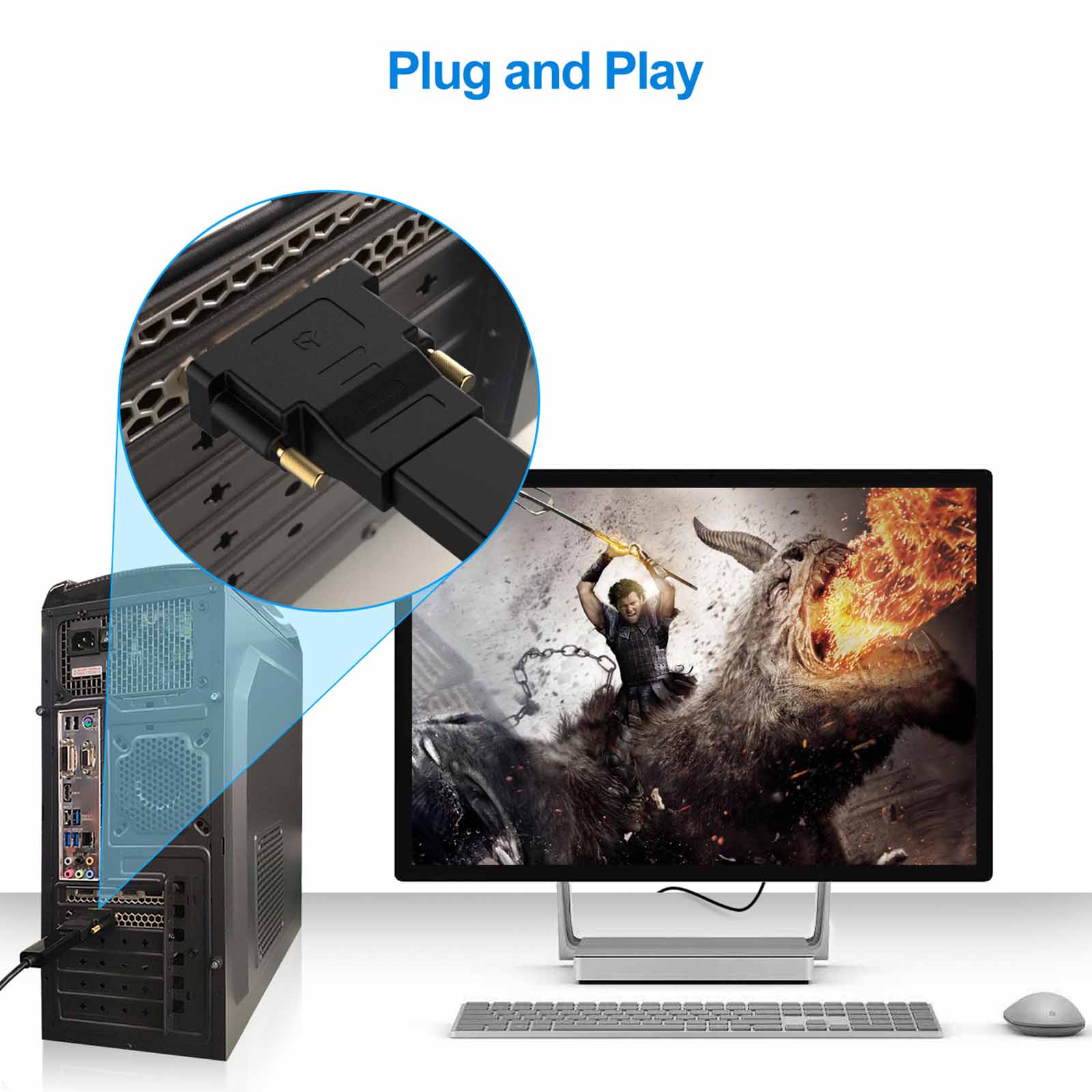
Does not support 144Hz. The bi-directional HDMI-DVI adapter is a great solution for connecting from a computer with DVI port to a monitor, HDTV, or projector with HDMI port, or from a computer, Blu-ray player, TV box, or game console with HDMI port to a monitor with DVI port. An HDMI cable (sold separately) is required
Convenient 2-pack HDMI to DVI (24 1) adapters for use at home and carry on the road for office monitor or projector connections. Note: Compatible with BOTH DVI (24 5) Female and DVI (24 1) Female
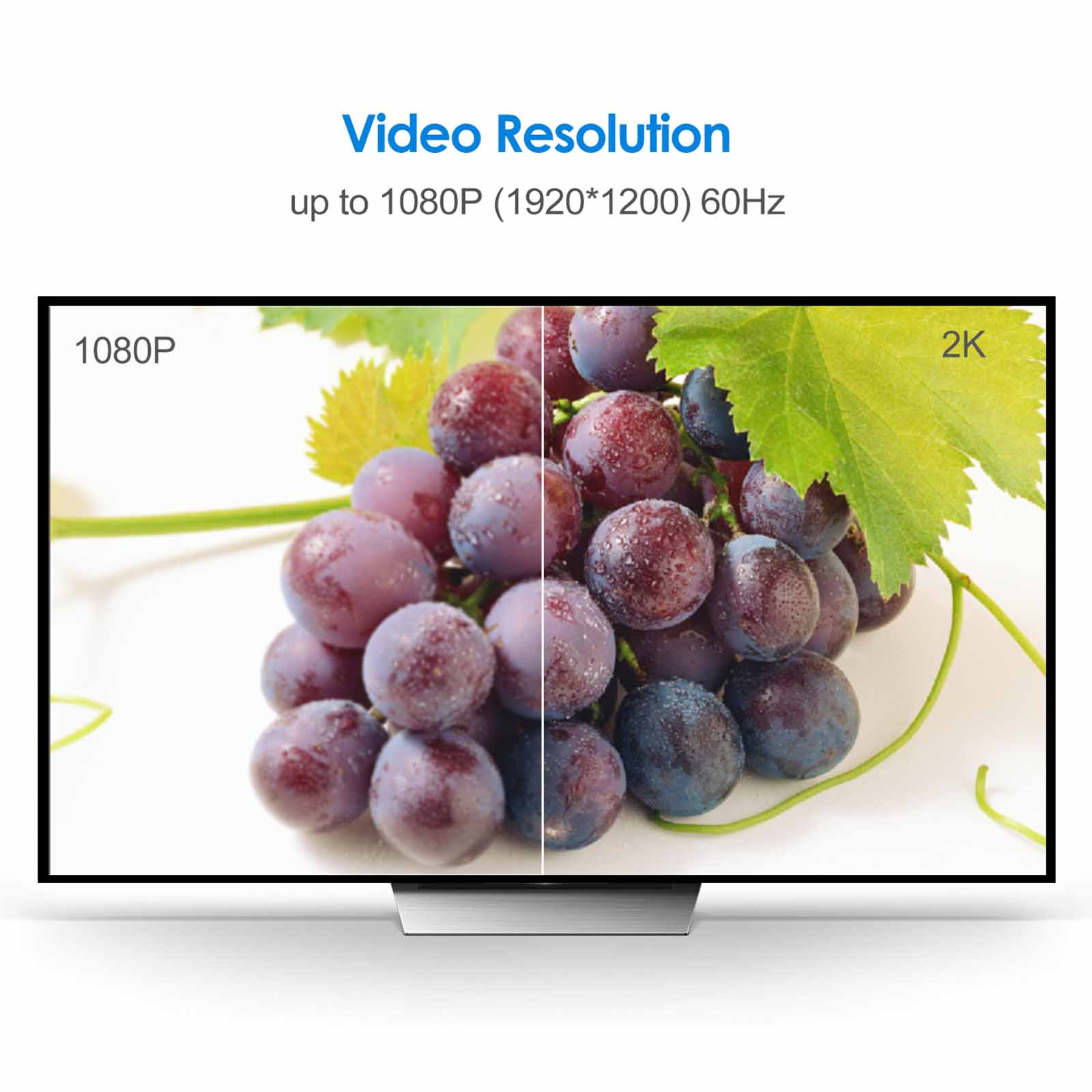
The DVI to HDMI adapter supports video resolutions up to 1920×1200 and 1080p (Full HD). Audio must be transmitted separately
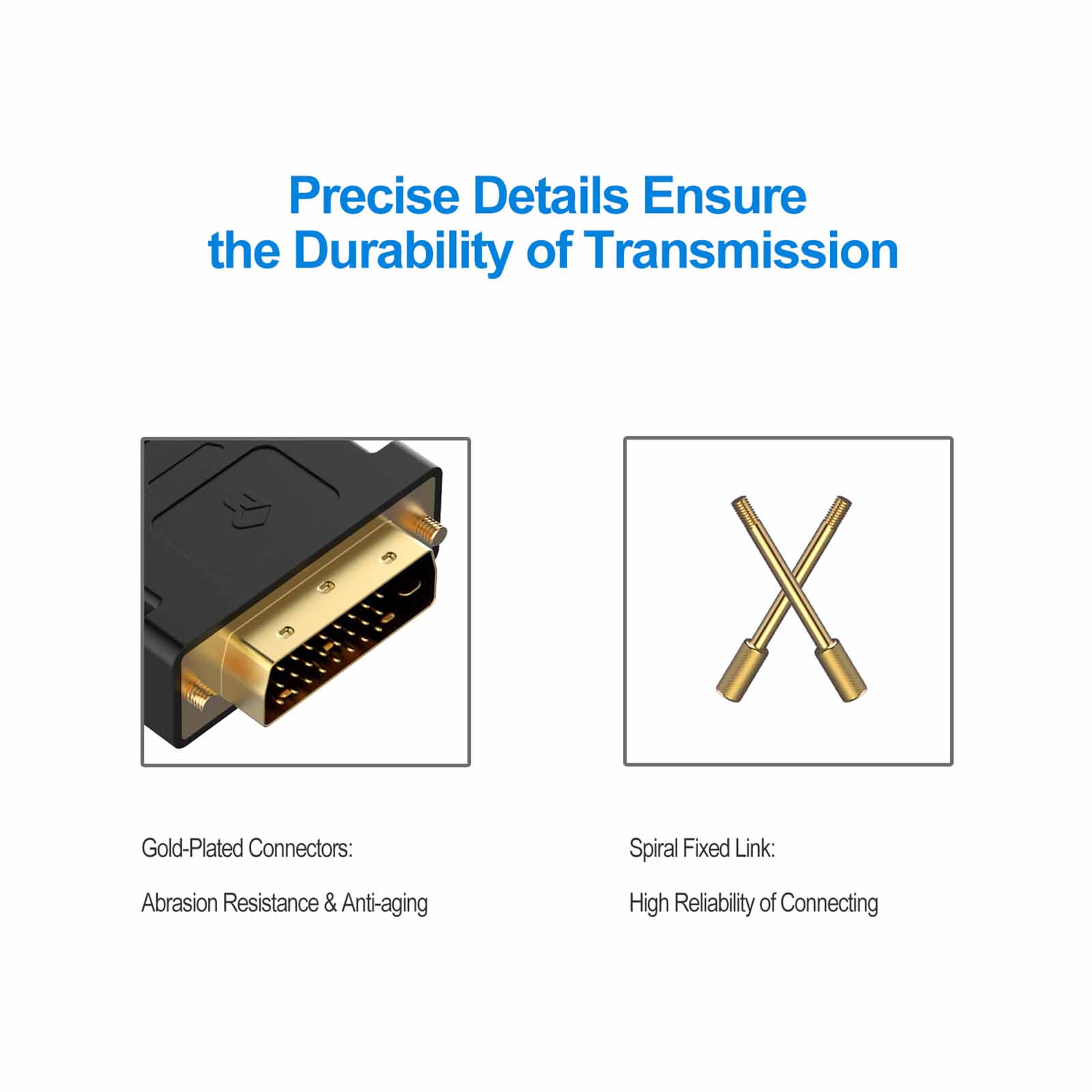
Sturdy DVI-D to HDMI adapter with gold-plated connectors resists corrosion and increases durability
HDMI to DVI-D adapter with grip treads helps plugging and unplugging ; hand-tightened screws provide a secure connection

Avy –
excellent good fitting
Mutasim –
My monitor only has a DVI port on it. With this adapter. I was able to connect my graphics card to the monitor via HDMI. I wish there were screw holes for tightening down the adapter. but it’s no biggie.
Raymond Eden –
Great quality
Mohamed –
With these two converters. I could use two monitors which include DVI with HDMI cables
AKSHAY GUPTA –
Good product!
Kindle Customer –
Really pleased with this adapter.Used it to connect a laptop to a small Dell monitor.Originally had a VGA to HDMI adapter but the picture quality was poor but this is much better and clearer.Good price
HerculesMike –
Good shipping and on time with order. Product works good and does exactly what I purchased it for.
JRE –
With working from home. I now have a works laptop and my own personal laptop and one 27″ monitor. The monitor only has one of each connection on the back – HDMI. DVI and another (I forget what it’s called). Both laptops only have HDMI output. so I have connected one to the HDMI in and one to the DVI in with this adapter. With the input of the monitor set to auto. as soon as I shut my works laptop down. I simply power my own up and it automatically connects and displays. Quality connection and a lot cheaper than a HDMI splitter. still gives as high a resolution as my laptop will display too (1920*1080).
Pongo –
Works fine
Howard841 –
I have a USB docking station that can connect to 2 monitors. one via HDMI and the other via DVI but both of my monitors are HDMI hence the adapter. Works great. Cheaper than buying another USB docking station