

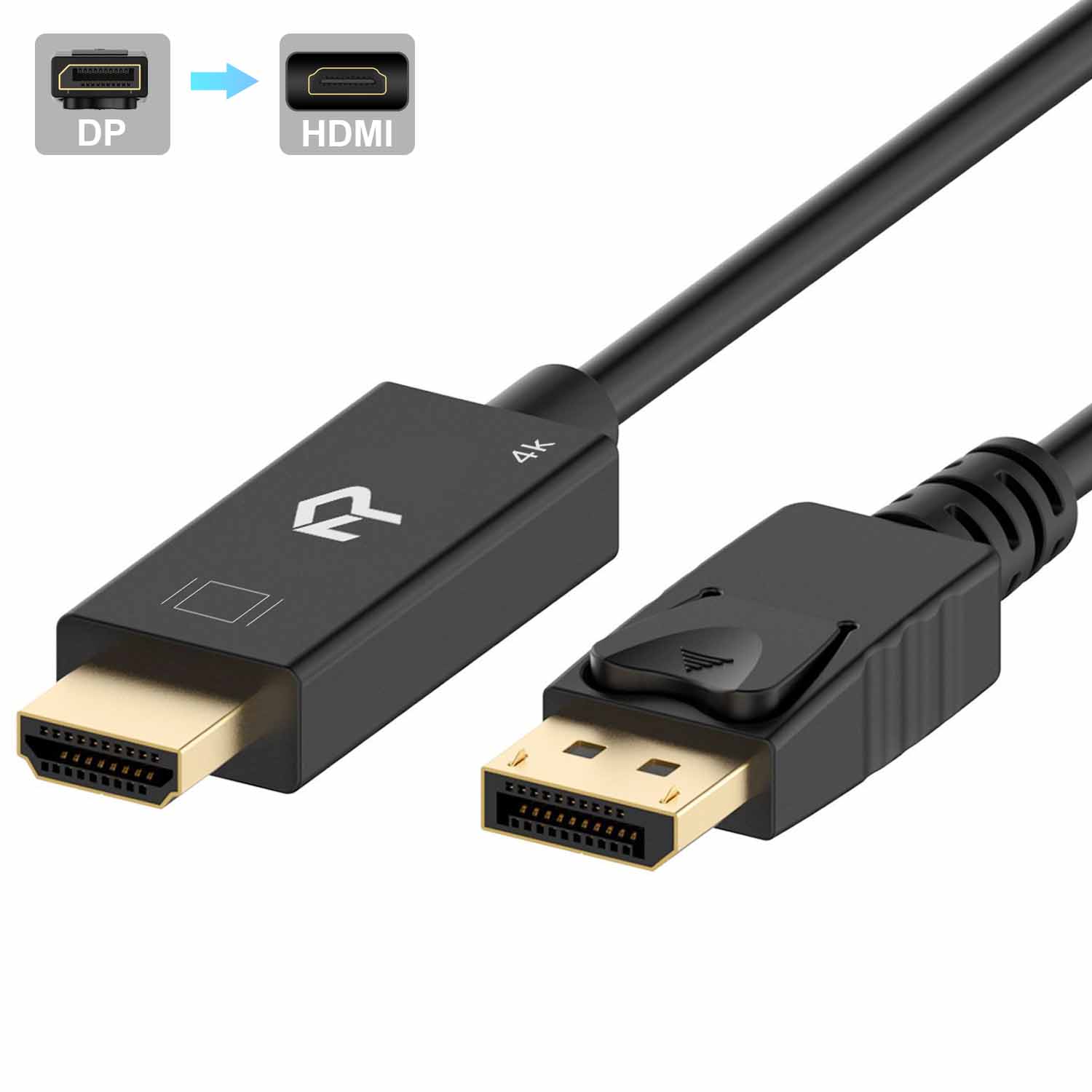
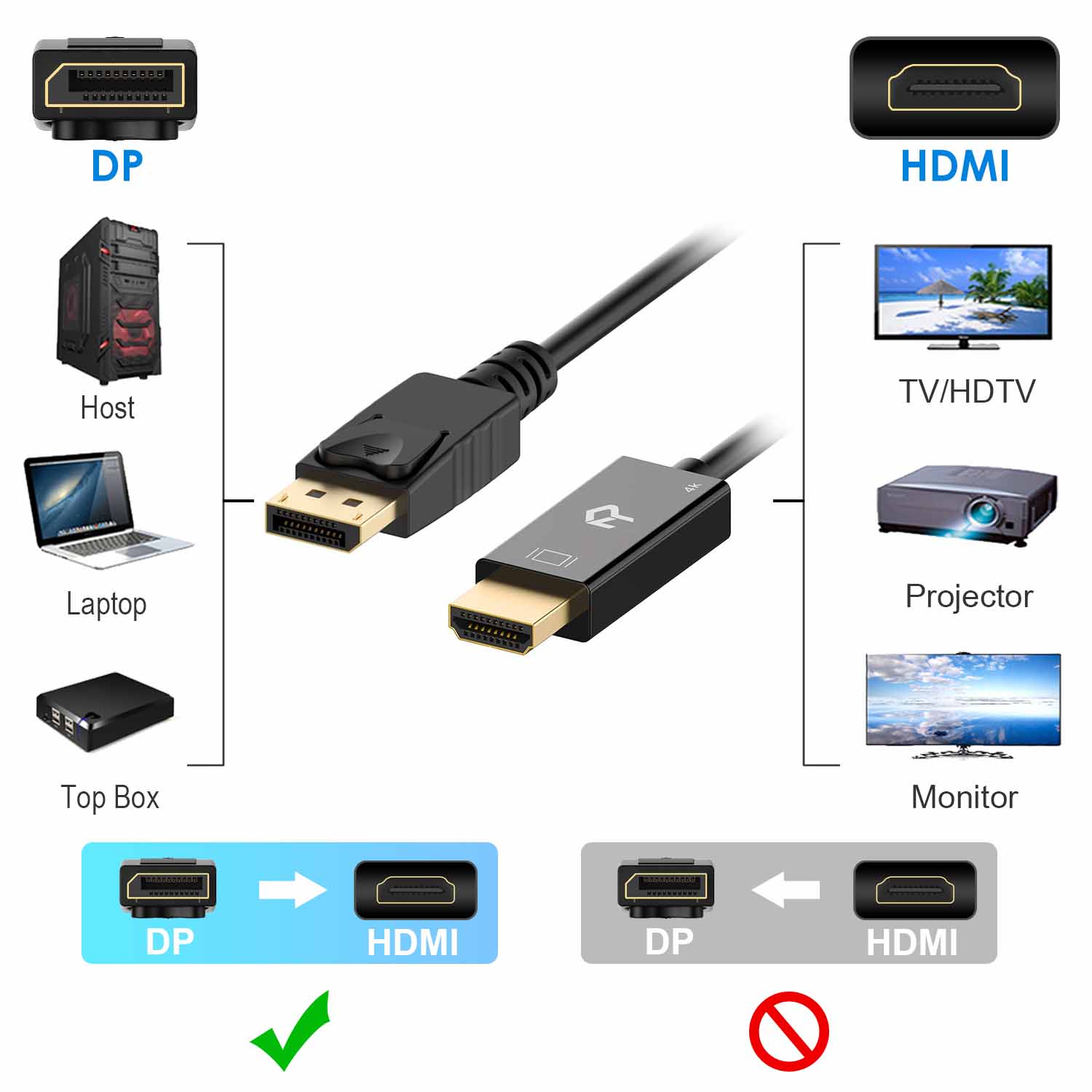

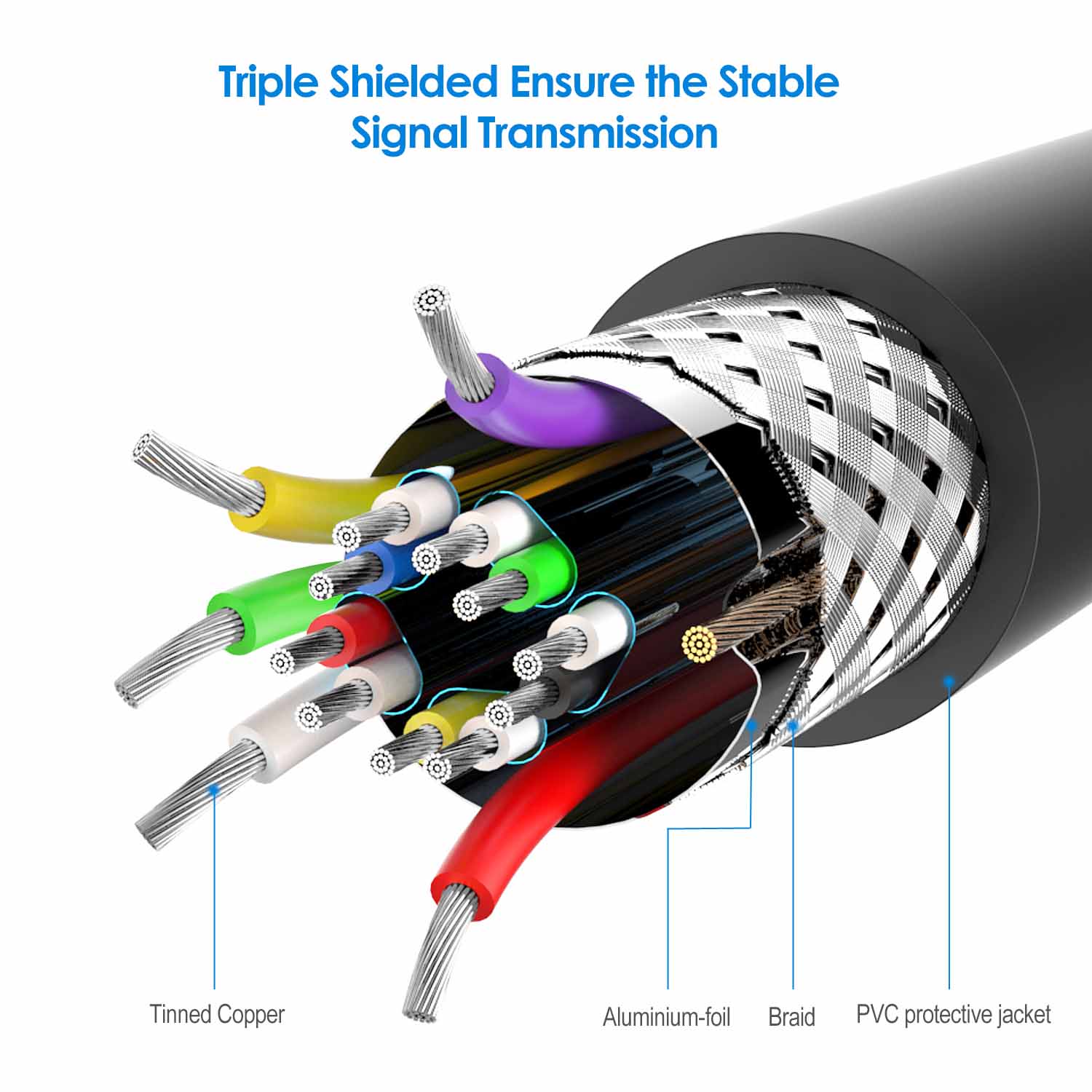
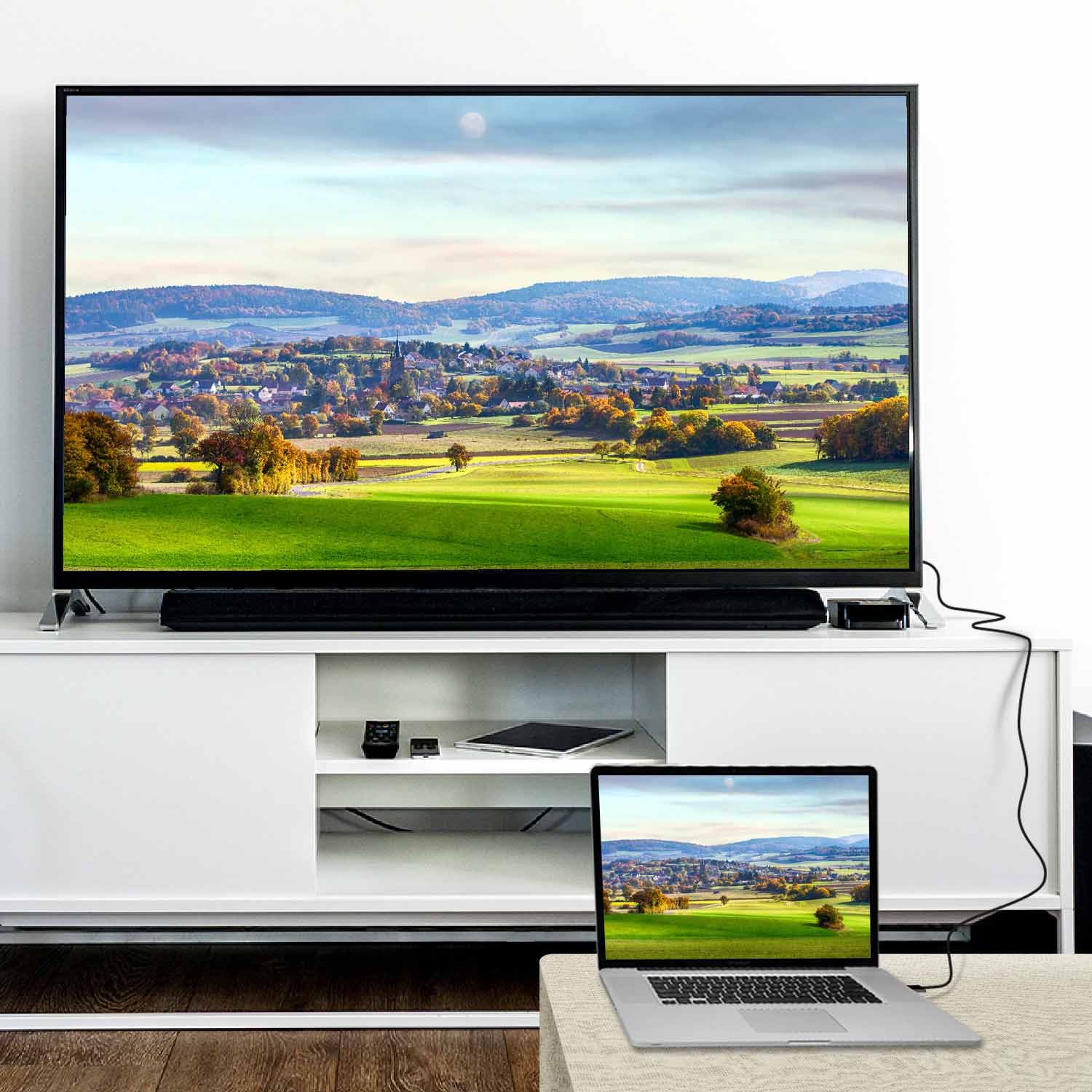
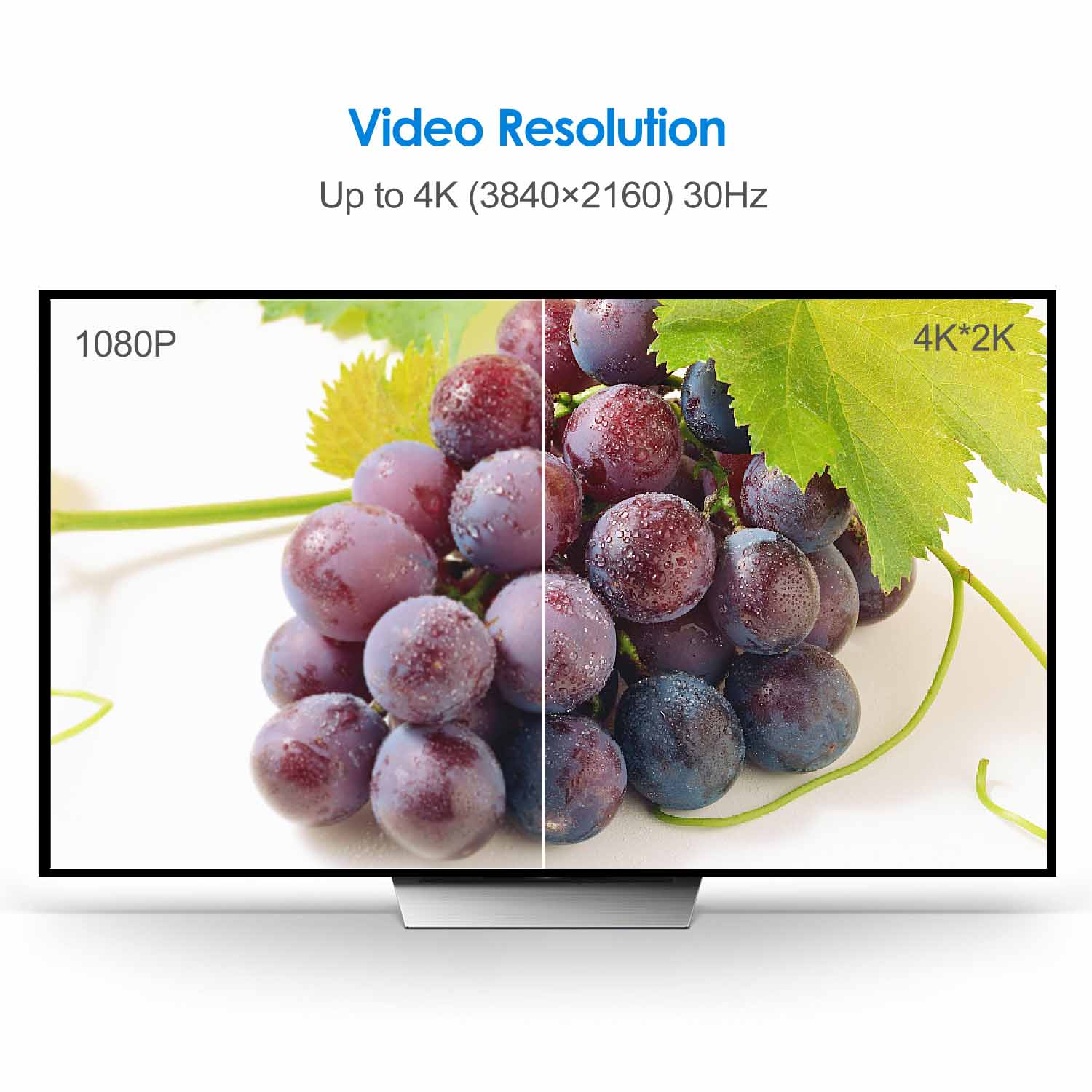
Rankie DisplayPort (DP) to HDMI Cable, 4K Resolution Ready
Price range: $13.99 through $16.99
| Size | 6 Feet, 10 Feet, 15 Feet |
|---|
3780 reviews for Rankie DisplayPort (DP) to HDMI Cable, 4K Resolution Ready
Related products
-
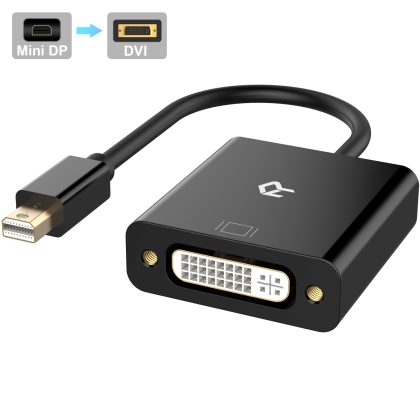
Rankie Mini DP to DVI, Gold 1080P Plated Mini DisplayPort (Thunderbolt Port Compatible) to DVI Male to Female Adapter Converter (Black)
$11.99 -
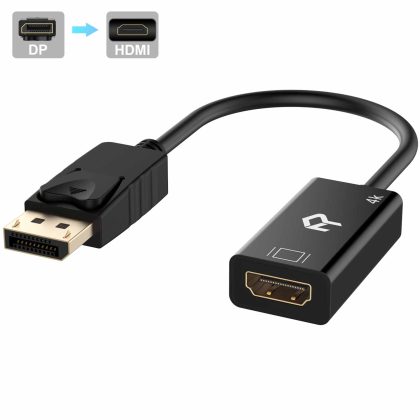
Rankie DisplayPort (DP) to HDMI Adapter, 4K Resolution Ready Converter with Audio (Black)
$12.99 -
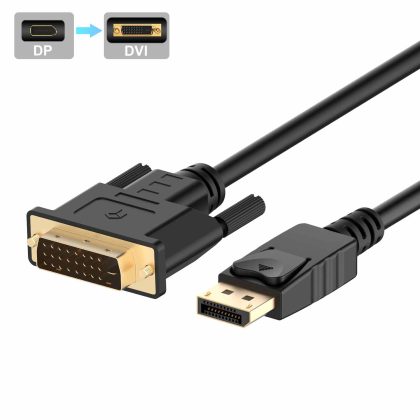
Rankie DisplayPort (DP) to DVI Cable, Gold Plated
-
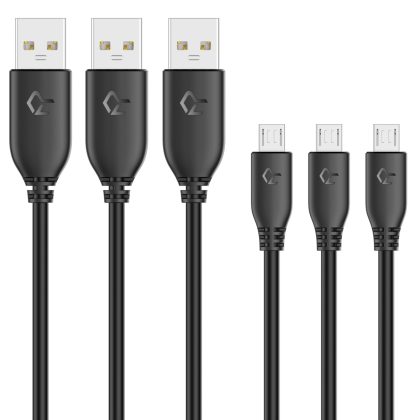
Rankie 3-Pack 3ft Micro USB Cable High Speed Data and Charging (Black)
$11.99
Deen Tuggle –
Works great!
Boyd –
Works as it should. No complaints
Mjsosins –
Works as expected to connect a PC with DisplayPort to a monitor with HDMI.
Douglas Ader –
Had no issues with this cable. Both ends fit really snug into the ports which is really important with these types of cables.
Jhonatan –
It really works I really liked being able to use my tv as a 2 monitor thanks to the DP to HDMI cable.
Starlight –
Swapped this for my main monitor. Works perfectly
Michael H. –
Seems to be a quality produce. Performs as advertised. Time will tell.
Ramon Alejandro Gonzalez –
Good product !!
Jay Berkenbilt –
I have two identical monitors with HDMI input and a motherboard with built-in Intel video containing one HDMI port and one Displayport. I was previously using a displayport to HDMI adapter and an HDMI cable to one of the monitors. The adapter worked but the monitor would periodically flicker and when it came out of power saver mode it would 5 or 10 seconds to wake up often flickering for a while afterwards. When I switched to this cable the two monitors work equally well. I run Linux. The monitor on the other end of this cable presents itself as HDMI-2 whereas with the old DP to HDMI adapter it presented itself as DP-1. The other monitor connected with an HDMI to HDMI cable presents as HDMI-1. I am guessing from this that this cable is doing a more sophisticated signal translation such that the monitor actually thinks its talking to an HDMI device. I don’t know if that’s the reason for the increased stability but it’s interesting to note.
Ben Smith –
Worked great for my second computer monitor