

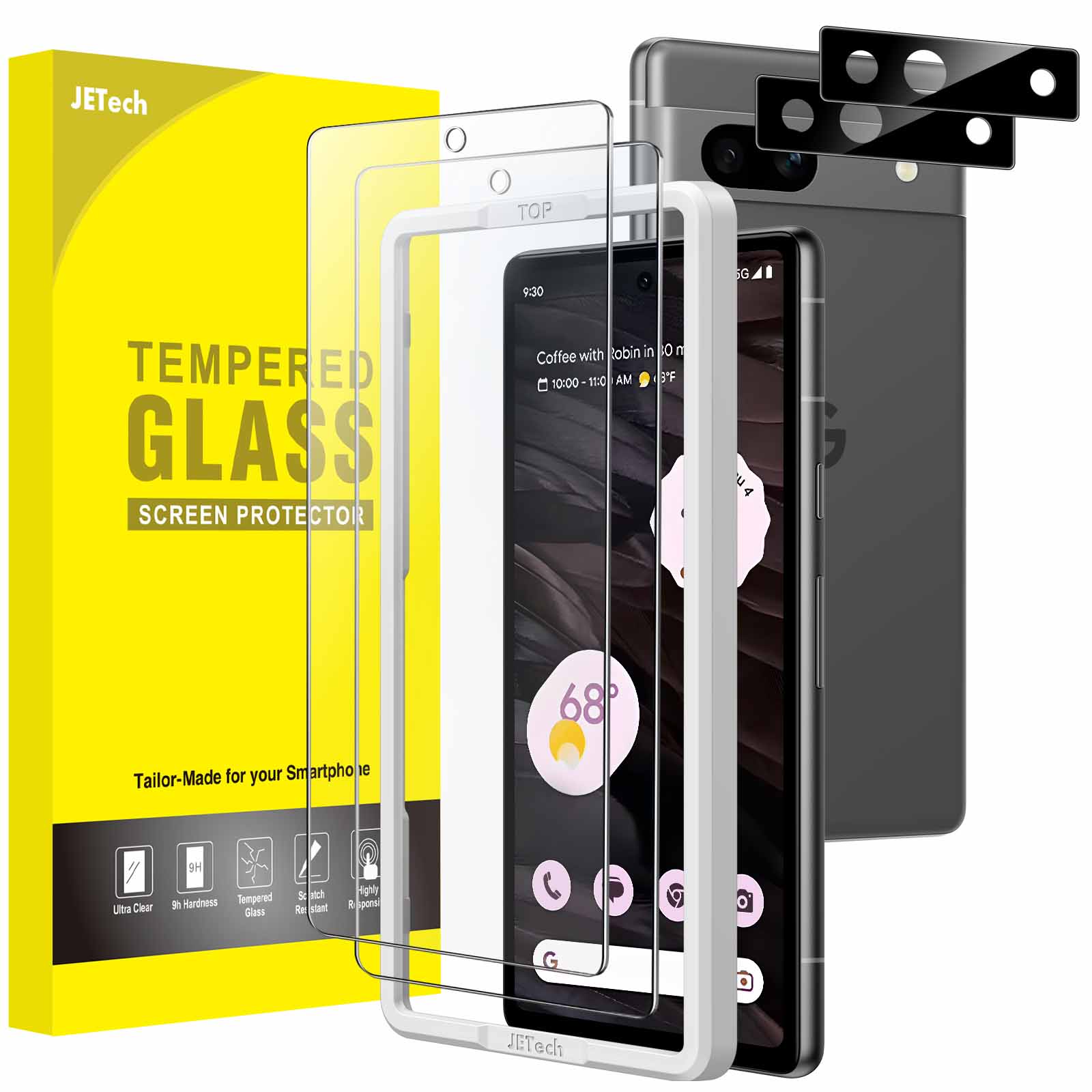
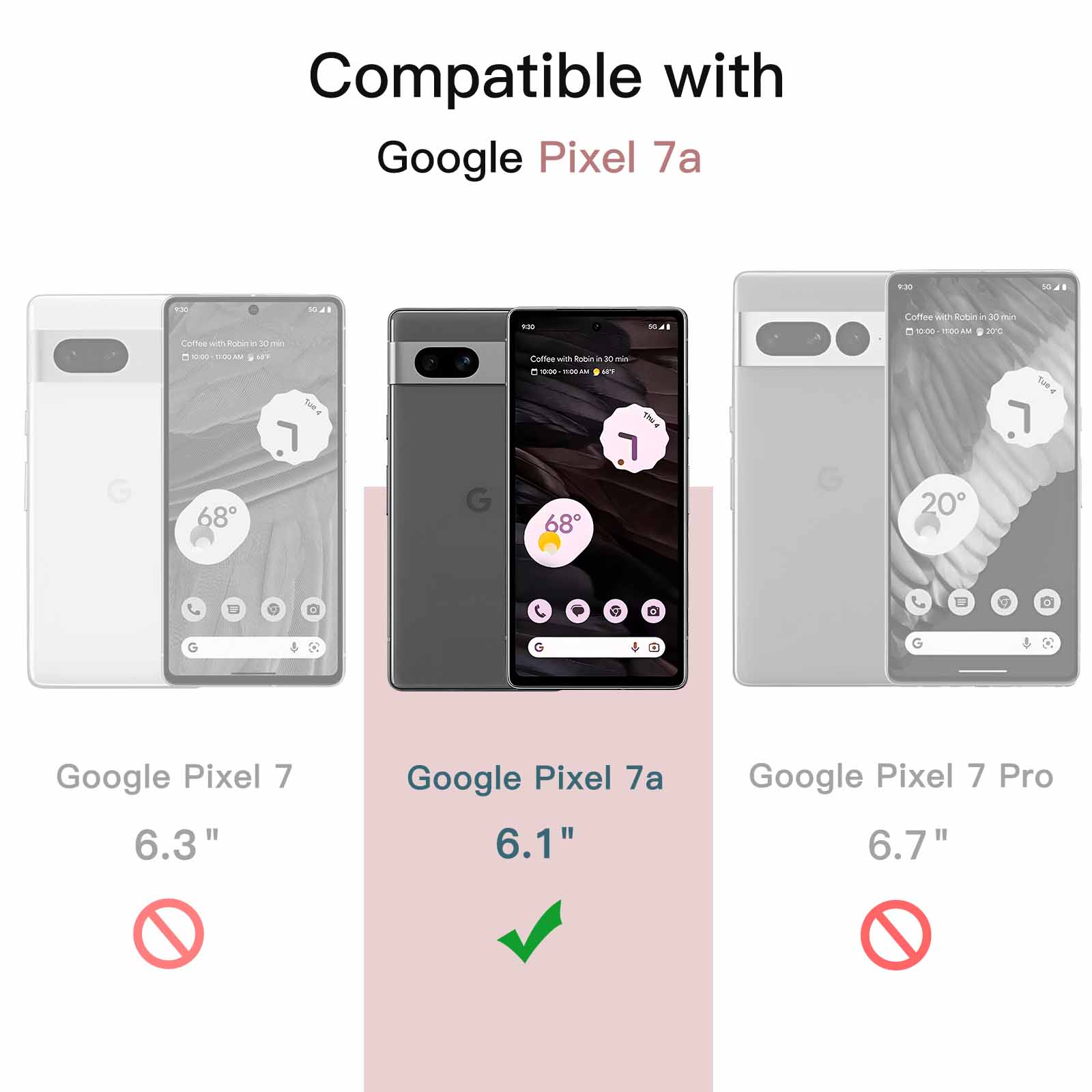
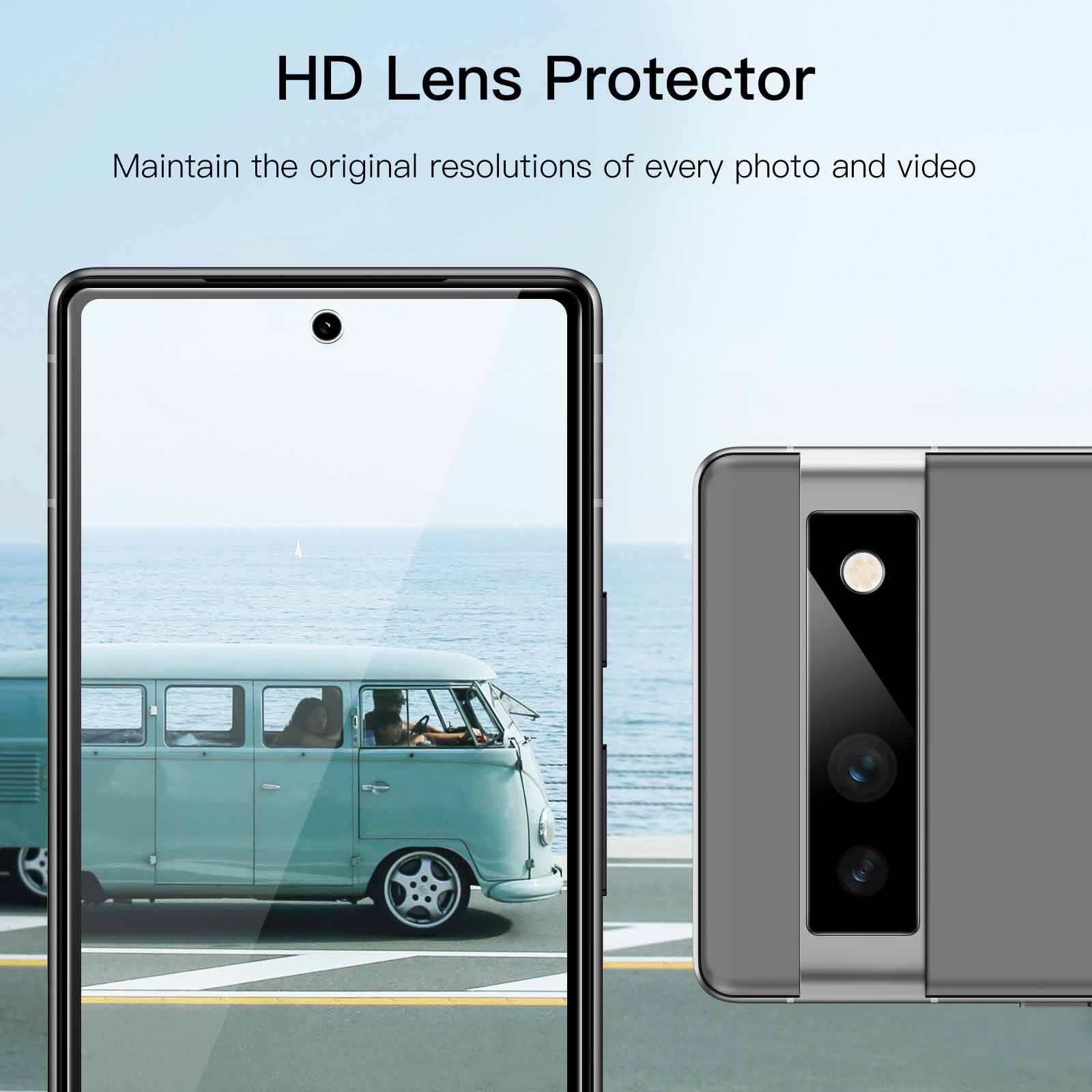
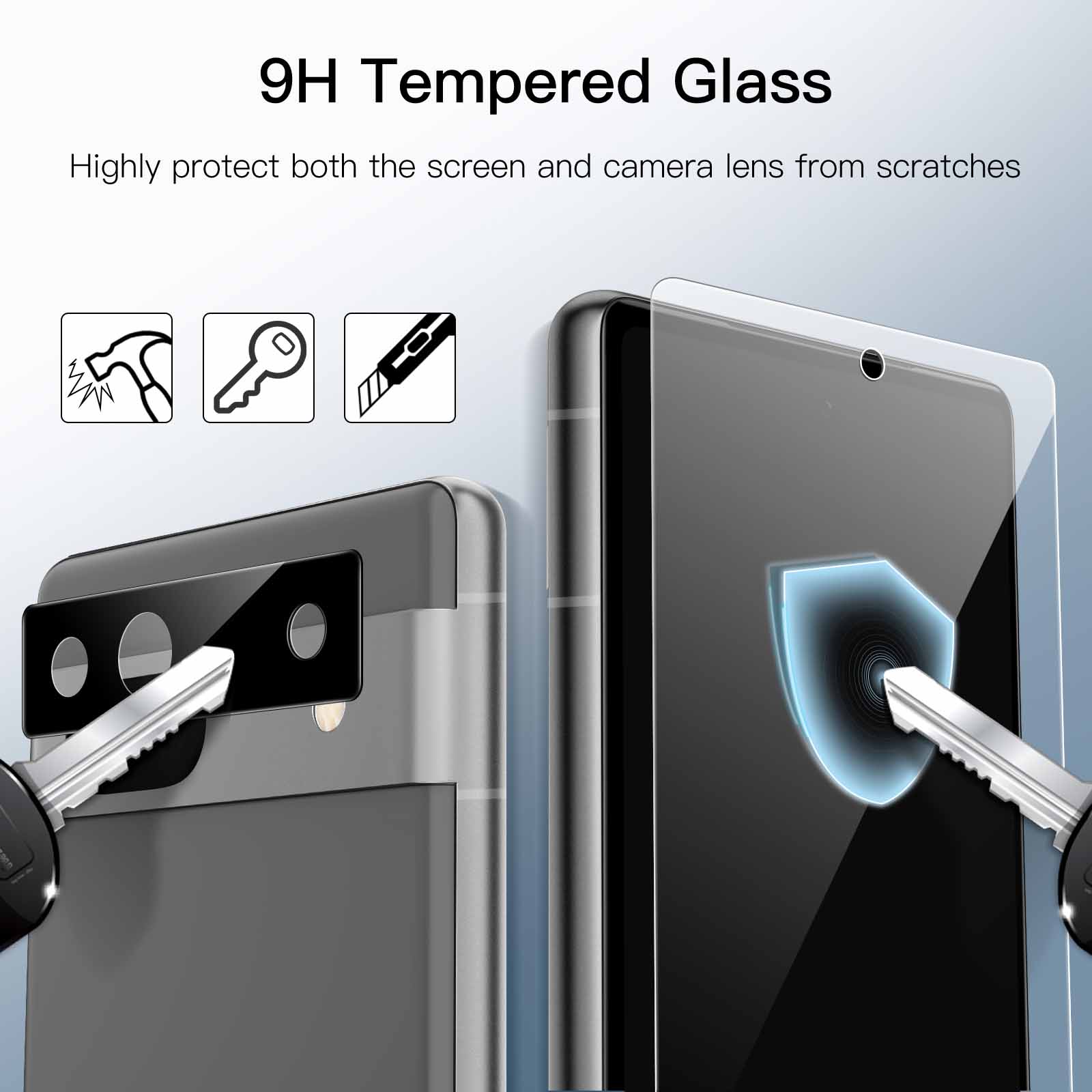
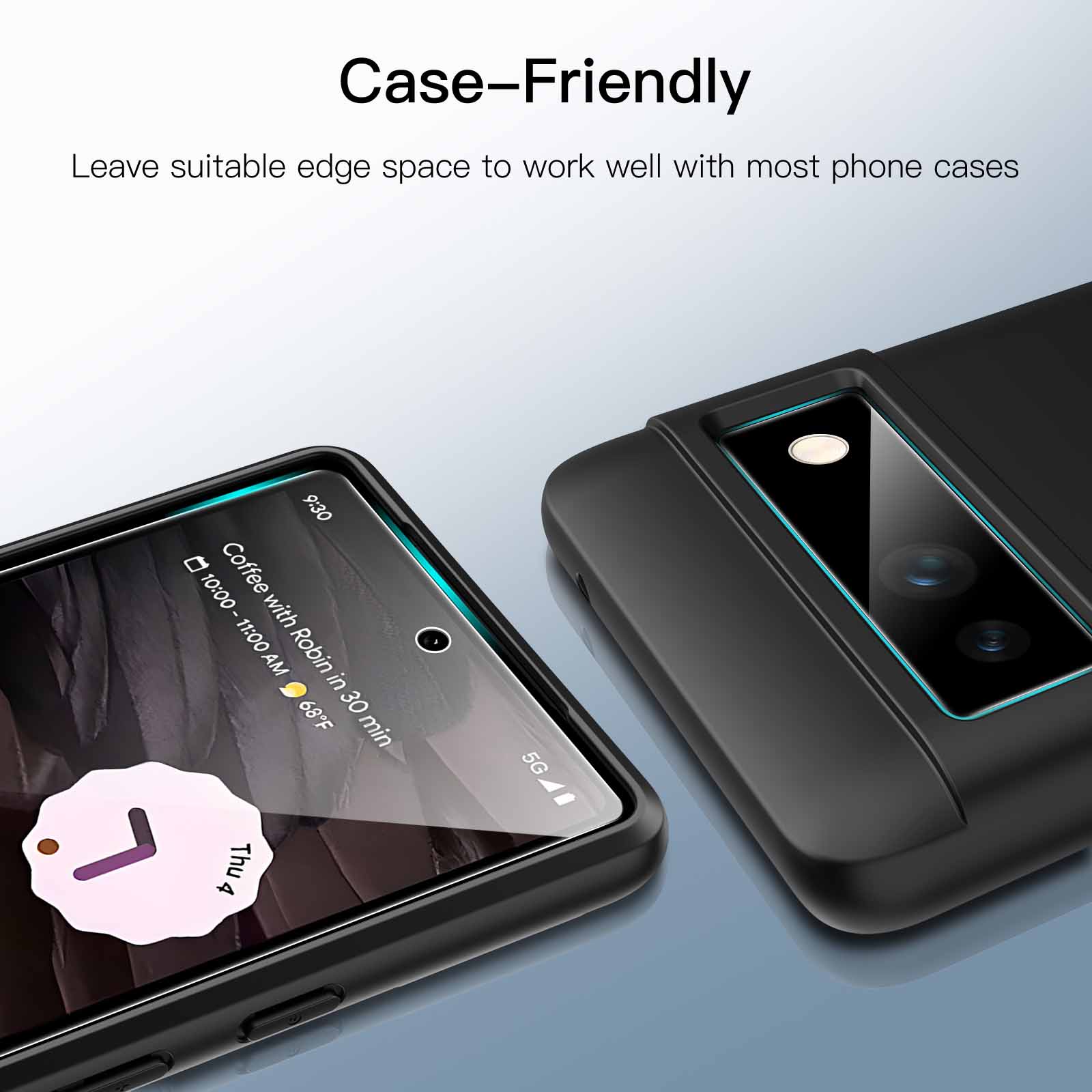
JETech Screen Protector for Google Pixel 7a 6.1-Inch with Camera Lens Protector, Easy Installation Tool, Fingerprint Compatible, Tempered Glass Film, HD Clear, 2-Pack Each
$12.99
In stock
| Feature | Tempered Glass Film |
|---|
79 reviews for JETech Screen Protector for Google Pixel 7a 6.1-Inch with Camera Lens Protector, Easy Installation Tool, Fingerprint Compatible, Tempered Glass Film, HD Clear, 2-Pack Each
Related products
-
JETech Screen Protector for Smartwatch Fitbit Versa 4/Sense 2, Anti-Scratch Flexible TPU Film, HD Clear, 6-Pack
$11.99 -
JETech Screen Protector for Google Pixel 9 Pro XL with Camera Lens Protector, Easy Installation Tool, Fingerprint Compatible, Tempered Glass Film, HD Clear, 2-Pack Each
$11.99 -
JETech Screen Protector for Google Pixel 9 Pro with Camera Lens Protector, Easy Installation Tool, Fingerprint Compatible, Tempered Glass Film, HD Clear, 2-Pack Each
$12.99 -
JETech Screen Protector for Google Pixel 8a 6.1-Inch, Tempered Glass Film with Easy Installation Tool, Fingerprint Compatible, HD Clear, 3-Pack
$11.99
Samantha Still –
Chuffed with this. perfect little set for the price. It seems hard to find a set that comes with protectors for both front screen and the camera. The camera on the back of the 7a is really exposed due to the big glass rectangle and I worry about it breaking but the protectors with these are bang on. easy to smash but will protect you’re actual camera area really well. likewise with the front screen protectors. They’re a bargain really. I can’t fault them. As good of a quality as you can really get. I’ve had problems in the past with screen protectors warming up and sliding off my phone but these stay put and I’d definitely recommend for the price they’re at.
A. S. Tatton-Reid –
Nice fitting screen protector for the 7A..Because the screen curves at the edges where the bezel is the protector only goes to the bezel edge and not to the screen edge..Easy to fit though once you clean and de-dust the screen.
Nondescript –
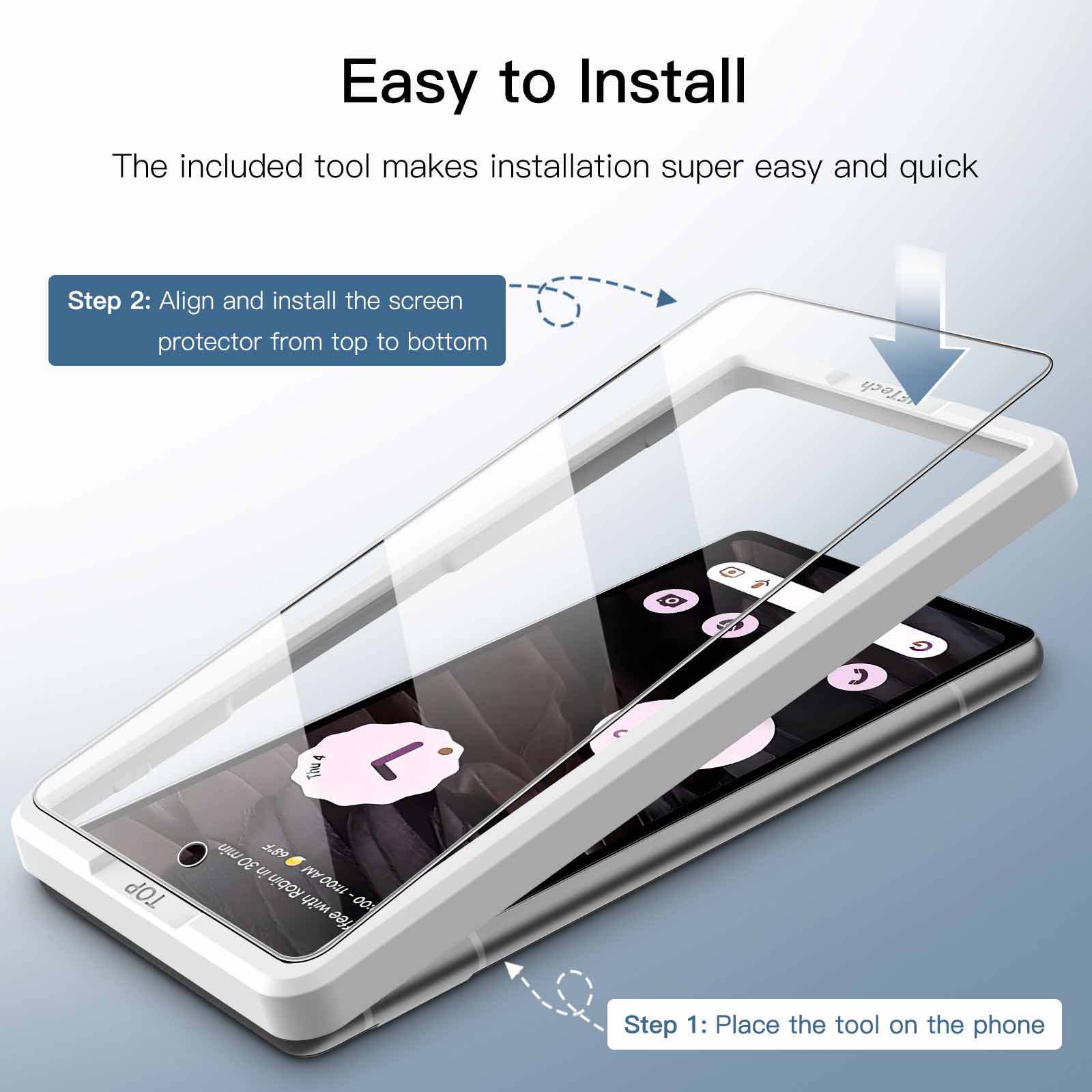
Have used several different protectors over the years. for several different devices. This is the absolute best I ever used. Comes with a plastic guide you place on and the protector goes on perfectly straight (I hate previous types because of OCD/perfectionism. Can’t tolerate crooked. misaligned protectors and air bubbles. This one had air bubbles but they worked out and it’s perfect now. The price is really great too.
AT –
Fits the pixel 7a as intended
Scott –
The guide made it very easy to get protector lined up. A simple swipe down the centre of protector removed all bubbles.
Cassie Kerg –
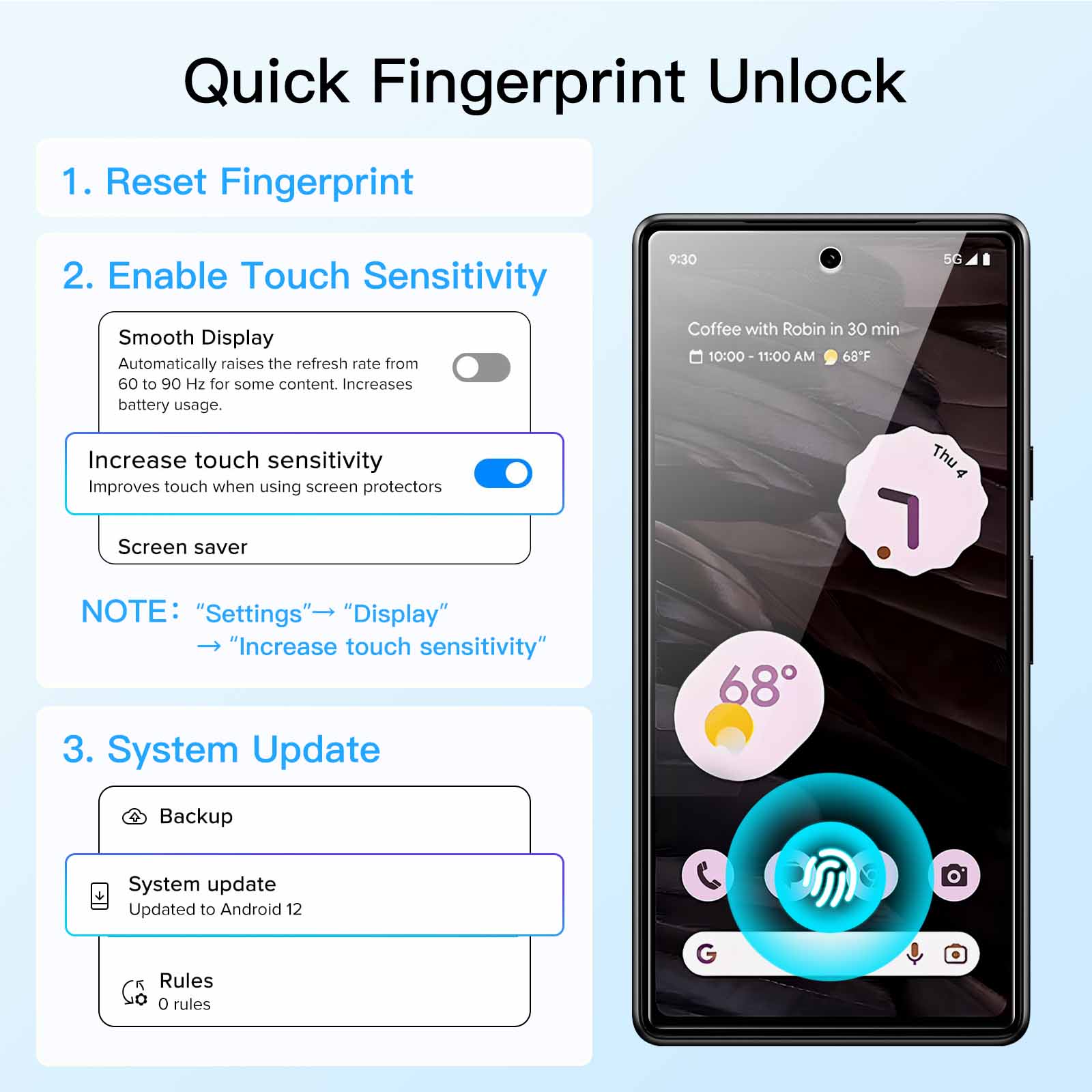
I love this glass. I thought I had air bubbles stuck but left it over night and they were gone. The only situation I have is the fingerprint reader is having problems. I will try to set it up again and hopefully it will read smoothly then.
Pablo –
Good screen protector. good size if you use a case but a bit small if you don’t use one..I have the feeling that it prevents the correct reading of the fingerprint. However. it does the job and so far I haven’t had any problems beyond that..The camera protector is also easy to install and does its job..As always there are wet wipes included for before installing the protector as well as a sticker to remove dust and a small microfibre cloth..There is a great addition that I’ve never seen before. it’s a plastic insert to put the phone in to make sure the protector sticks where it’s supposed to. The phone fits perfectly and so does the protector. This way it is perfectly centred and we avoid problems with the case. as sometimes if it is to one side the case lifts it up. It only works for the screen protector. not for the rear camera protector.
Videoguy –
Easy to install and an excellent product. It came in a brilliant box. There is everything necessary to clean the screen prior to applying the protector itself which was really easy. It aligns perfectly and feels sturdy..overall. it’s easy to put on and fits perfectly.
Rich –
I’m happy with this. The guide made it fairly easy to install. Cleaning pads are supplied to ensure the screen is spotlessly clean before you start. Sadly needed two attempts after a spot of dust found its way under the first protector. The second went on nicely and after some careful smoothing I can see no issues. Set the phone to screen protector mode and reset the fingerprint scanner. It scanner works as well for me as it did without the protector. All good.
Rupert –
These are easy to install and offer good protection. They work with touches and with the on screen fingerprint scanner..The lens covers were a little more tricky to line up perfectly and it took two attempts to get it right. I’ve not got particularly steady hands though.