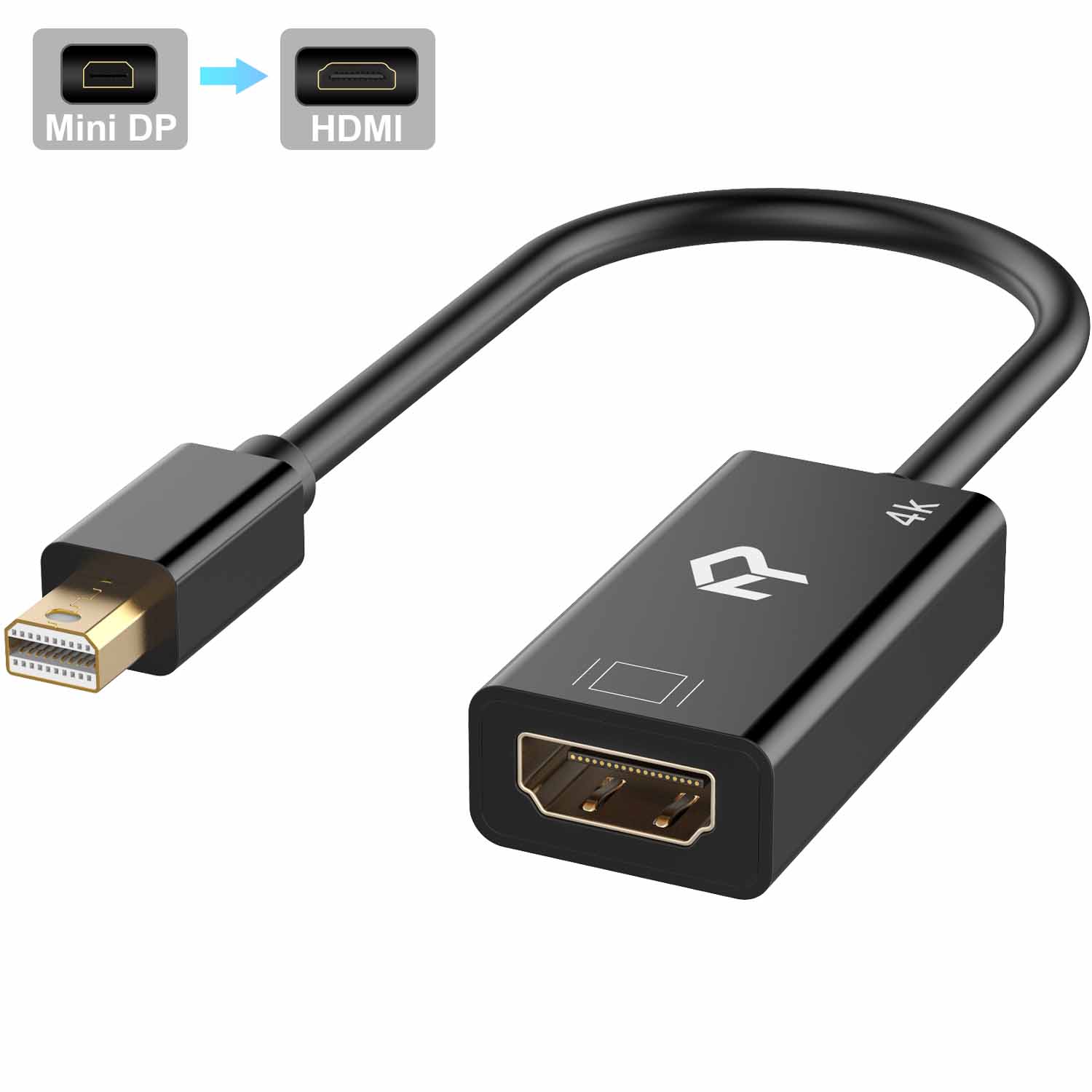
Rankie Mini DisplayPort (Mini DP) (Thunderbolt) to HDMI Adapter (Black)
$13.99
Out of stock
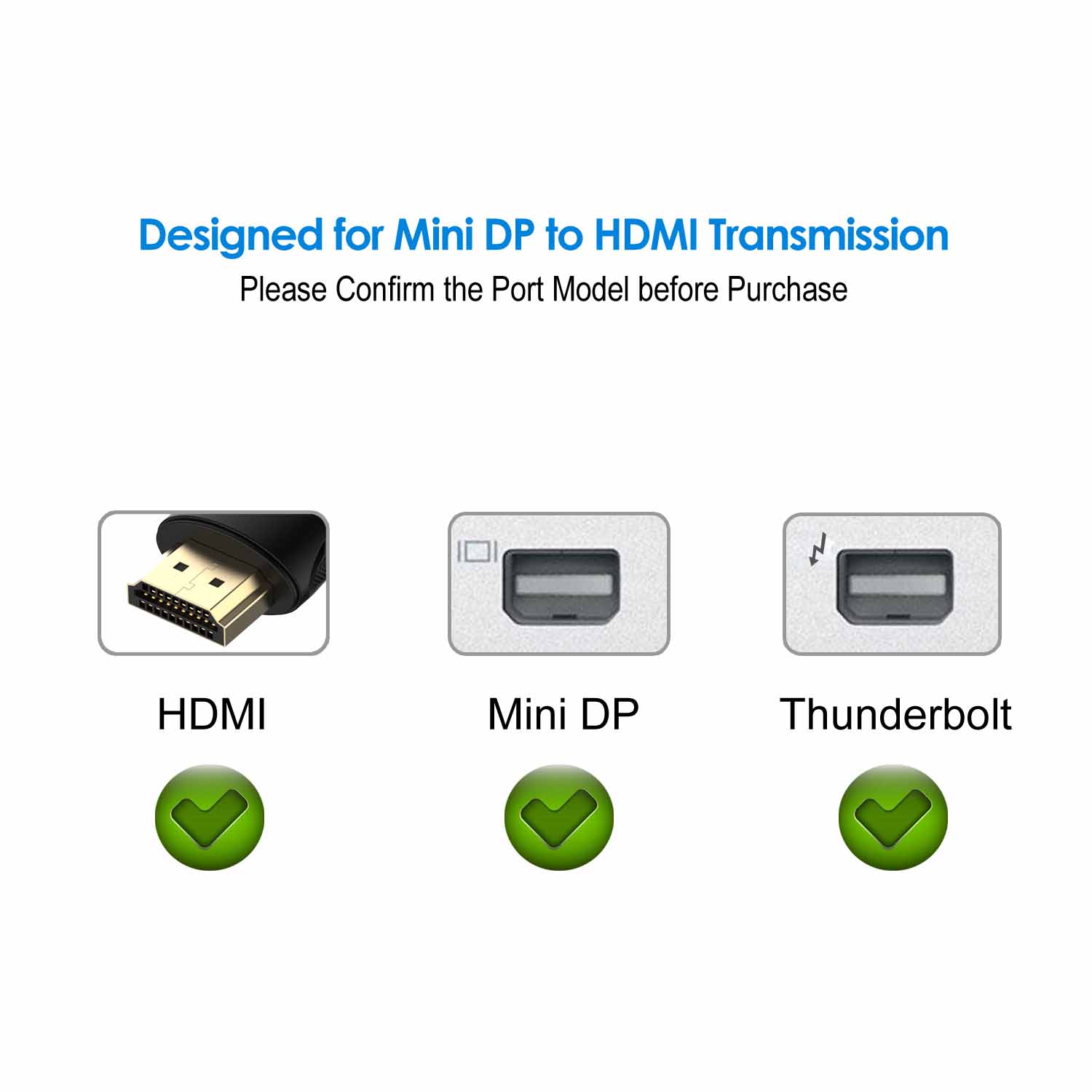
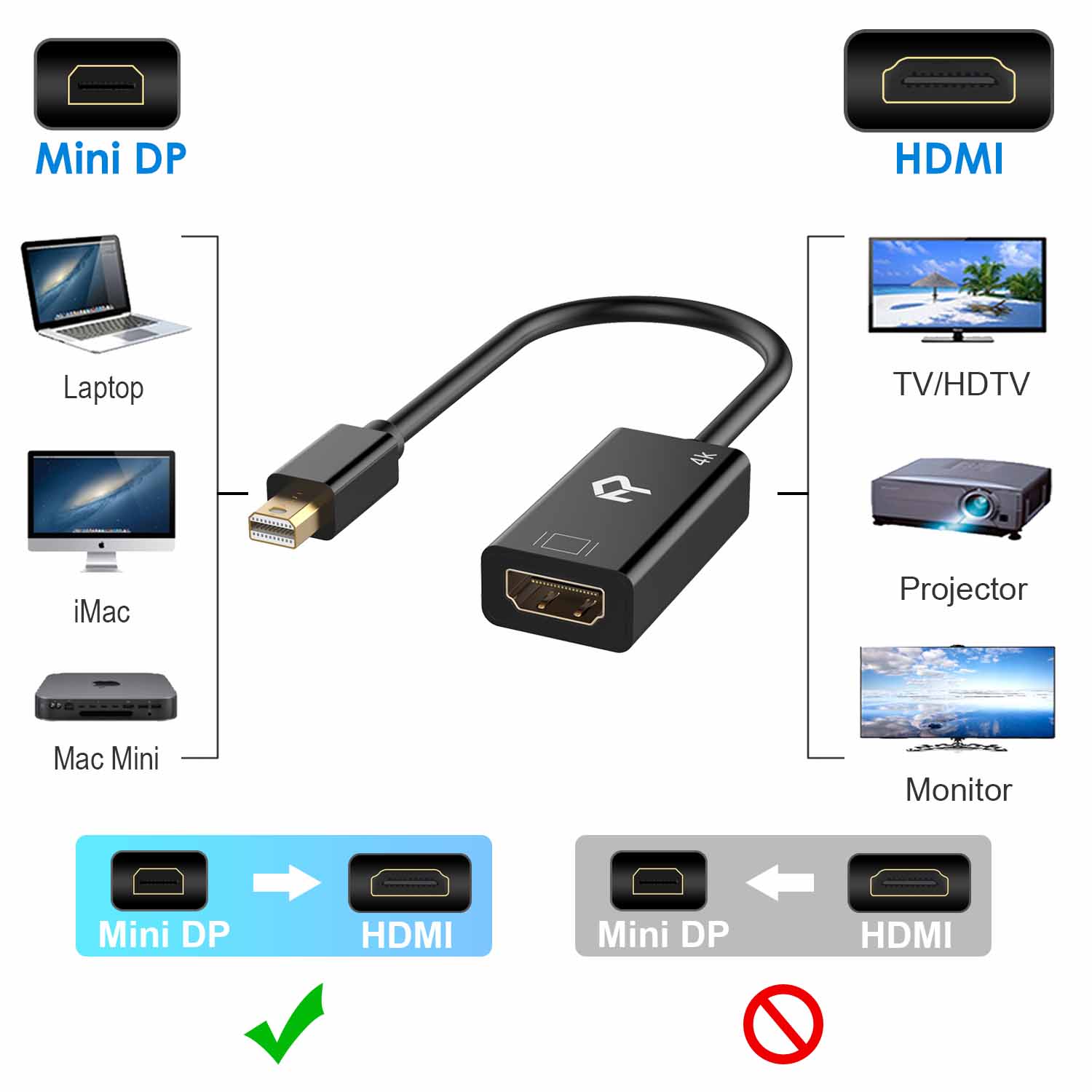
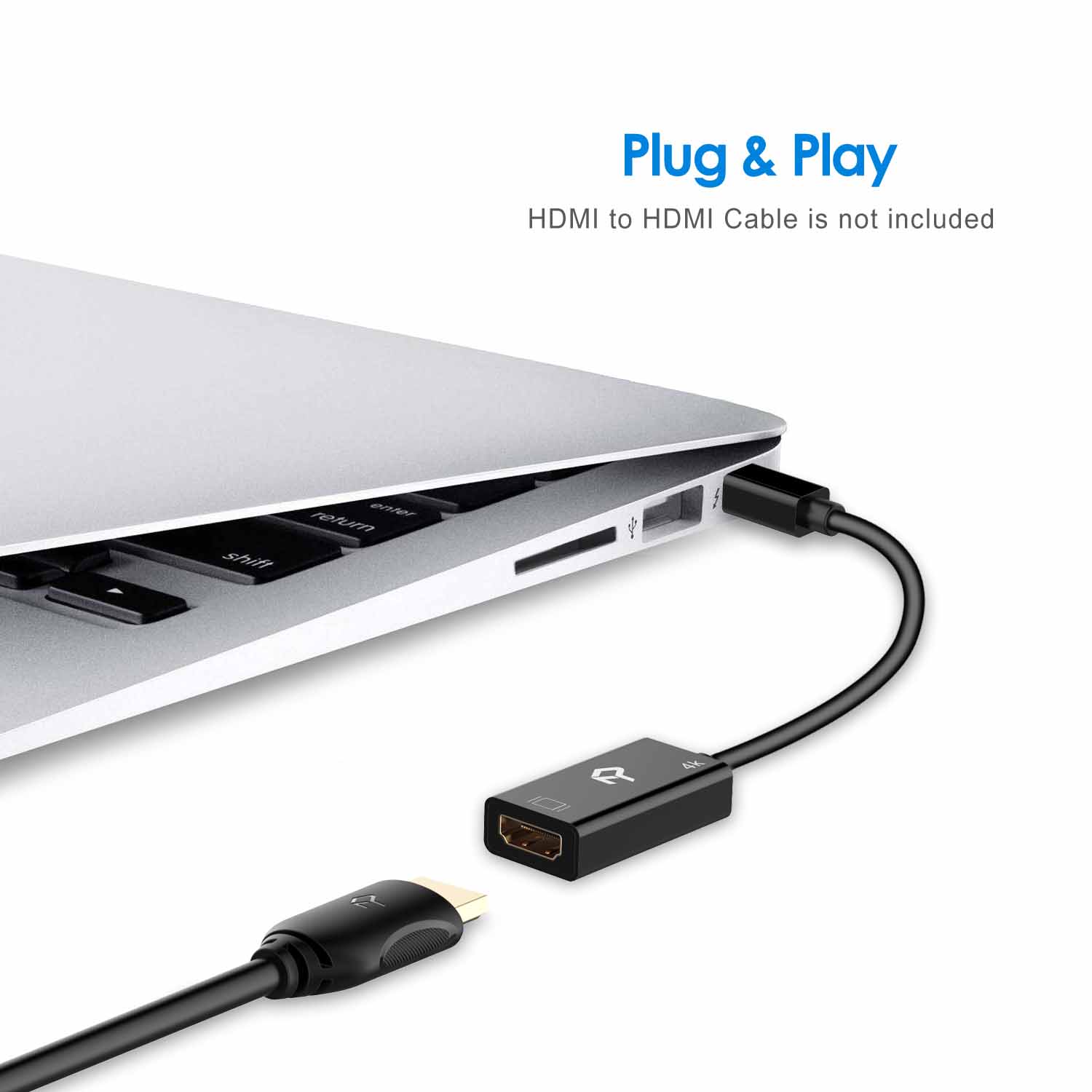
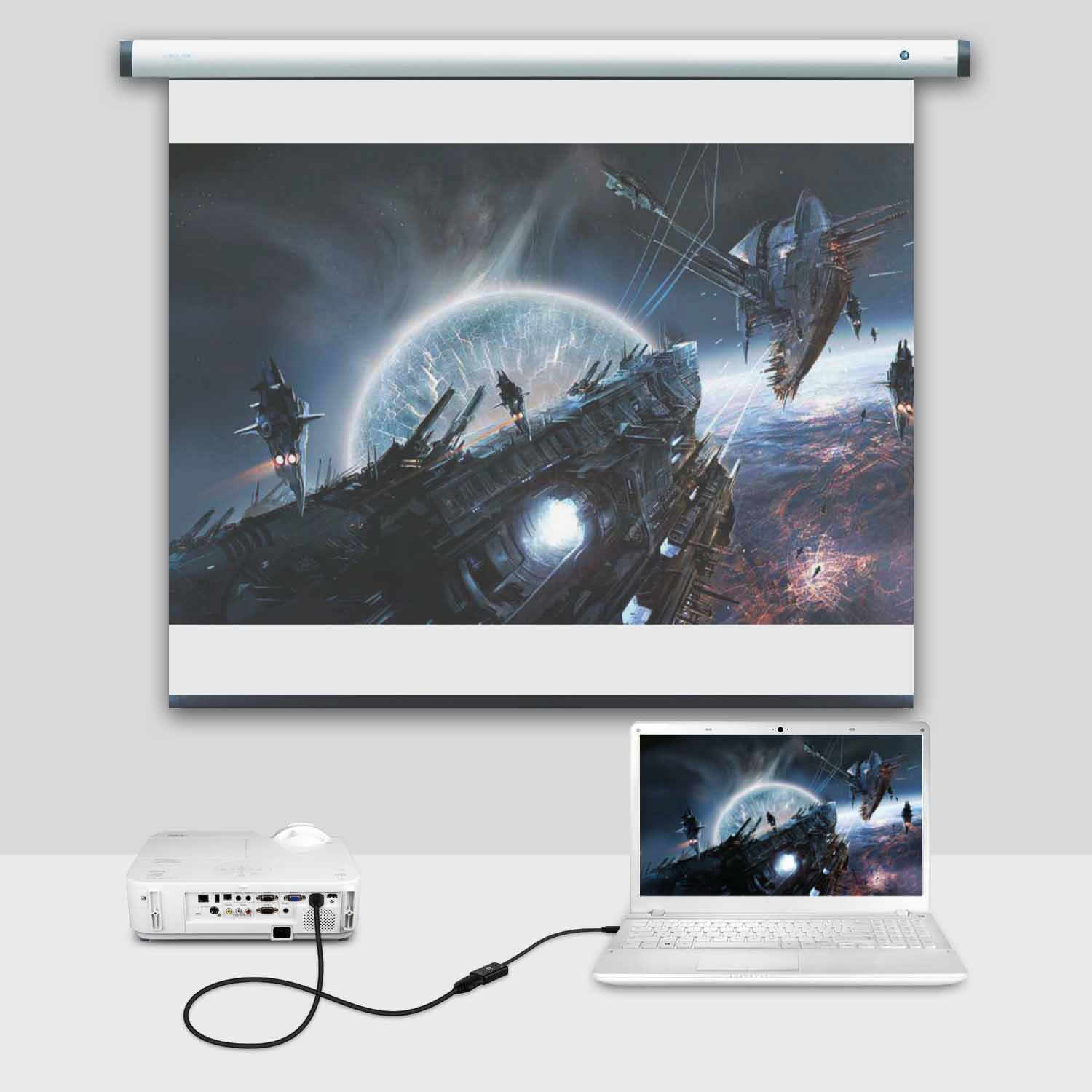
Lightweight and portable adapter for connecting a Mini DisplayPort (Mini DP or mDP)/Thunderbolt (NOT Thunderbolt 3) port compatible computer to an HDTV, monitor, or projector with HDMI;
Compatible with MacBook Air, MacBook Pro (BEFORE 2016), iMac (BEFORE 2017), Mac Mini, Mac Pro; Microsoft Surface Pro/Pro 2/Pro 3/Pro 4, Surface 3 (NOT Surface/Surface 2), Surface Book; Lenovo ThinkPad and more
Transmits both audio and video from computer or tablet to HDTV display; Supports video resolutions up to 4K x 2K and flawless audio pass-thru for uncompressed digital 7.1, 5.1 or 2 channels
Low-profile connector does not block adjacent ports on your computer, has molded strain-relief for long life
Gold-plated connectors resist corrosion, provide rigidity, and improve the signal performance. Customer service from Rankie



microbins –
Great price for a bit of kit that works as advertised. I won”t be using it much so cannot say how long it will last but it works fine on my Thinkpad and was a good price for something I will only use occasionally.
Name –
Good price good quality.
Alan –
works like supposed to
Customer –
Worked exactly as described. Easy to use. It was shipped and arrived in two days time. Perfect last minute tech fix for the seminar I was giving.
Duf M –
Product works perfectly as described!!
Royet –
Works as expected
americo oliveira –
Using it to connect a Microsoft Surface to a monitor using HDMI
Lynn Sansom –
Very helpful product
Jason Coventry –
Seems to be doing the job with no display issues. The last cable we bought worked for 8 months and then the screen display started flickering / going black.Hopefully this one will last longer.
P J Hughes –
This unit worked straight away I used it with my surface pro docking station however I noticed that the sound stopped working I checked the volume settings everything was at 100% unplugging the adapter restored the sound I was about to return it but googled the problem I was having it turns out that Win10 assumes that if you plug in a hdmi cable that the monitor is equipped for sound (mine isn”t) but if you right click on the speaker symbol at the bottom of the screen you can select the sound device (hdmi device or the built in sound card) selecting the sound card restored the sound output via the surface pro…I”m happy!