
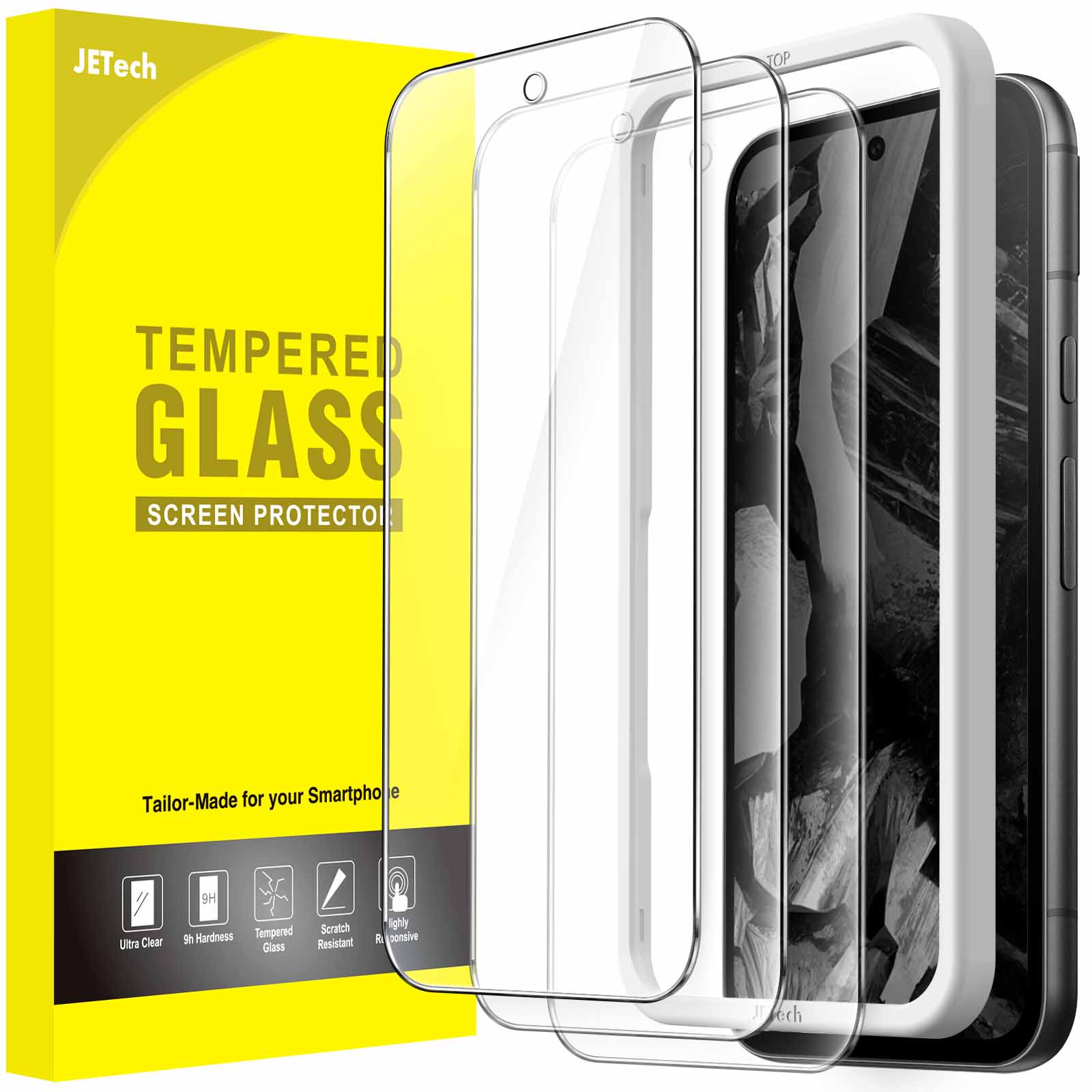
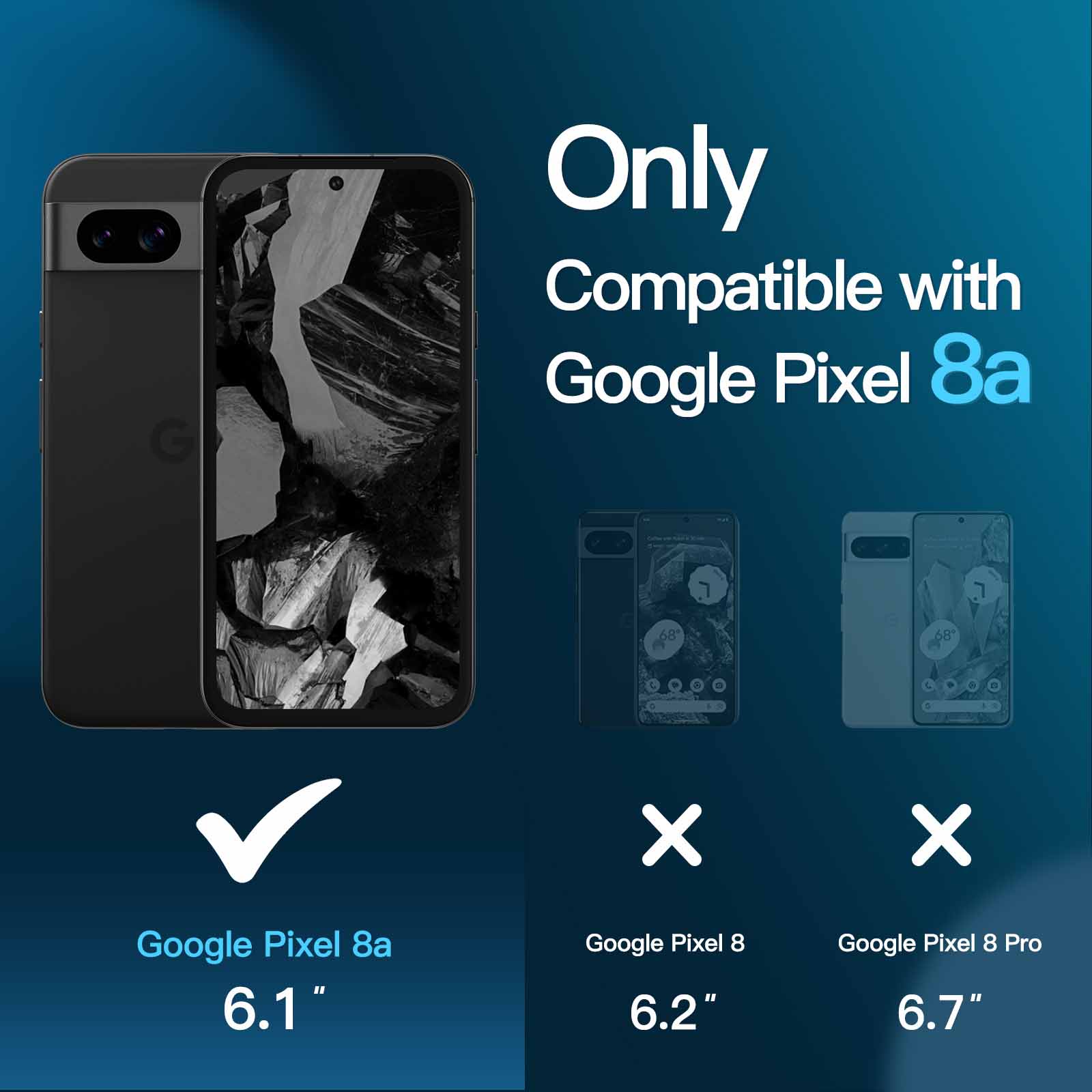
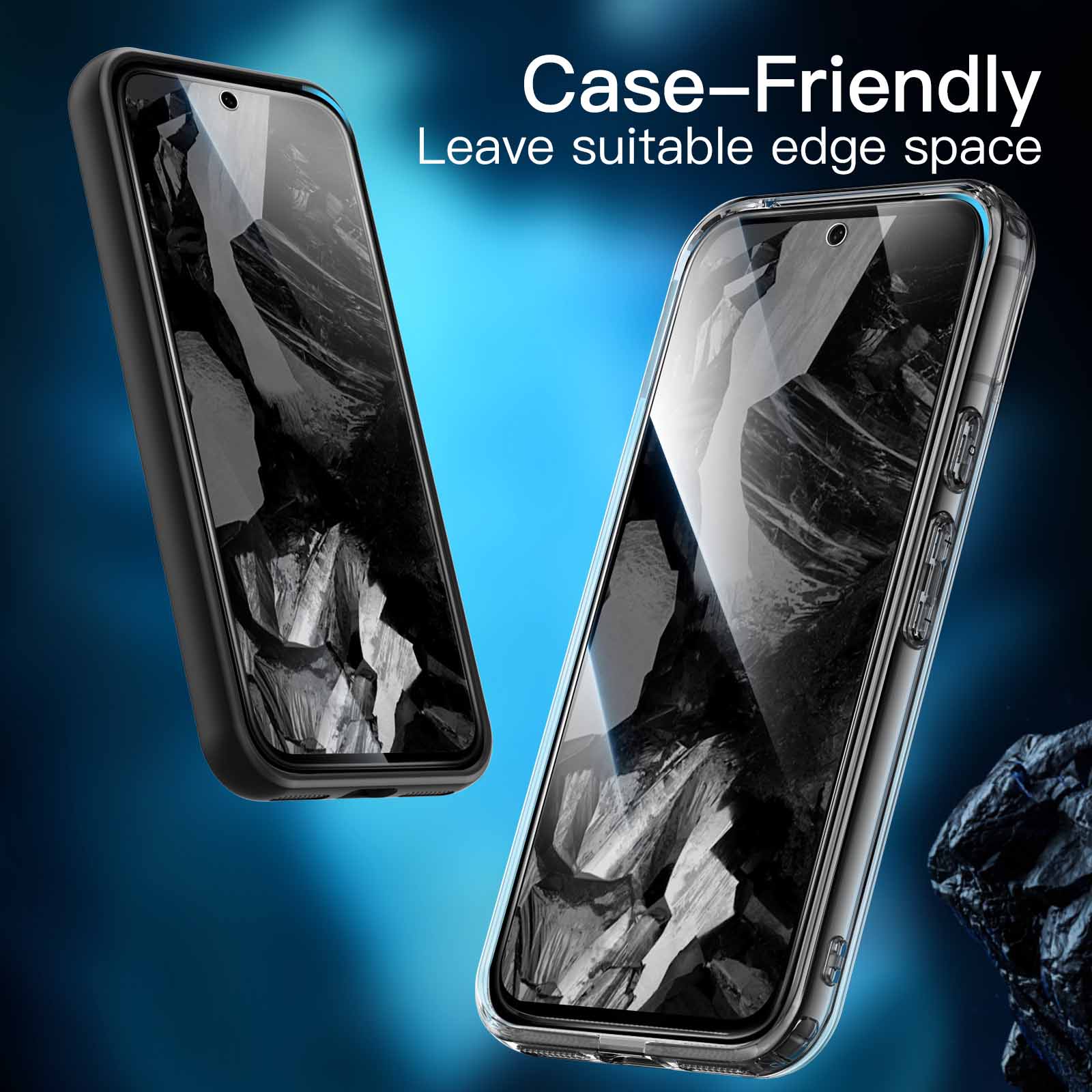
JETech Screen Protector for Google Pixel 8a 6.1-Inch, Tempered Glass Film with Easy Installation Tool, Fingerprint Compatible, HD Clear, 3-Pack
$11.99
In stock
| Feature | Tempered Glass Film |
|---|
83 reviews for JETech Screen Protector for Google Pixel 8a 6.1-Inch, Tempered Glass Film with Easy Installation Tool, Fingerprint Compatible, HD Clear, 3-Pack
Related products
-
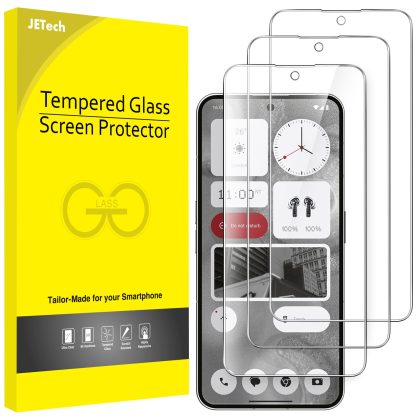
JETech Screen Protector for Nothing Phone 2 6.7-Inch, 9H Tempered Glass Film, Anti-Scratch, HD Clear, 3-Pack
$11.99 -
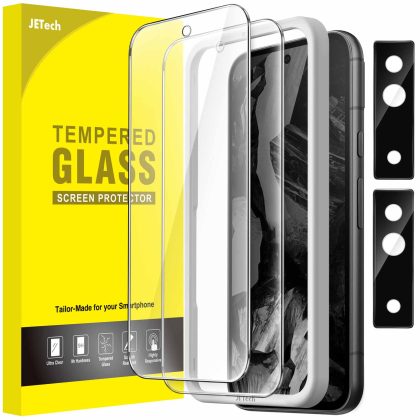
JETech Screen Protector for Google Pixel 8a 6.1-Inch with Camera Lens Protector, Easy Installation Tool, Fingerprint Compatible, Tempered Glass Film, HD Clear, 2-Pack Each
$12.99 -
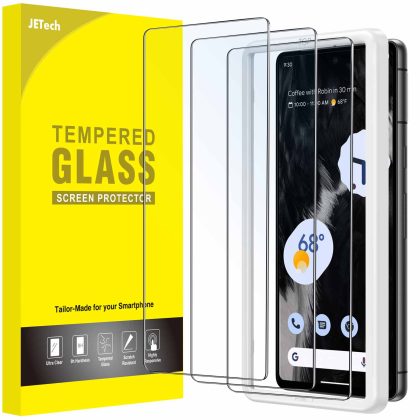
JETech Screen Protector for Google Pixel 7, Tempered Glass Film with Easy Installation Tool, Fingerprint Compatible, HD Clear, 3-Pack
$11.99 -
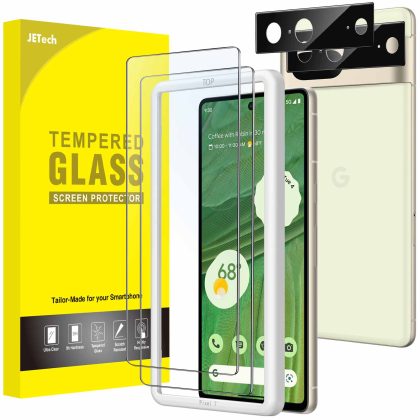
JETech Screen Protector for Google Pixel 7 with Camera Lens Protector, Easy Installation Tool, Tempered Glass Film, Fingerprint ID Compatible, HD Clear, 2-Pack Each
$12.99
Mr. Alan Jenkins –
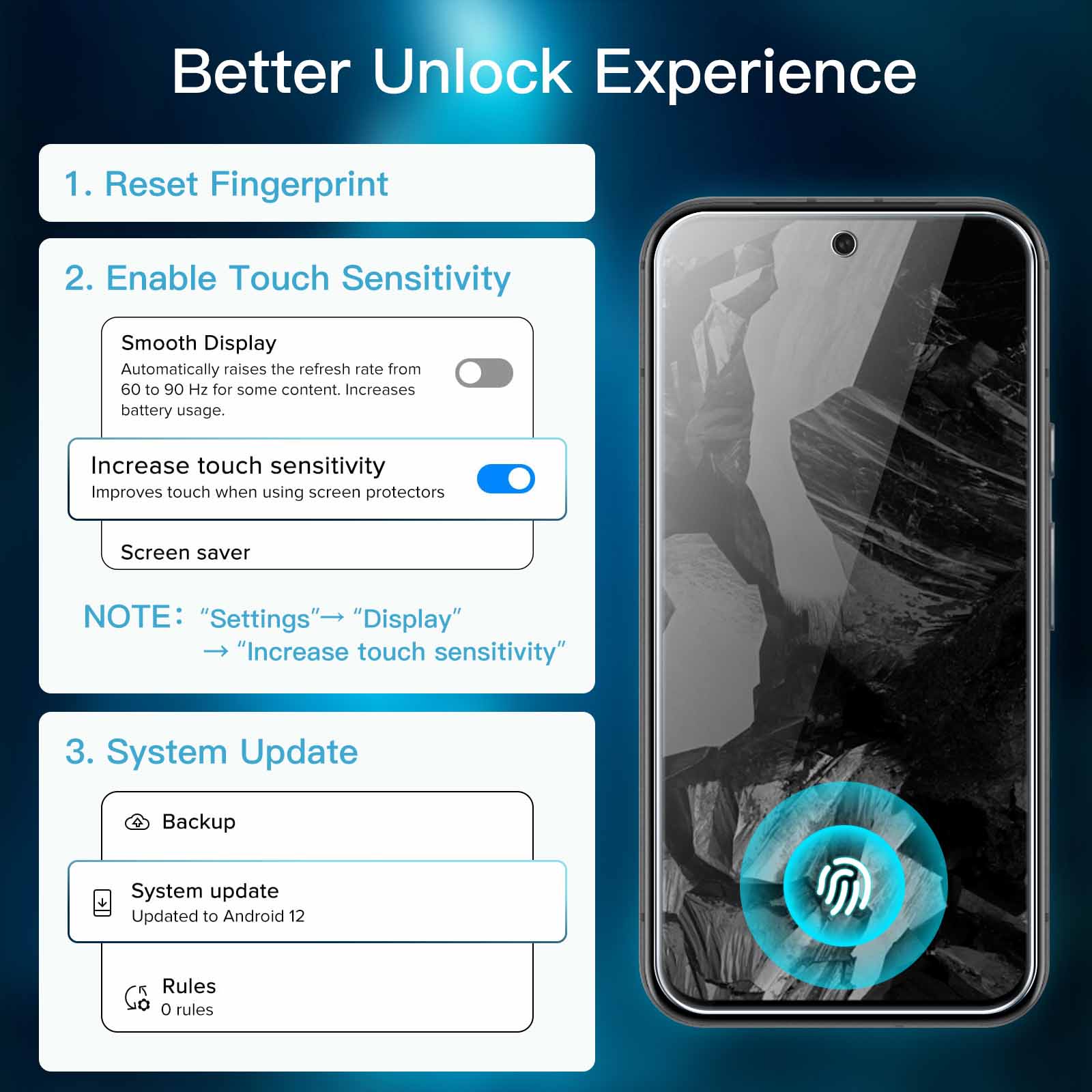
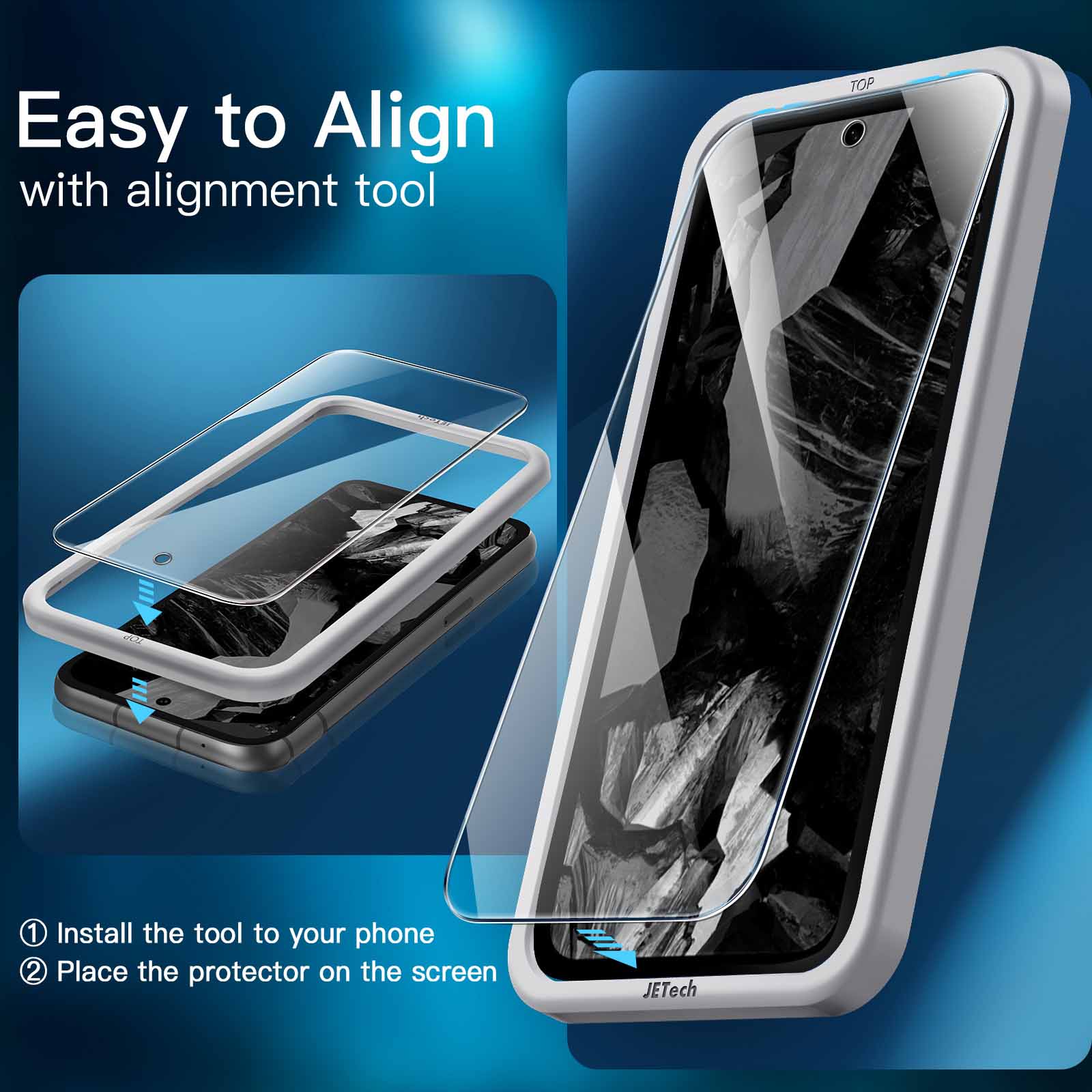
I previously bought and reviewed JETech’s screen protector for the Google Pixel 6a. Now I have a Pixel 8a. So I bought a JETech again. and received a very familiar package :-)..Worked fine. including the fingerprint reader. even without bother to re-record the fingerprints or increase the touch sensitivity. No complaints there!.Reminder: If you like to type the URL for the video. the youtube video ID is: QTWPl24fisk.That’s a lower-case letter “l” after the P. not a capital letter “I” or a number “1”. It’s also the same video as for the 6a. because the process is the same..Salman’s review suggested using a torch to find your specs of dust/lint. I made sure I had a torch. but we actually had sun today. so the torch was redundant..The protector fits really closely inside the fitting frame. I guess it’s expected. it just means the process involves a bit of force and scraping noises. The “auto adhesion” is very satisfying though..I’ve got a tiny bubble on the edge. at the bottom. Hopefully not because there’s some tiny chip scraped off the fitting frame. I don’t want to care. so I’ll get used to it. Eventually..And again: when you remove the inner protective film. it’s possible this will immediately attract dust to the *outer* side. DON’T PANIC. Ignore it and continue..If there *was* dust on the inner side. you’d be able to tell afterwards. Then you can just remove the protector and try again with one of the spares. You can’t remove dust from the inner side. you’ll just wreck the magic goop.
DAVE –
Good price. Nice quality. Does what is supposed to do. Goes to all side of screen with no lifting. I don’t need to activate Screen Protector Mode and it works fine..Didn’t had anty bubbles or lint. Those who do. trying applying the protector in the bathroom after a shower. Humidity make air lints drop to ground by attaching to them and making them heavy..Thanks !
Anushka –
I bought the JEtech screen guard for my Pixel 8a. It fits the phone perfectly across all edges..The installation was super easy. There’s a video guide to follow as well. I’m really happy with this protector..I haven’t had any issues with the touchscreen not working properly after installing the screen guard. But the phone has inbuilt settings to make the touch screen work with a screen guard just in case it doesn’t seem to work well..All in all. I’m very happy with this product!
M.K –
Pixel 8a. For fingerprint issues. once protector is fitted. turn on screen protector mode on in display settings. then register fingerprint. I didn’t turn on screen protector mode and set up fingerprint. it was never recognised! So deleted stored fingerprint. turned on screen protector mode and only then set up fingerprint. works fine now.
Jason –
1st glass I used just didn’t stick – 2nd one work fine. The protector is slightly smaller than the screen. but hole for front camera is pretty exact – it will take a bit to get it in the right position as to not obstruct the lens. Make sure you have plenty of light and a steady hand.
Bill S. –
Excellent product. Especially like the guide to help position the protector. Good instructions. Recommended.
Jenn –
Followed the instructions that came with the package and with the plastic installation tool that came with package made it easy to align. No issues with the hole for the front camera as mentioned in other reviews as it was perfectly aligned. All in all. fairly easy to install but I did have a some air bubbles which I managed to squeeze to the side with my fingernails. Needed to repeat this process quite a few times as the bubbles would reappear but now they’re all gone! Doesn’t alter the sensitivity of the screen with the protector installed. Left with 2 spare protectors but I doubt they’ll be needed.
Simon Lindsley –
Liked the frame that comes with it to make sure you get it on the right place..Self adhesive was great once you got it onto the phone.
B –
The included jig makes application very easy. However. the front camera cutout was a bit misaligned when I used the jig. It was pretty easy to lift it up and realign it manually. but it is something to watch out for when applying it.
E MALLON –
Easy to apply..With easy to follow video