
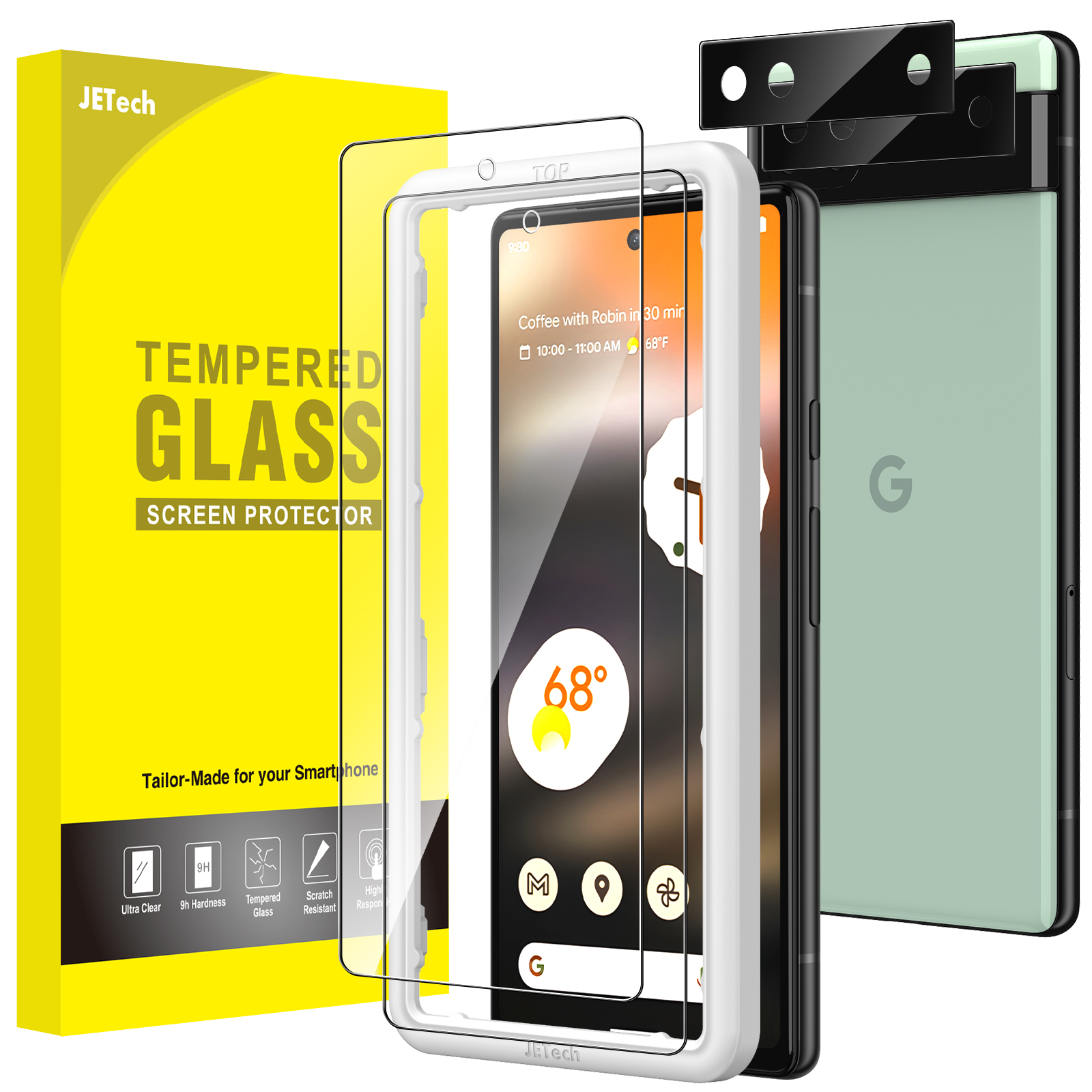
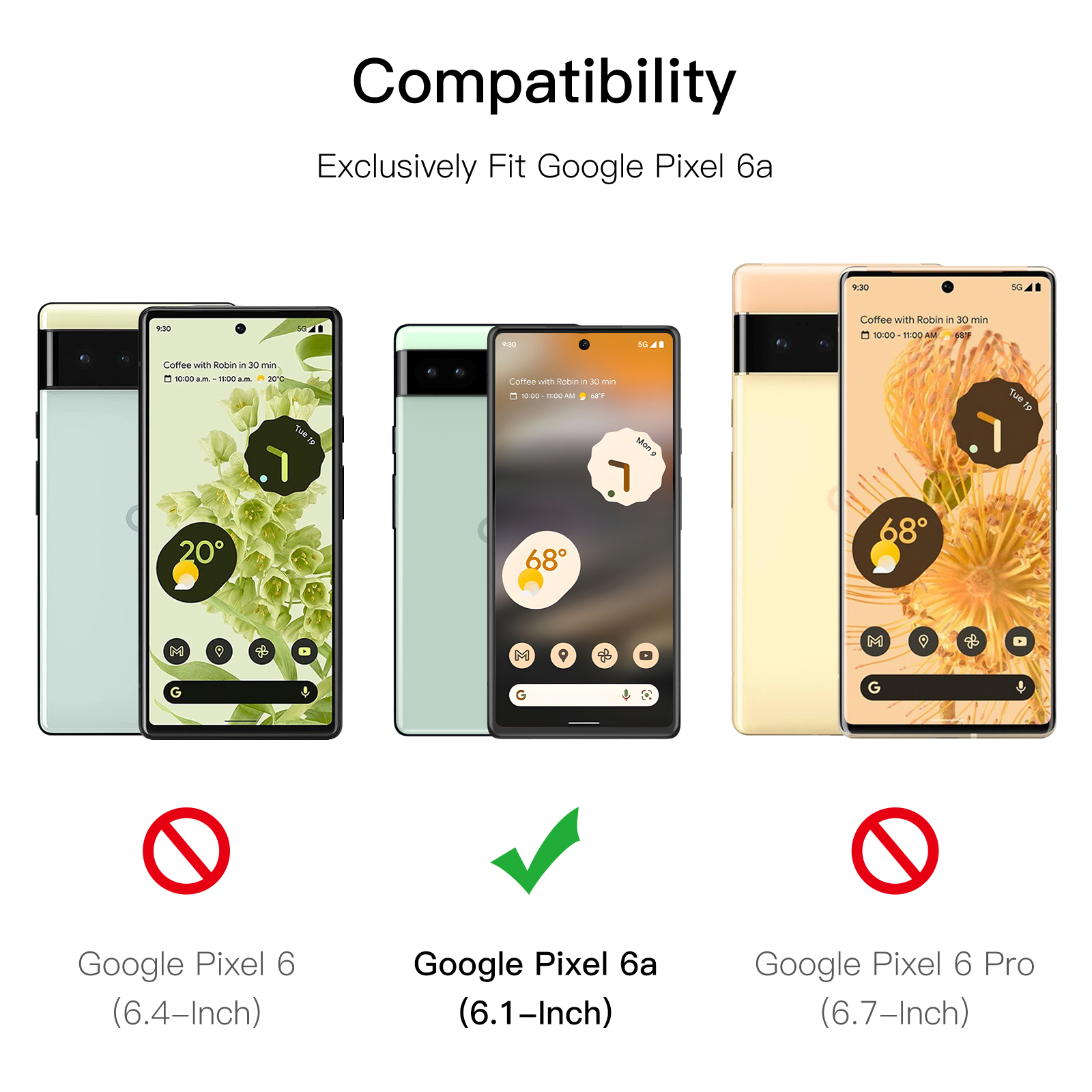
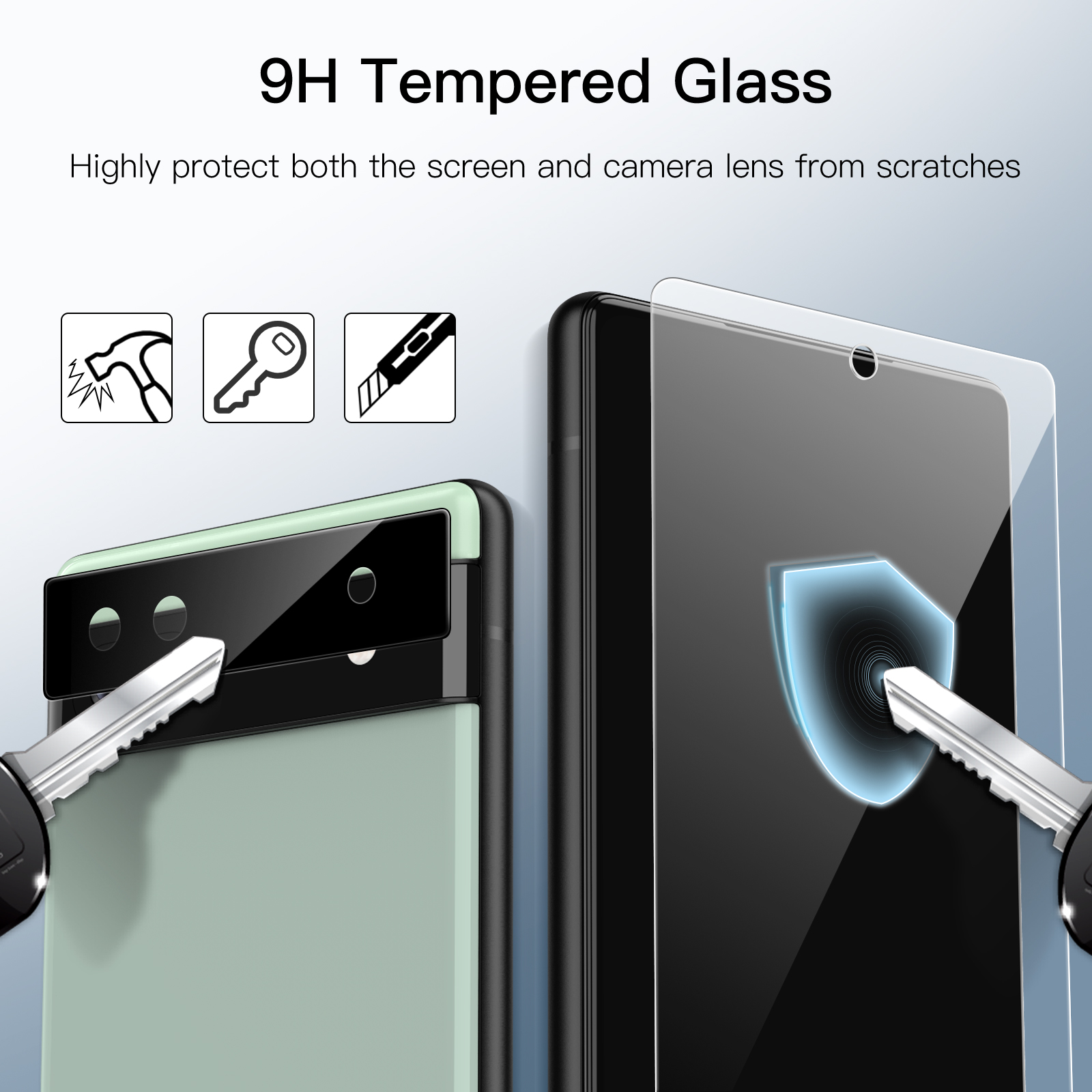
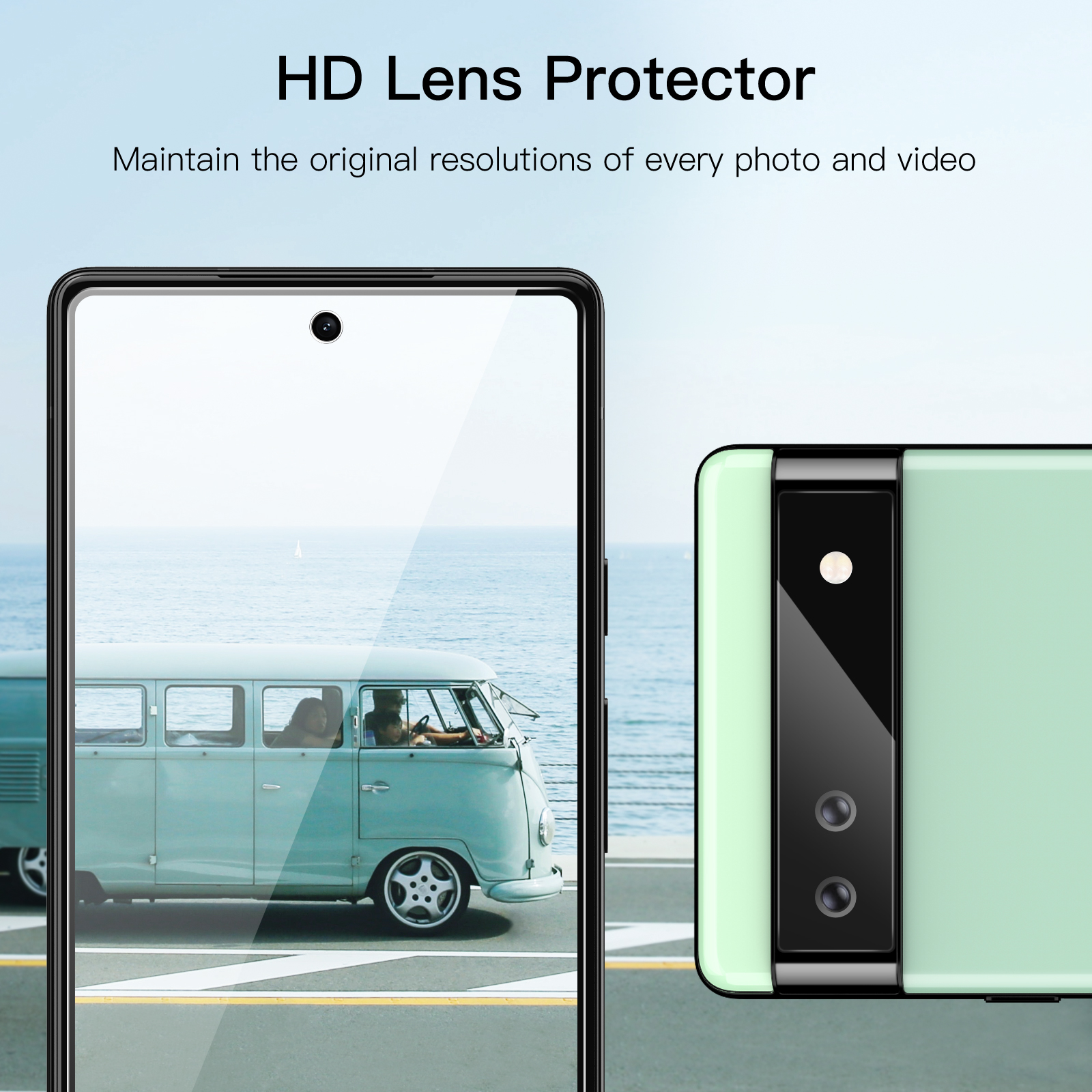
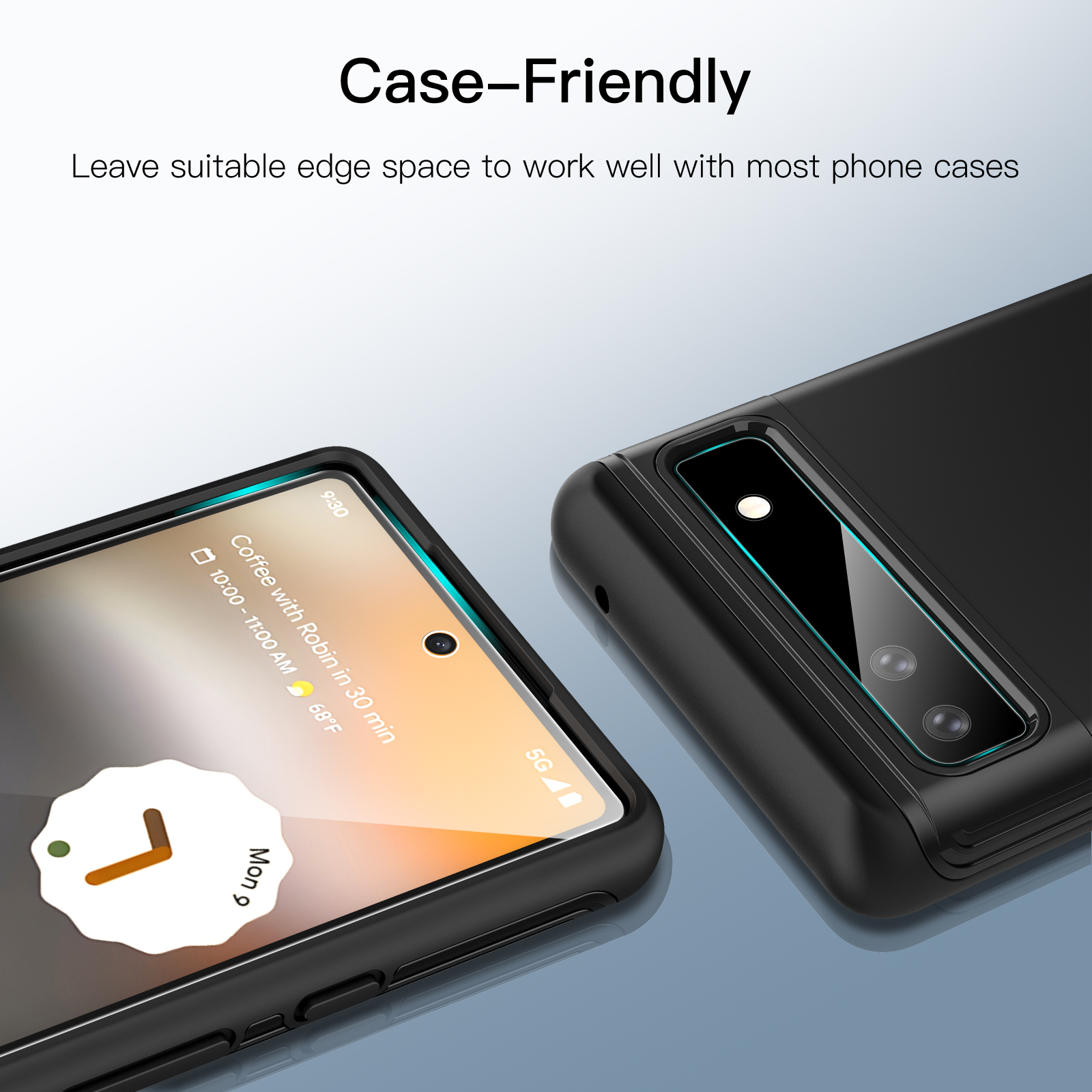
JETech Screen Protector for Google Pixel 6a 6.1-Inch with Camera Lens Protector, Easy Installation Tool, Fingerprint Compatible, Tempered Glass Film, HD Clear, 2-Pack Each
$11.99
In stock
| Feature | Camera Lens Protector, Tempered Glass Film |
|---|
607 reviews for JETech Screen Protector for Google Pixel 6a 6.1-Inch with Camera Lens Protector, Easy Installation Tool, Fingerprint Compatible, Tempered Glass Film, HD Clear, 2-Pack Each
Related products
-
JETech Screen Protector for GoPro Hero 11/10/9 Black with Camera Lens Protector, Tempered Glass Film, Easy Installation, HD Clear, 3-Pack Each
$11.99 -
JETech Screen Protector for Google Pixel Watch 4/3 / 2/1 41mm, Anti-Scratch Self-Healing Soft TPU Film, HD Clear, 6-Pack
$11.99 -
JETech Screen Protector for Google Pixel 8a 6.1-Inch, Tempered Glass Film with Easy Installation Tool, Fingerprint Compatible, HD Clear, 3-Pack
$11.99 -
JETech Screen Protector for Google Pixel 6a 6.1-Inch, Fingerprint Compatible, Tempered Glass Film, HD Clear, 3-Pack
$11.99
Anthony A. Tiso II –
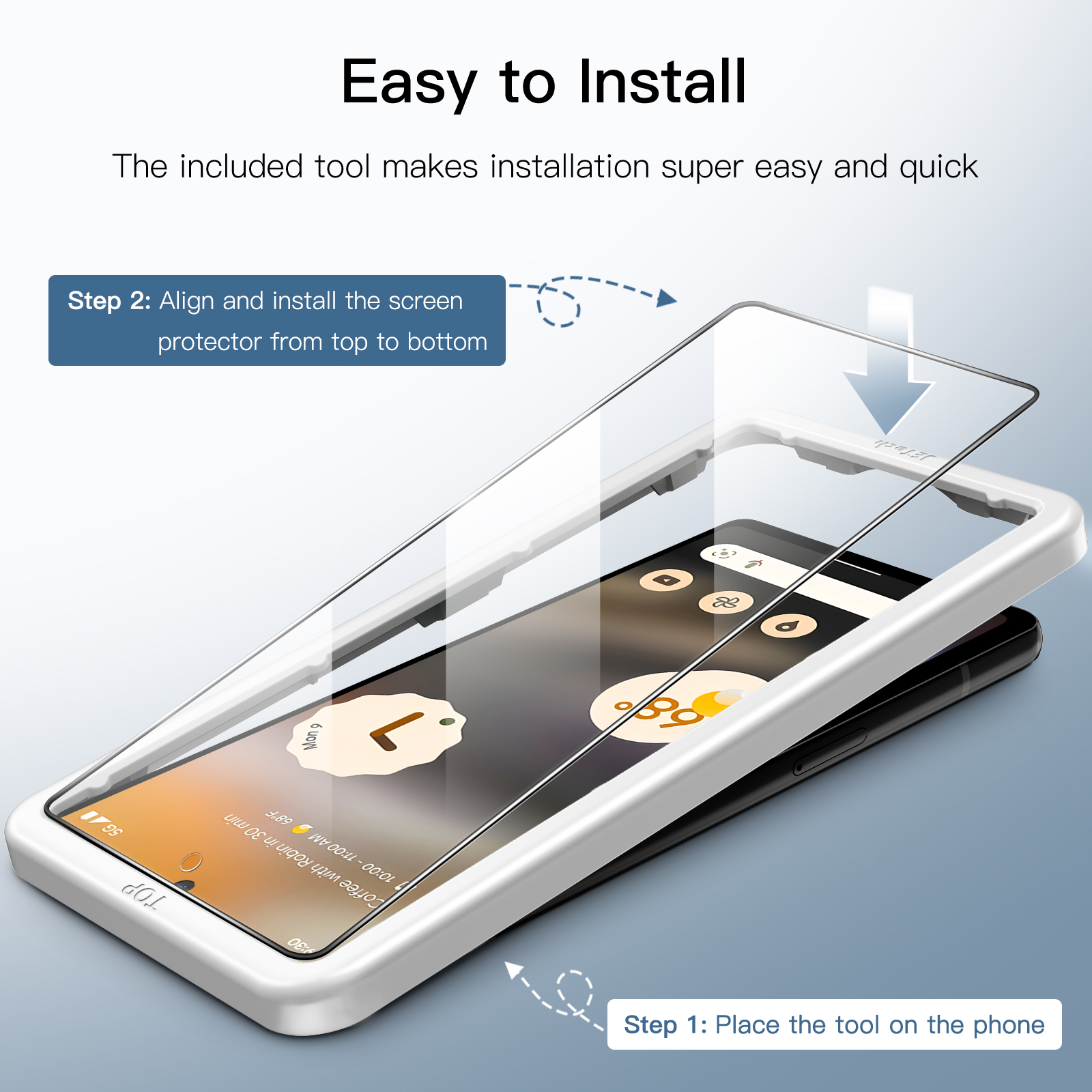
Used for 6a Screen protection. Comes with printed instructions. easy to install.
KK –
This is great. especially for the price. I have not had any issues and the fingerprint reader has worked perfectly fine for me. Also. it was easy to install on my phone. I ordered 2 packs. It arrived very quickly so I was grateful for that. I would recommend.
Kathleen –
Very nice product for screen protection. application was easy
Online Shopper –
Easy to install. does what it’s supposesd to do. at a good price.
Beth & Kent D –
A little trouble with the fingerprint reader. Going to redo my fingerprint scan with the protector on. maybe that will help.
Andrew D. –
Works great as intended. Was worried about finger scanner but turned off the phone cleaned the screen and applied it. it worked great when I turned it back without changing any settings or restarting the finger scanner.
JT –
I had to switch to JETech because Spigen made my phone hard to detect fingerprints even when touch sensitivity feature was turned on. Another nice feature is JETech has a selfie hole (Spigen does not). I felt like my old pixel 3a took better selfies with the selfie lens being covered up by Spigen’s. After switching to JETech. my phone screen now has no problem detecting my fingerprints. I even turned off the touch sensitivity feature and my phone can still read my fingerprints. JETech also feels smoother/easier to swipe-type compared to Spigen. I don’t plan use for the rear camera protectors. They do not have holes for the camera lenses and I don’t want the picture quality to be compromised.
Christopher Melville –
Fits well. well rounded edges. room for case . camera visor protectors included. install jig works perfect. No issues with bubbles. lifted edges. fingerprint scanners not working. Could have a better polish and alignment for front camera hole but not bad enough to drop a star.
CrazyDiamond –
Clean and easy fit. Does not diminish screen response and works with the in screen fingerprint sensor.
Xander Zuk –
Easiest application I’ve ever done. You still need to be careful that the screen is clean