

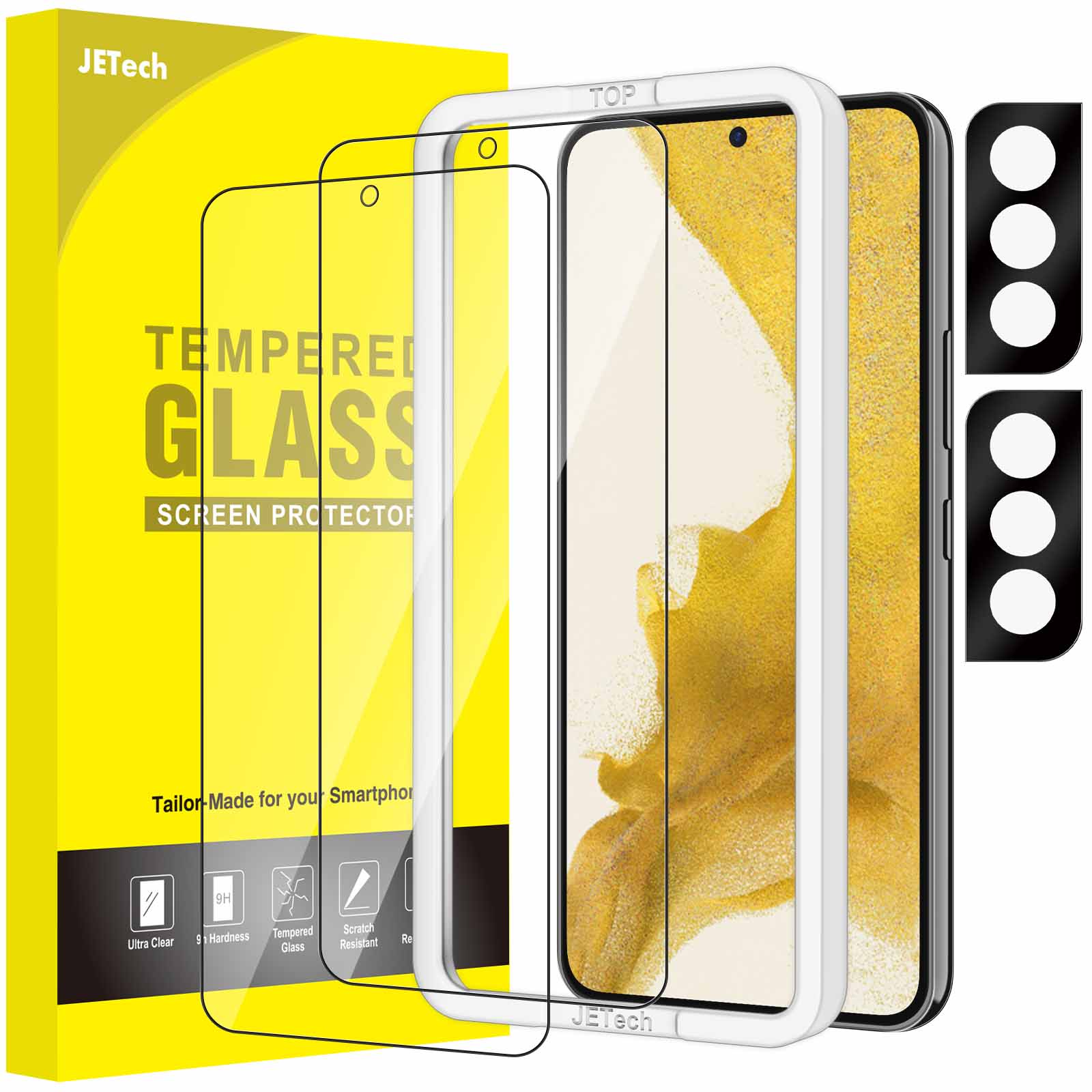
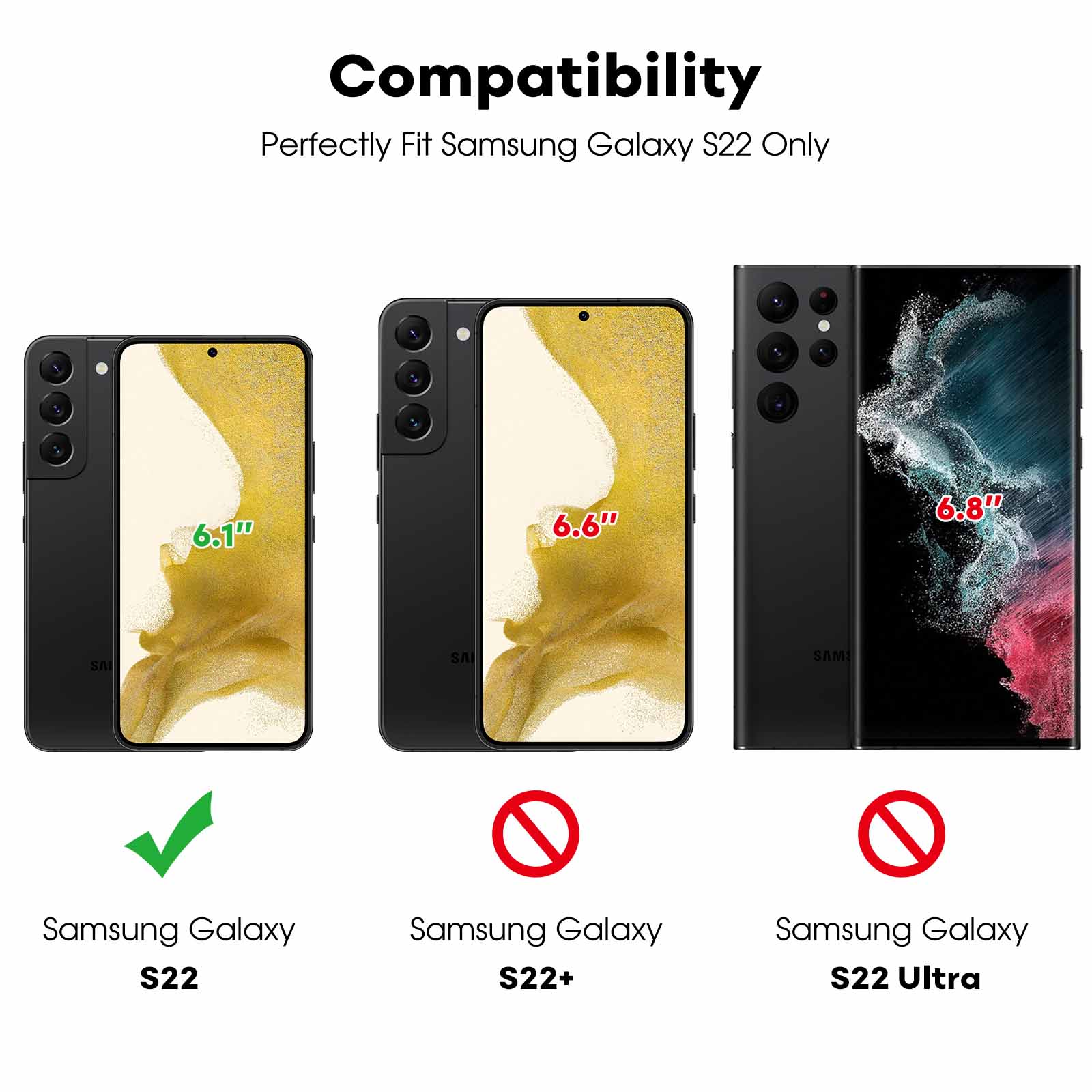
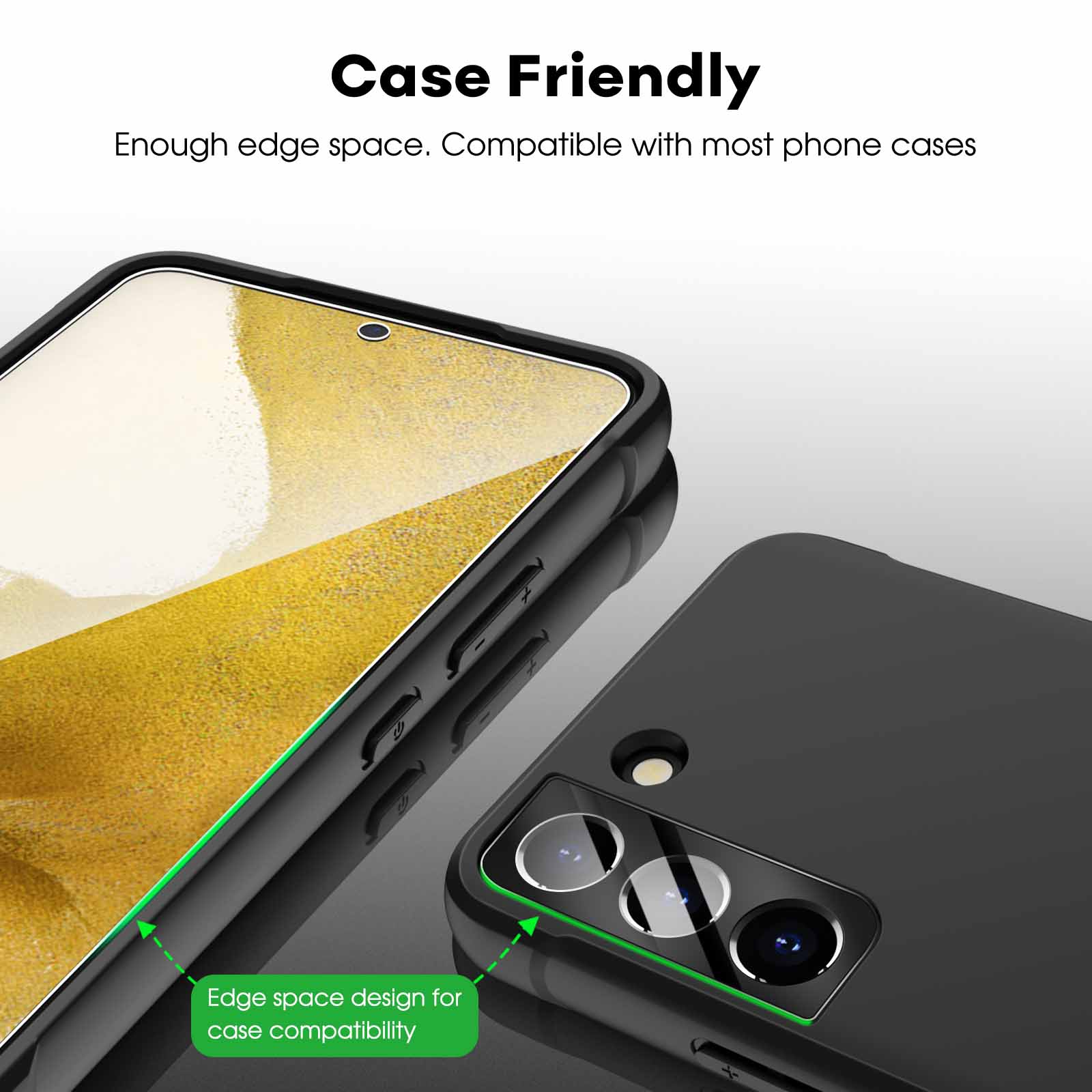
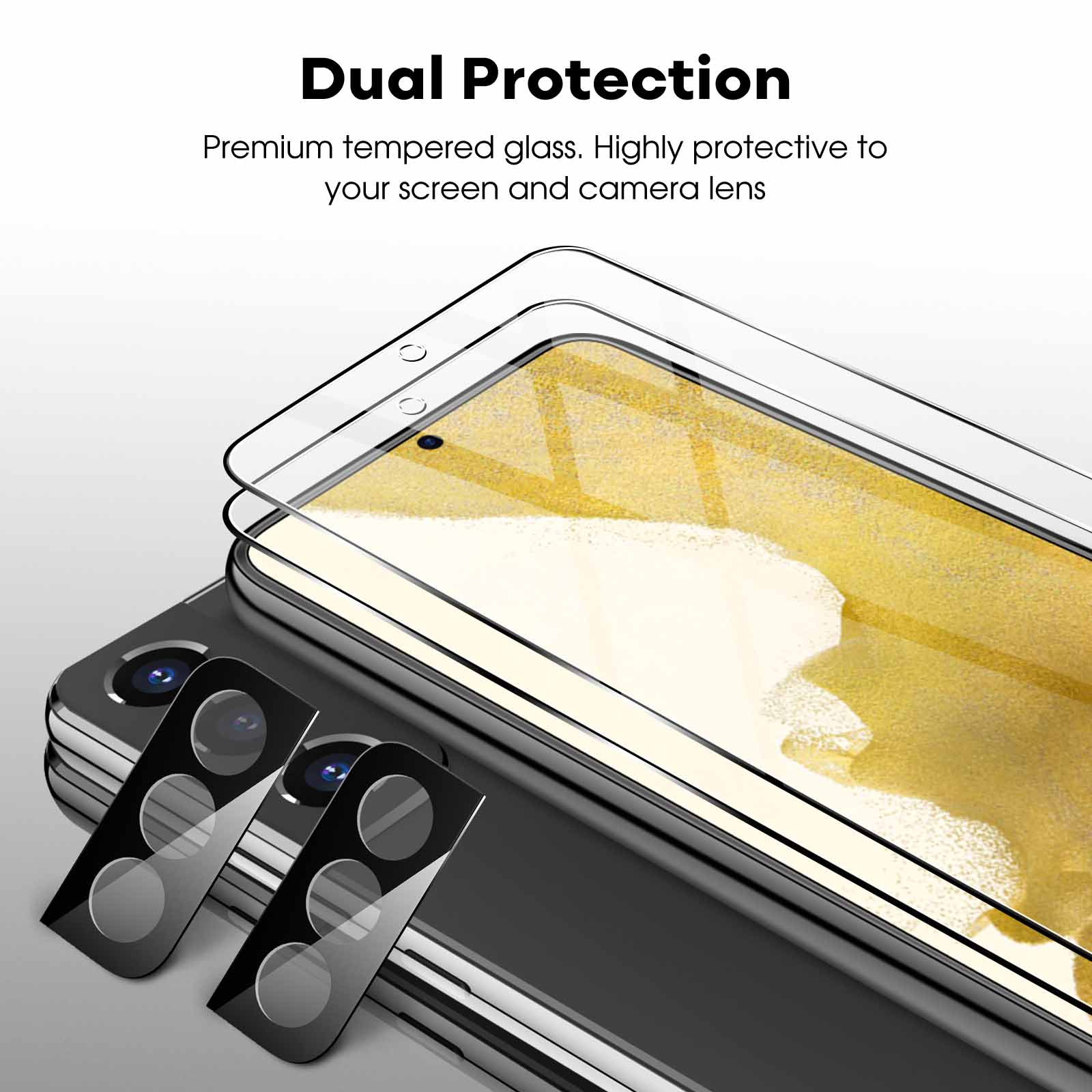
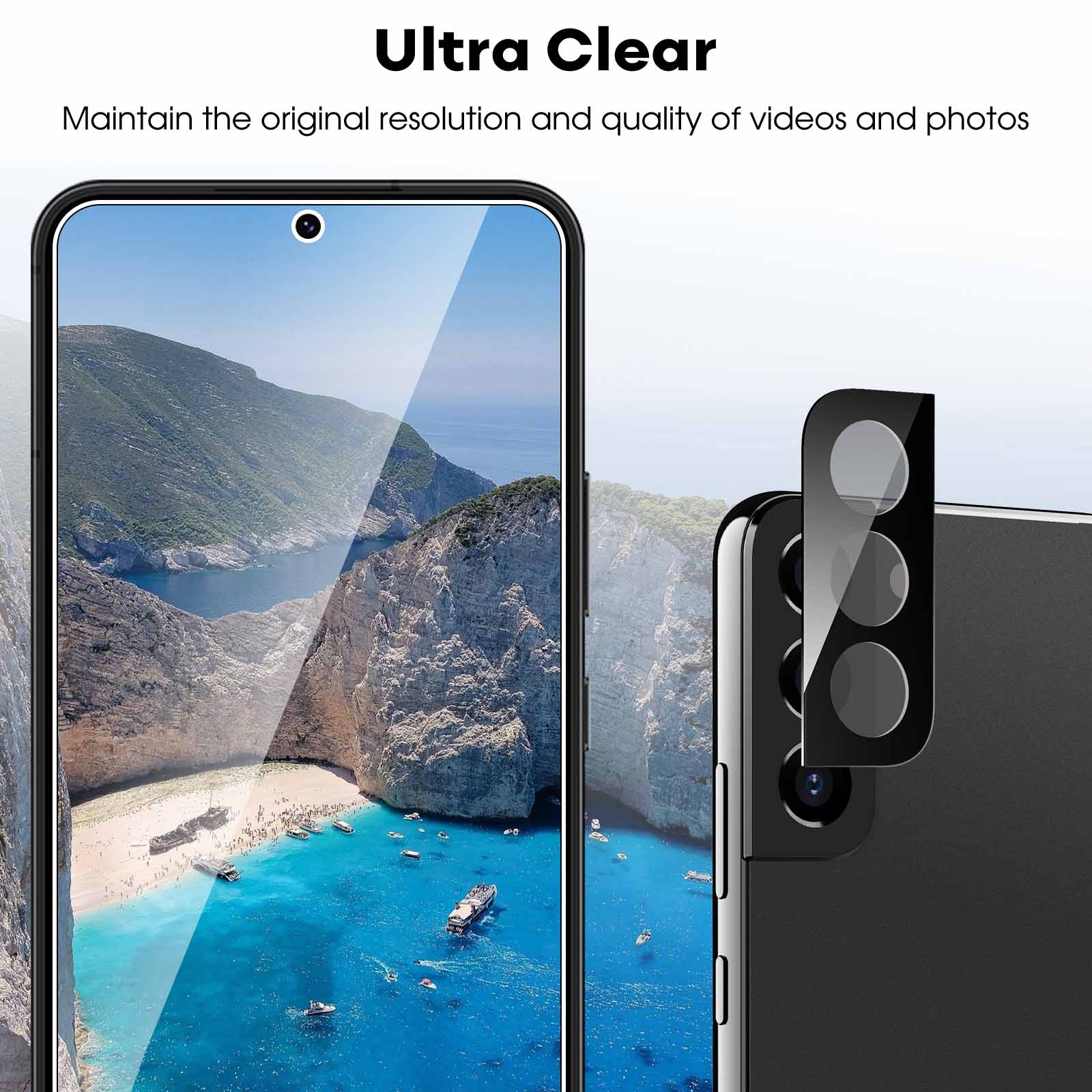
JETech Screen Protector for Samsung Galaxy S22 5G with Camera Lens Protector, Easy Installation Tool, Tempered Glass Film, Fingerprint ID Compatible, 2-Pack Each
$12.99
In stock
| Feature | Camera Lens Protector, Tempered Glass Film |
|---|
58 reviews for JETech Screen Protector for Samsung Galaxy S22 5G with Camera Lens Protector, Easy Installation Tool, Tempered Glass Film, Fingerprint ID Compatible, 2-Pack Each
Related products
-
JETech Front Privacy Screen Protector for Samsung Galaxy Z Flip 5, Anti-Spy Tempered Glass Film with Easy Installation Tool, Case-Friendly, 2-Pack
$11.99 -
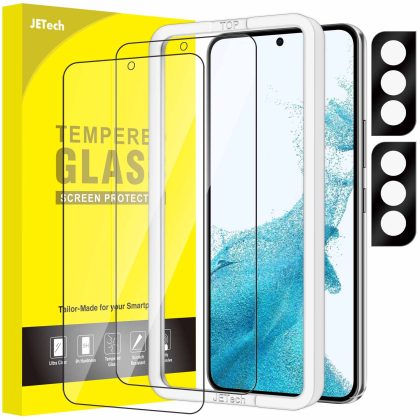
JETech Screen Protector for Samsung Galaxy S22 /S22 Plus 5G with Camera Lens Protector, Easy Installation Tool, Tempered Glass Film, Fingerprint ID Compatible, 2-Pack Each
$12.99 -
JETech Screen Protector for Samsung Galaxy S10 Plus S10 , TPU Ultra HD Film, Case Friendly, 2-Pack
$12.99
transformer –
easy to install. after installation. there were some bubbles visible but after one day or so. they were all gone.
Sallyboo –
Great product and the camera lens protector brilliant. Comes with a handy tool to place the screen protector had no bubbles.
Maria –
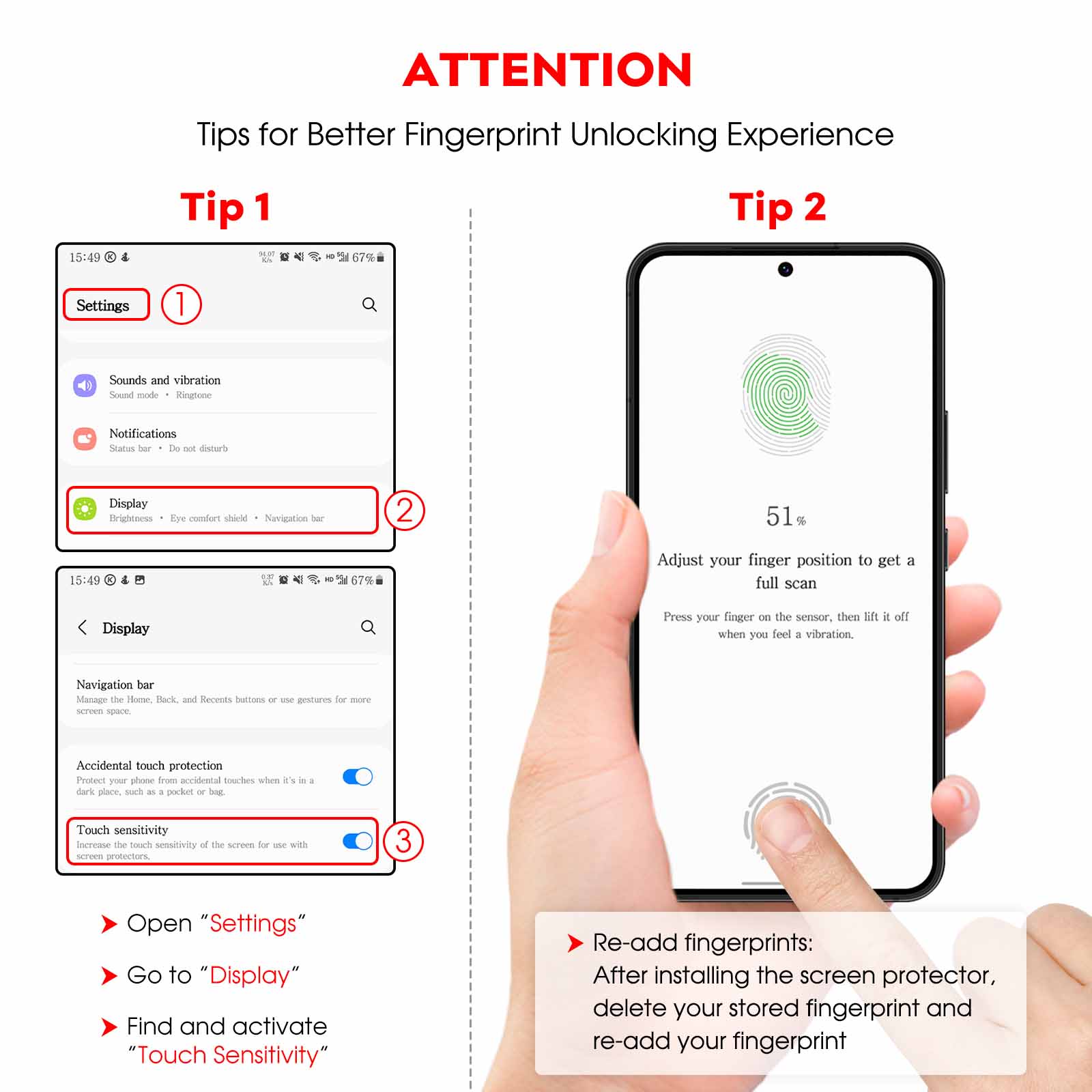
Easy to instal. The protector for the camera is really good and the touch screen works perfectly. I had to scanning again my finger to unlock the mobile. but it works perfectly now.
Bob Merrington –
Fingerprint not so good
Robert drew –
Not very good for the fingerprint unlock
Alan –
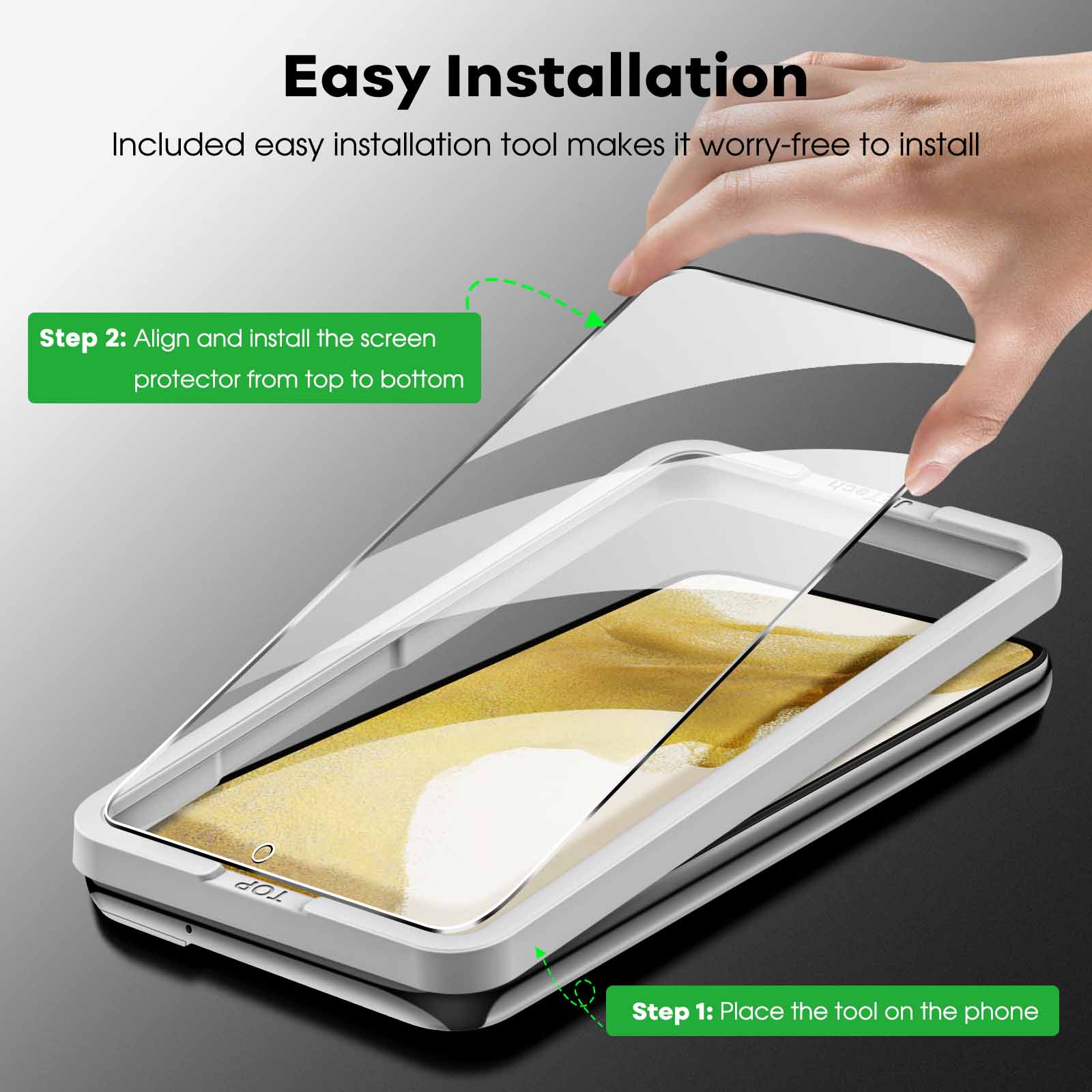
This is by far the easiest screen protector to apply. The tool fixes over the screen. you place the screen protector inside and it aligns automatically. You then just run your finger from middle bottom to top and you can see it stick to the screen. Remove the tool and rub the screen with the cloth to make sure its fully connected. Done!
littleone –
the assisting tool makes this impossible to mess up!!!!
Alex Gabriel –
Easy to apply. Lines up well. Sadly the finger print reader doesn’t work very well after I applied the screen protector. ??
Allison bruhm –
So easy to put in
Robert Frosch –
Easy install. great quality