Rankie Adapter DVI to HDMI, Gold-Plated 1080P Male to Female Converter, 2-Pack, Black
$11.99
In stock
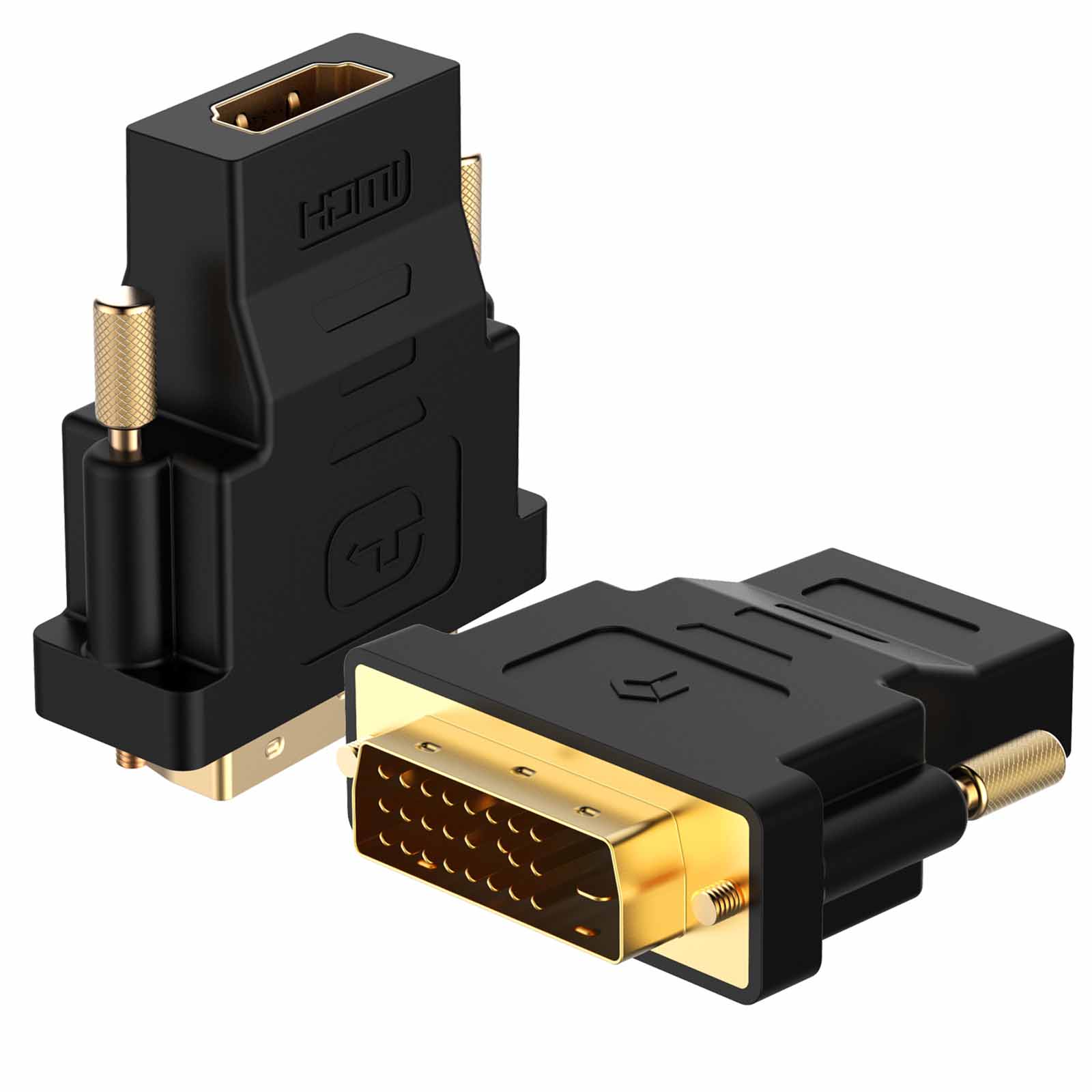
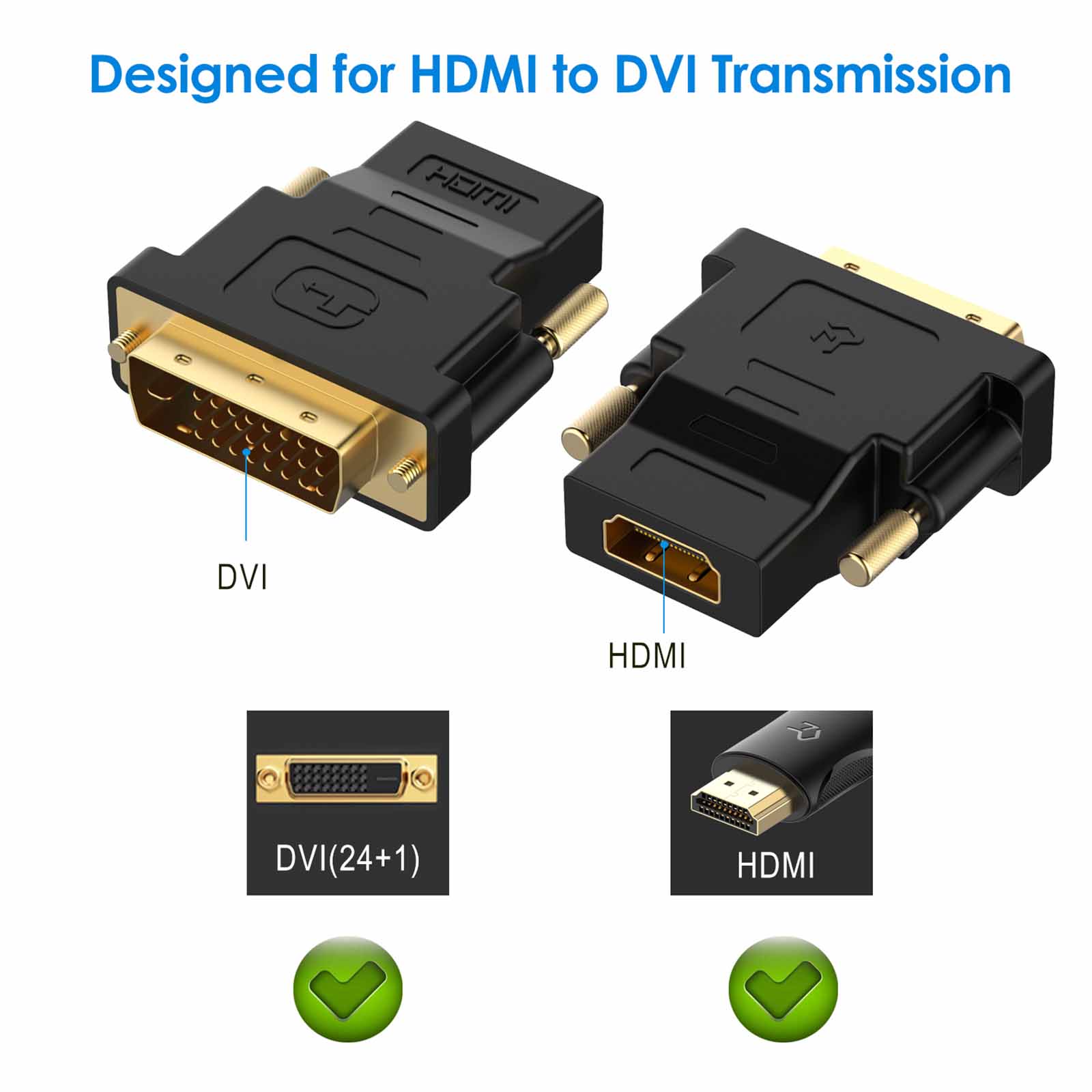
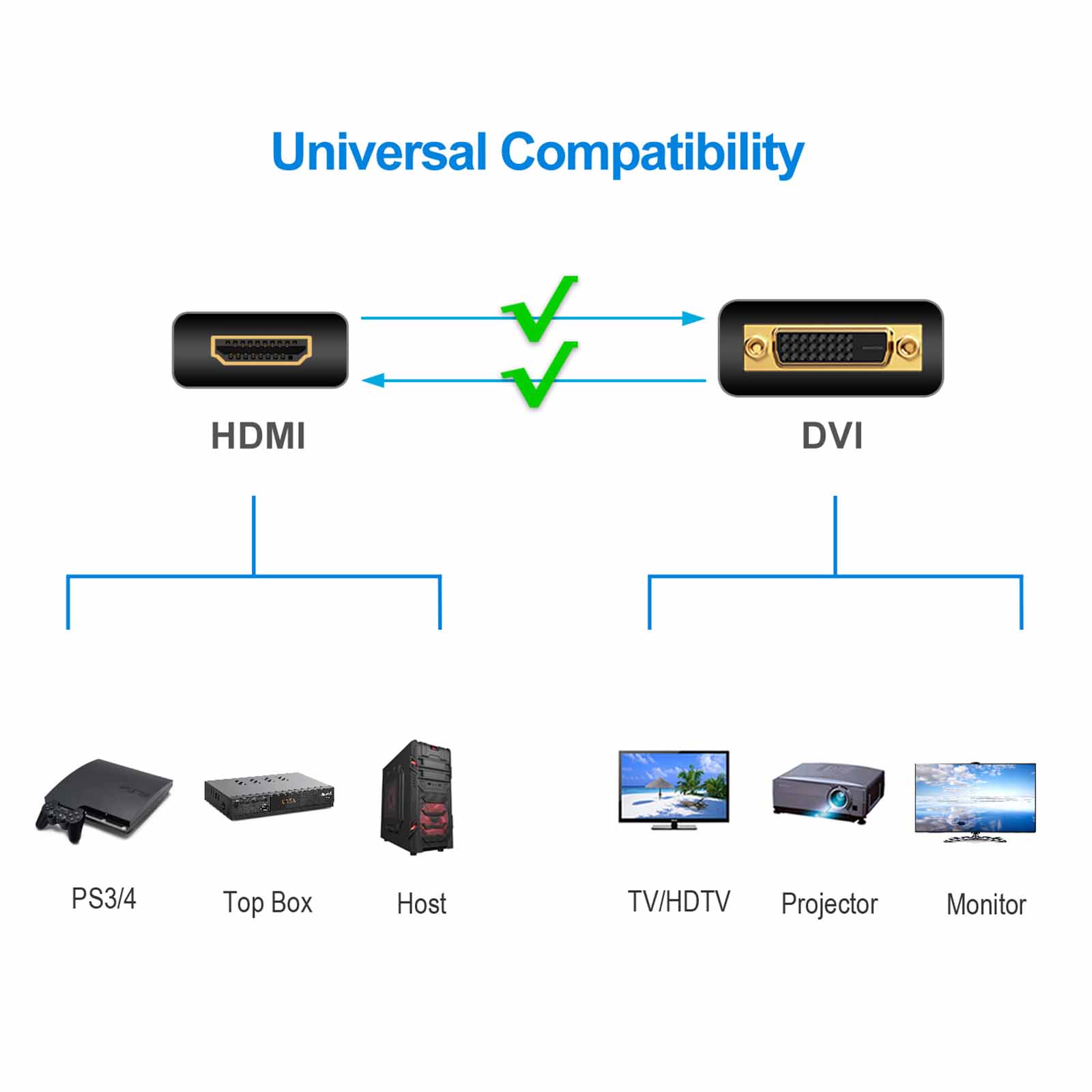
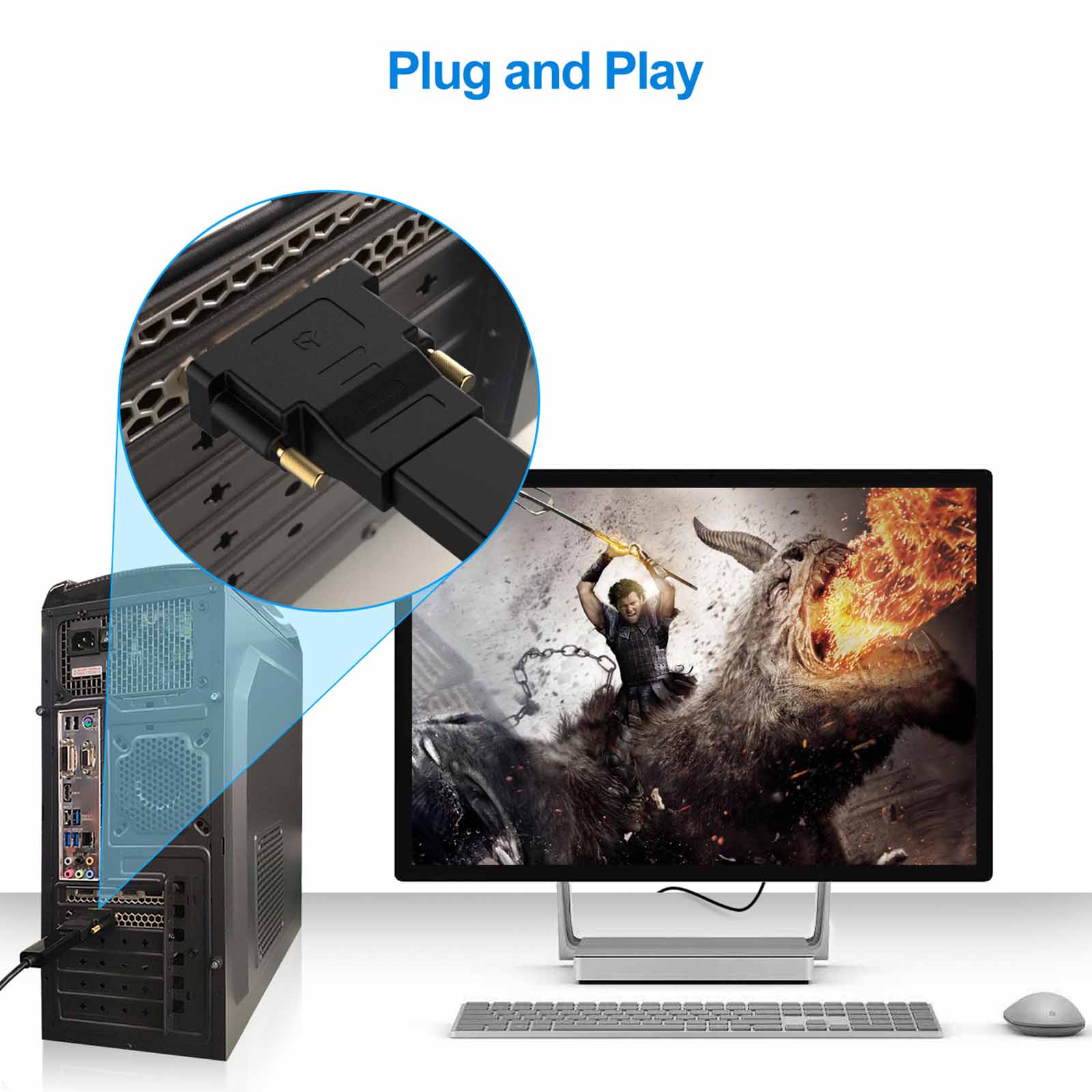
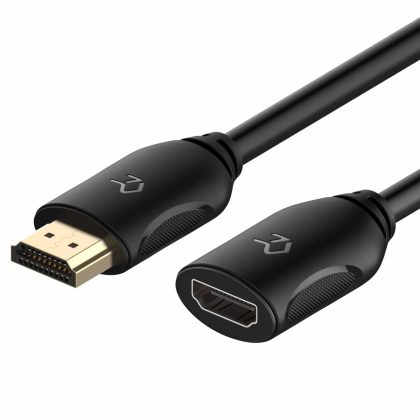
Does not support 144Hz. The bi-directional HDMI-DVI adapter is a great solution for connecting from a computer with DVI port to a monitor, HDTV, or projector with HDMI port, or from a computer, Blu-ray player, TV box, or game console with HDMI port to a monitor with DVI port. An HDMI cable (sold separately) is required
Convenient 2-pack HDMI to DVI (24 1) adapters for use at home and carry on the road for office monitor or projector connections. Note: Compatible with BOTH DVI (24 5) Female and DVI (24 1) Female
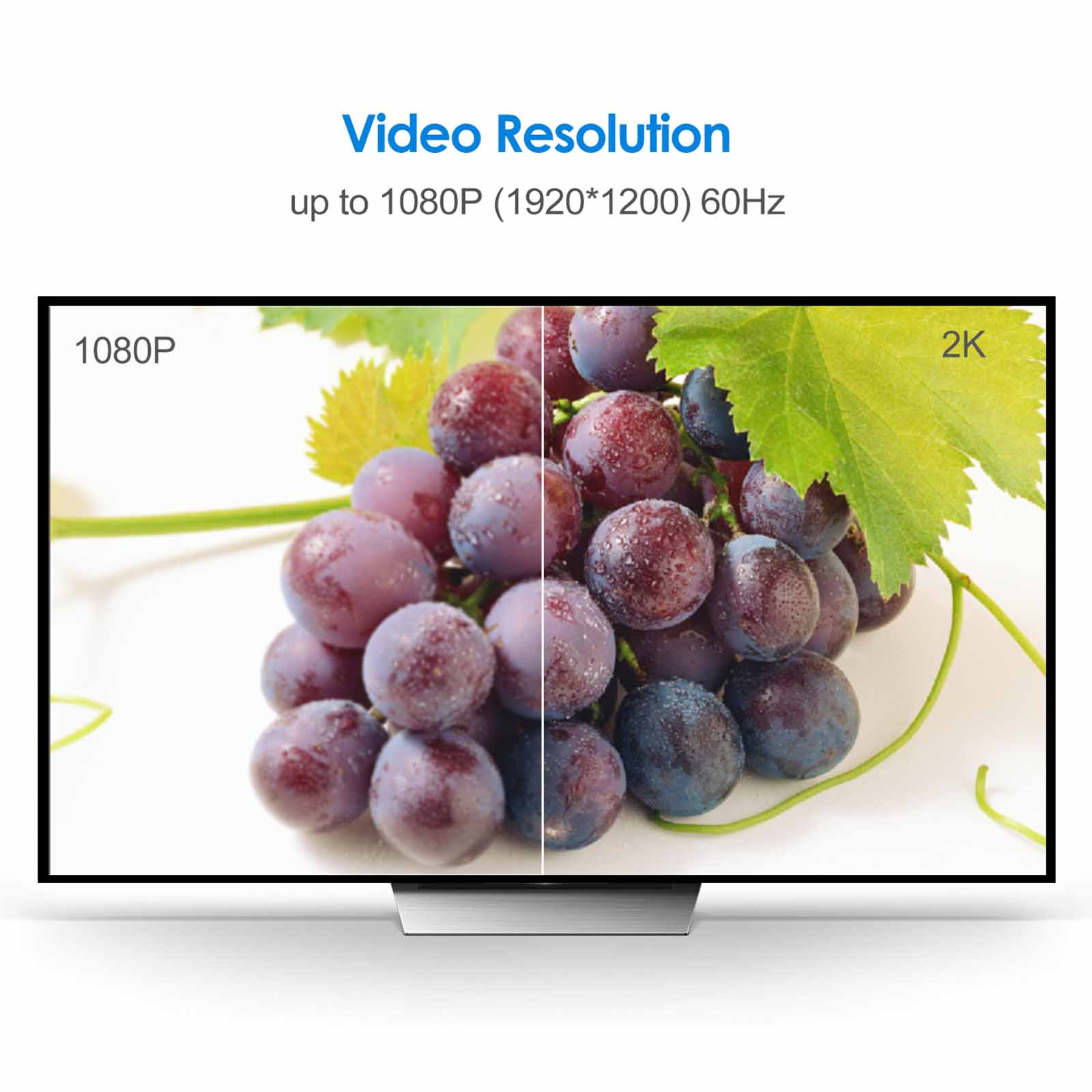
The DVI to HDMI adapter supports video resolutions up to 1920×1200 and 1080p (Full HD). Audio must be transmitted separately
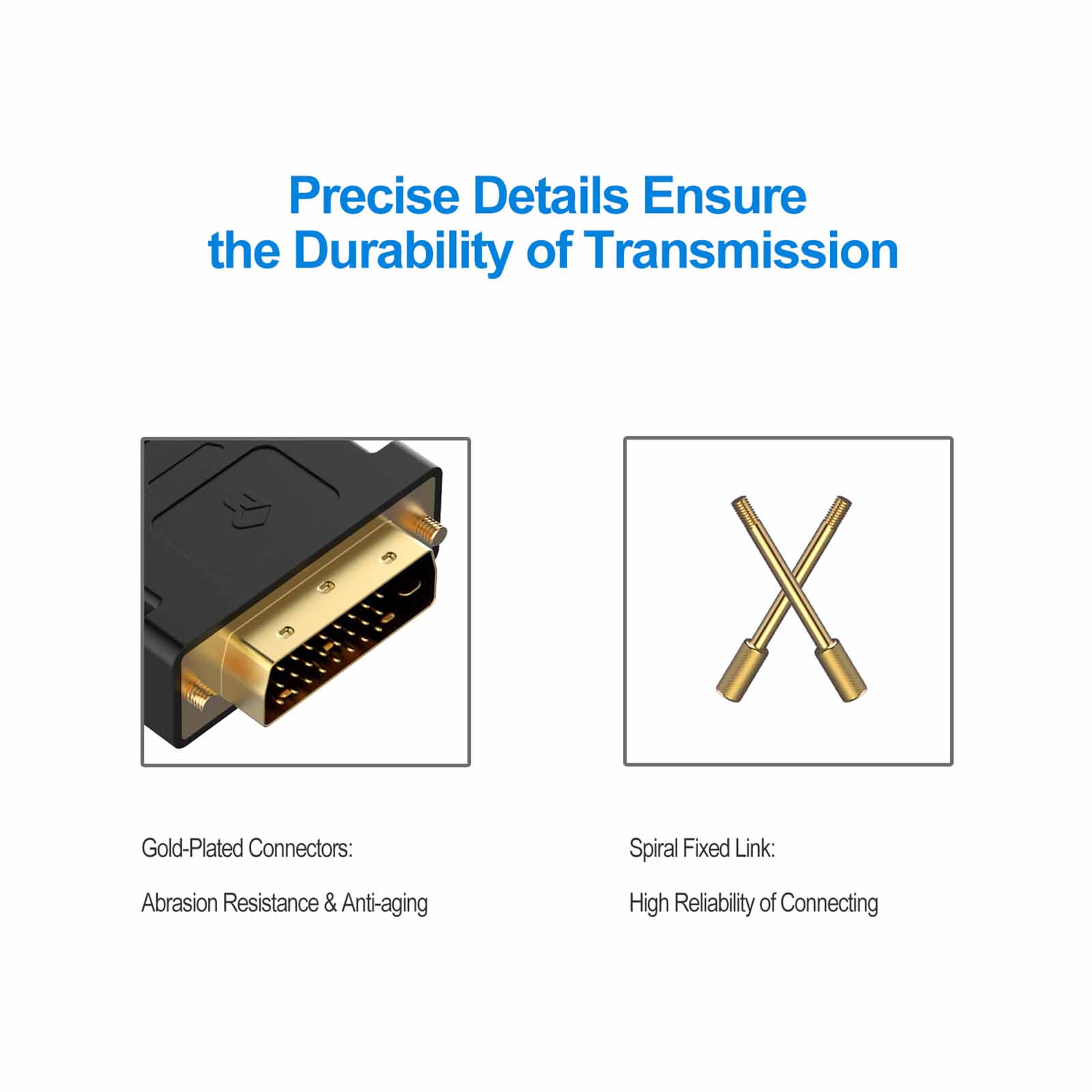
Sturdy DVI-D to HDMI adapter with gold-plated connectors resists corrosion and increases durability
HDMI to DVI-D adapter with grip treads helps plugging and unplugging ; hand-tightened screws provide a secure connection


Karen –
good quality and good service
Christian Dena –
Great Product just what I needed.
Donald Brandt –
These fittings worked perfectly well. Great price and service. Would do business with this vendor again.
Paul Roll –
Nice looking quality and working great.
Scott Spivey –
The adapter worked as advertised. It was a little cumbersome to install due to the design of the monitor. I would have liked it to have been more compact.
Lace Cadet –
I bought some pink and white HDMI cords to match my setup better and figured I’d grab a white converter at the same time for my 2nd monitor. My only complaint is that it came in a 2-pack when I only need one but they were super cheap so it’s nbd
javier –
Adapter works great.I’m currently using it for a ps4 to dell monitor and it works.The pins or whatever you call it could use some improvement.Otherwise great product.It has an hdmi in and an dvi out which means it plugs directly into the monitor no DVI cable needed just an hdmi cable.
Ronald C. Mervine –
I have a Dell Latitude dock and it only has VGA and DVI. I needed to use HDMI for my monitors. This is where this handy adapter kicked in. I placed it on my DVI port and then attached a HDMI cable from the adapter to my monitor. It now works perfectly as I am typing up the review on this monitor. Thanks!
AT –
Thank you
Tessa –
Used to connect a monitor to my laptop